
Build a first web application you can explain
Turn a small idea into a working application with a clear data model, accessible forms and meaningful tests.
The starting pointA small application with reliable behaviour is a stronger foundation than many unfinished features.
Keep the first version deliberately small
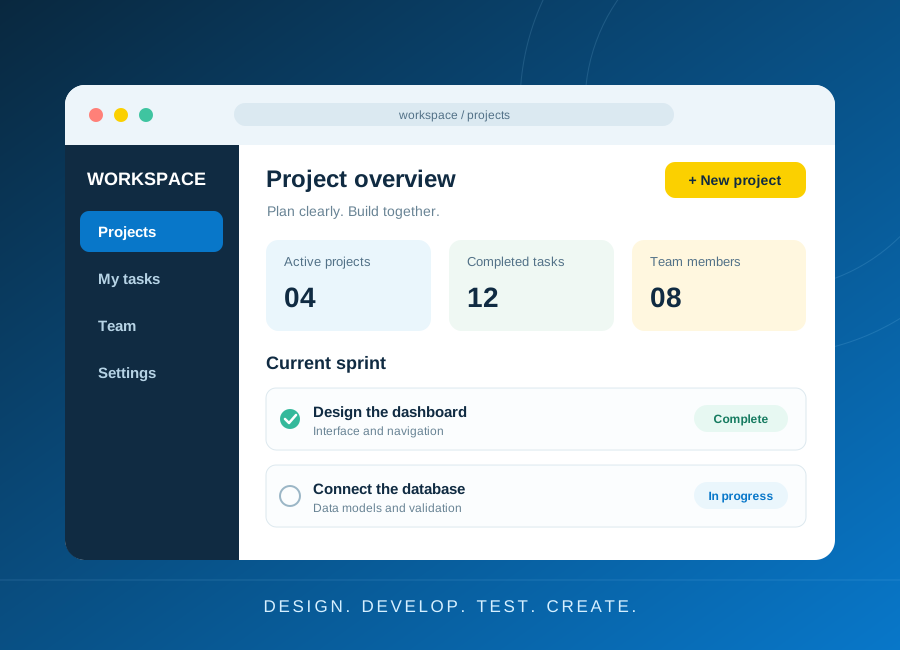
A study planner is a suitable beginner project. Start with adding a task, marking it complete and displaying the list. Write down what should happen when the title is empty, the task is already complete or the list contains no items.
Describe each feature as a user action and an observable result. This turns a vague idea into a testable requirement. Leave accounts, notifications and payments out of the first version unless the learning objective specifically requires them.
Understand the parts of the application
HTML gives content structure, CSS controls presentation and JavaScript adds behaviour. A server may validate requests and store records in a database. Sketch where each piece of information is created, checked and saved.
Define a task with a stable identifier, title and completion state. Avoid using the visible row position as its identity because filtering or sorting can change that position. If you add persistence, explain whether data is stored only in the browser or shared through a server.
Make the interface usable and predictable
Give every input a visible label and every button a clear name. Test the form with a keyboard. Provide useful empty states and error messages. If a save fails, keep the user's input and do not display a success message.
Validate important rules on the server when a server is involved, even when the browser already checks them. Keep credentials outside source code and use established account-management patterns rather than inventing password storage.
Test, debug and present your decisions
Test the normal journey and the edge cases you listed at the start. Check whether tasks remain correct after editing, refreshing or sorting. Use browser developer tools to inspect errors and network requests instead of changing code at random.
Document how to run the application, the features completed and the limitations. A short demonstration that explains data flow, validation and one bug you fixed shows practical understanding. Learning a framework becomes easier when these foundations are clear.
Try it yourself
- Sketch a task form, empty state and populated list.
- Implement three task actions with stable identifiers.
- Write tests for empty input, repeated completion and a failed save.
References and corrections
For additional technical guidance, consult the source documentation:
These independent resources support further learning; they do not endorse ECAREERPLUZ, verify our course delivery or establish certificate recognition. Follow current manufacturer instructions and appropriate supervision for hands-on work.
Publisher: ECAREERPLUZ. Report an error or request clarification. Tool interfaces and requirements can change; confirm current details before acting.