AI & Automation
Plan your first AI automation project
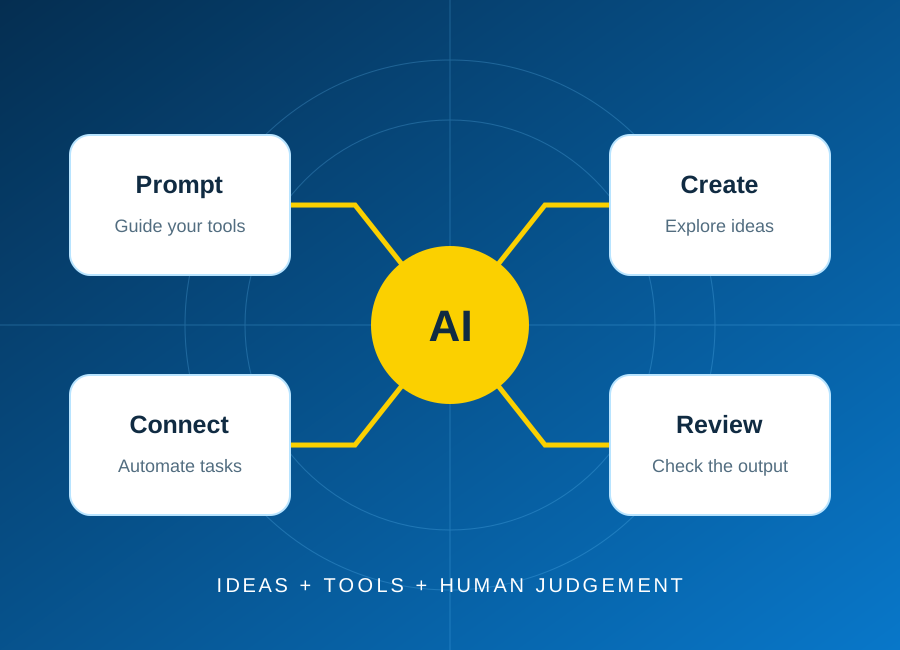
Start with one repeatable task, keep a person in control, and test the result before connecting real business data.
Read article: Plan your first AI automation project

Access for everyone 01
We aim to make the ECAREERPLUZ website usable by as many people as possible, including people with disabilities. Accessibility is an ongoing effort, and we welcome feedback about barriers.
Last updated: 27 October 2026
We aim to work towards the Web Content Accessibility Guidelines (WCAG) 2.2 Level AA as a design and development reference. This is a goal, not a claim of full conformance. The website has not undergone a comprehensive independent accessibility audit, and we do not claim accessibility certification.
The website includes a Skip to content link, page headings, labelled navigation and visible focus styles. Standard links and buttons can be reached with Tab and Shift+Tab. Use Enter to activate links, Enter or Space for buttons, and arrow keys for focused comparison sliders. Dialogs are designed to contain keyboard focus, close with Escape when an action is not being submitted, and return focus to the control that opened them.
Pages use responsive layouts, text labels for form fields and text descriptions for meaningful images. Decorative imagery is intended to be ignored by assistive technology. Forms identify required fields and provide status or error messages. You can use your browser's text sizing and zoom controls; some layouts, complex visuals or third-party content may still need improvement at high magnification.
Shared visual effects respond to the device or browser preference for reduced motion. New ambient effects include a Pause ambient animation control, where enabled. Use your operating system's reduced-motion setting if moving content is distracting or uncomfortable. Not every animation or third-party component has been independently assessed.
Some course brochures and uploaded PDFs may not be tagged or structured for screen-reader access. We have not verified captions, transcripts or audio descriptions for every video. Embedded maps, video players and external websites have their own accessibility limitations. If a document, video, visual comparison or external service prevents access, contact us to discuss another way to obtain the information.
Tell us the page address, what you were trying to do and the barrier you encountered. If helpful, include your browser, device and assistive technology, but do not send passwords, medical records or other sensitive information. You can ask for course information or help completing an enquiry or application through an alternative contact method. We will review requests and discuss available options; no fixed response time or particular adjustment is guaranteed here.
We intend to review this statement as website content, features and accessibility checks change. Feedback helps us prioritise improvements. The date above describes this statement's update, not completion of an accessibility audit.
Use the contact method that works best for you.
Explore skills, try a small project and find your learning direction.
Start with one repeatable task, keep a person in control, and test the result before connecting real business data.
Read article: Plan your first AI automation project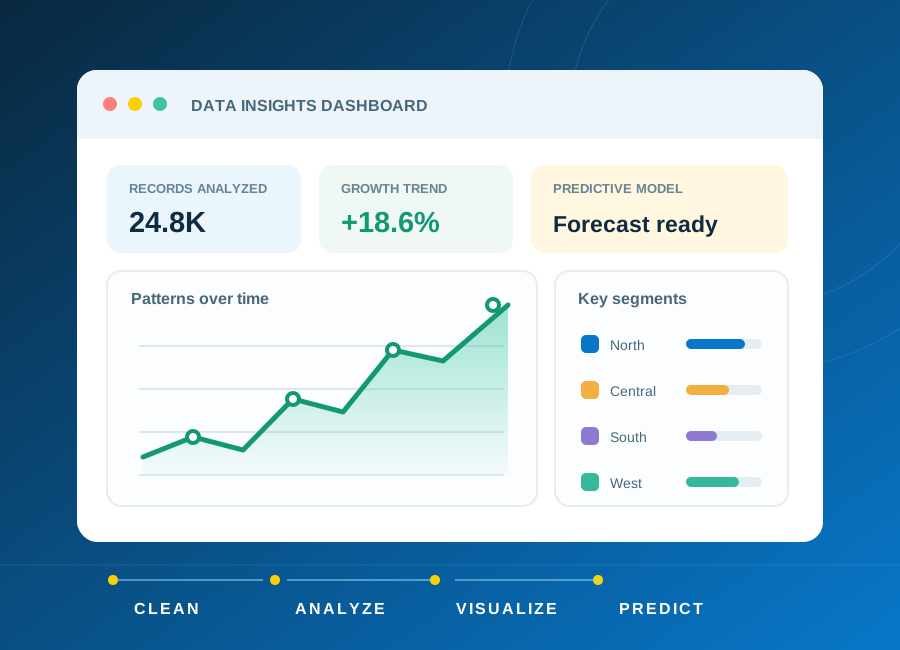
Learn how to frame a question, clean a small dataset and choose charts that explain rather than distract.
Read article: From raw data to a clear, useful dashboard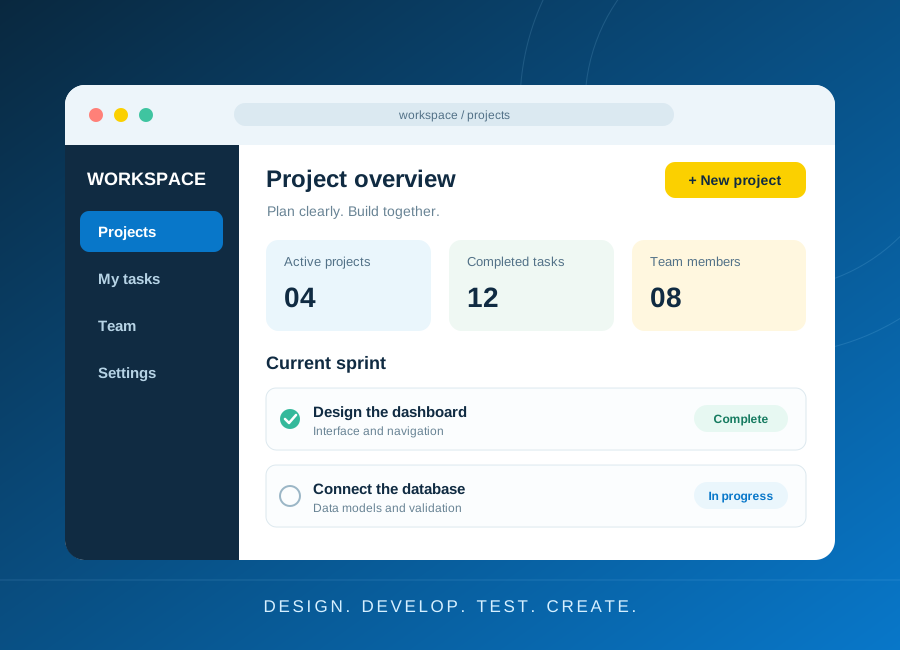
Turn a small idea into a working application with a clear data model, accessible forms and meaningful tests.
Read article: Build a first web application you can explain