Courses & enrolment
Compare learning options and ask about eligibility, schedules, fees or an enrolment request.


Find guidance for courses, accounts, brochures and applications, or contact the ECAREERPLUZ team for help with a specific issue.
Compare learning options and ask about eligibility, schedules, fees or an enrolment request.
Use the correct student or staff sign-in page. Contact the team if you cannot access your account; never share your password or verification codes.
Request a brochure from its course page. Check spam folders for your code and confirm the email address. If delivery fails, ask the team for assistance.
Apply from Careers with your details and a PDF resume up to 5 MB. If submission fails, follow the error message or email HR using the Careers page.
Review the refund policy and confirm any course-specific terms directly with the team. Do not send card details, bank credentials or payment OTPs through an enquiry.
Report a barrier, broken link or form problem. Include the page address and what happened, without sensitive personal information.
Choose the contact method that works for you. Support is handled by the ECAREERPLUZ team; this is not a live-chat service or an automated ticket tracker.
Include your name, a way to contact you, the relevant course or page and a brief description of the issue. For account problems, include the account email only, not your password. We do not promise a fixed response time.
Read our Privacy Policy before sharing personal information. Cookie choices can be changed through Cookie Preferences in the footer.
QUICK ANSWERS 06
Browse the course catalogue, open a course page and send an enquiry. The team can confirm current eligibility, availability, fees and schedules before you enrol. A submitted enquiry does not reserve a place.
Check that you are using the correct student, staff or admin sign-in page and the account details provided to you. If access still fails, contact the team with your account email and the error message. Do not share passwords or verification codes. This website does not currently offer a self-service forgotten-password reset.
Check your email address and spam or junk folder. Brochure codes expire after ten minutes, and request limits may require you to wait before trying again. Delivery depends on the mail service; an error does not mean your brochure was sent. Contact the team if the issue continues.
Open Careers, choose a role and complete the form with a PDF resume up to 5 MB. Success confirms acceptance by the email service, not inbox delivery or an interview. If sending fails, the application is not saved. Retry later or use the HR email shown on Careers; follow up by email rather than repeatedly submitting the same application.
Read the Refund Policy and contact the team with your course and relevant reference. The website does not currently collect online course payments. Course-specific written terms govern separately arranged payments; a support enquiry is not refund approval.
The contact form saves your enquiry for the team to review. Its confirmation is not a promise of an email reply, a ticket number or a fixed response time. Use the published phone or email if you need to discuss the matter directly, and avoid sending sensitive information.
Explore skills, try a small project and find your learning direction.
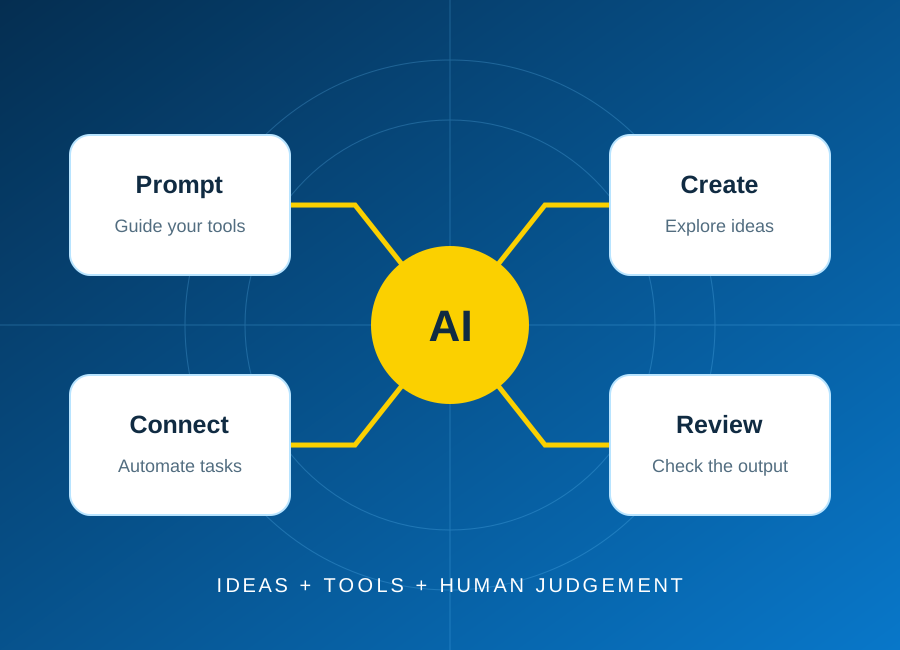
Start with one repeatable task, keep a person in control, and test the result before connecting real business data.
Read article: Plan your first AI automation project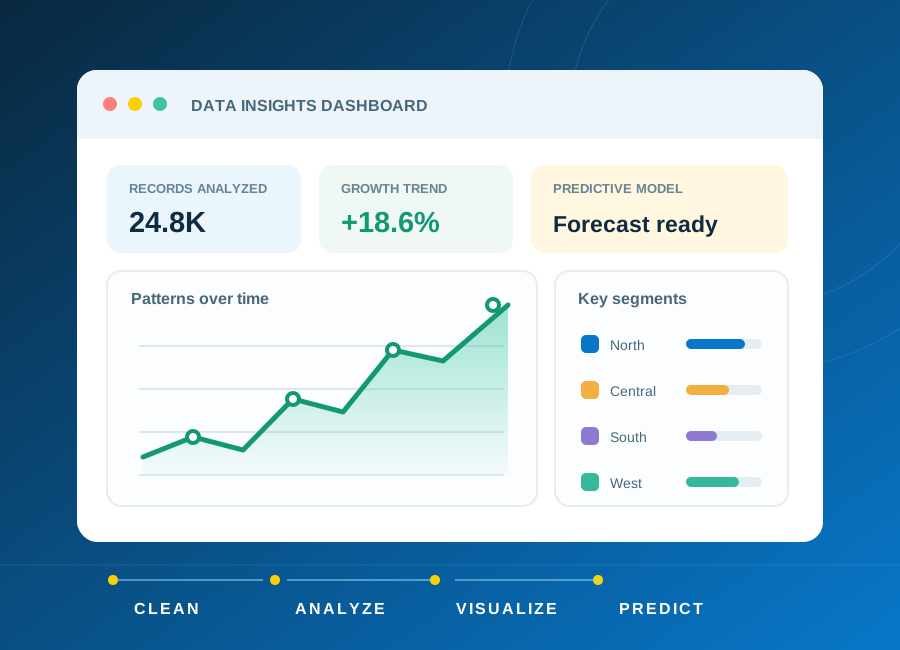
Learn how to frame a question, clean a small dataset and choose charts that explain rather than distract.
Read article: From raw data to a clear, useful dashboard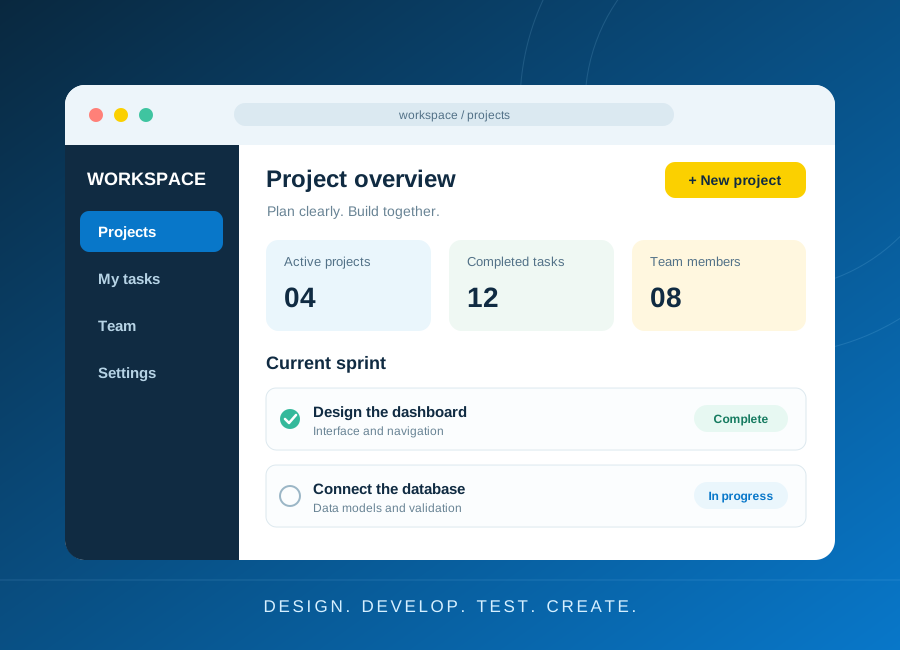
Turn a small idea into a working application with a clear data model, accessible forms and meaningful tests.
Read article: Build a first web application you can explain