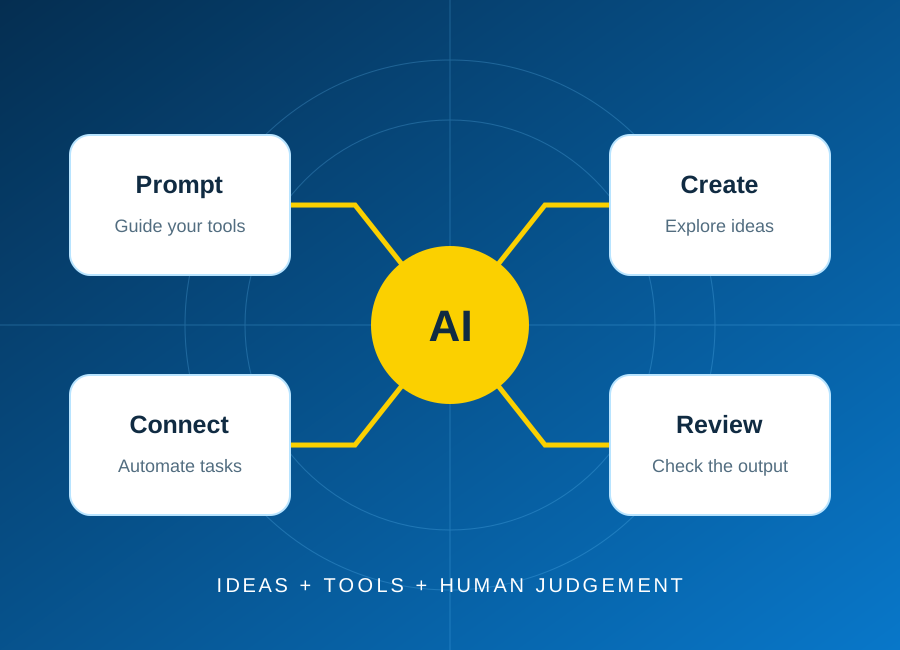
AI & Automation
Plan your first AI automation project
Start with one repeatable task, keep a person in control, and test the result before connecting real business data.
Read article: Plan your first AI automation project

Raise a concern 01
If something has not met your expectations, share your concern with ECAREERPLUZ through our existing contact channels. This page explains how to report a grievance and request follow-up.
Last updated: 27 October 2026
You can raise concerns about course information, training coordination, account access, communications, accessibility, privacy, payments or your experience with our services. For general questions, Help & Support may be a useful starting point. This page is not an emergency reporting service; contact the appropriate emergency services or authorities for an immediate safety concern.
Use the grievance enquiry link below, email the published contact address with the subject Grievance, or call the listed number. The web form requires your name, email, phone and message; choose Grievance in Enquiry For. The enquiry is stored for team review, not automatically emailed or assigned a tracking number. If the form fails, use email or phone instead.
Describe what happened, the dates, the course or service involved, any earlier communication and the resolution you are requesting. Include a relevant reference if you have one. The contact form does not accept attachments; describe supporting records and ask the team how to share them appropriately. Do not send passwords, verification codes, full bank or card details, identity documents or sensitive third-party information.
The team can review the concern and may contact you for clarification or relevant records. A form confirmation means your enquiry was saved; it does not confirm that an investigation is complete, that a refund is approved or that the requested outcome will be provided. No dedicated grievance officer, acknowledgement deadline or resolution deadline is published here; ask the team about the handling arrangements for your concern.
If you have not received a response, or are dissatisfied with it, contact the same published email or phone and request further review. Refer to your earlier message, its date and any response received, and explain what remains unresolved. There is no separate escalation contact or online status tracker on this website. Avoid repeatedly submitting the same concern with unnecessary personal details.
Share only information necessary to understand the grievance. Submitted information is handled under the Privacy Policy and made available to authorised personnel for review and response; do not assume absolute confidentiality. This process does not replace course-specific written terms or restrict rights and remedies available under applicable law, including contacting an appropriate regulator or consumer authority.
Use the contact method that works best for you.
Related information: Help & Support, Privacy Policy and Refund Policy.
Explore skills, try a small project and find your learning direction.
Start with one repeatable task, keep a person in control, and test the result before connecting real business data.
Read article: Plan your first AI automation project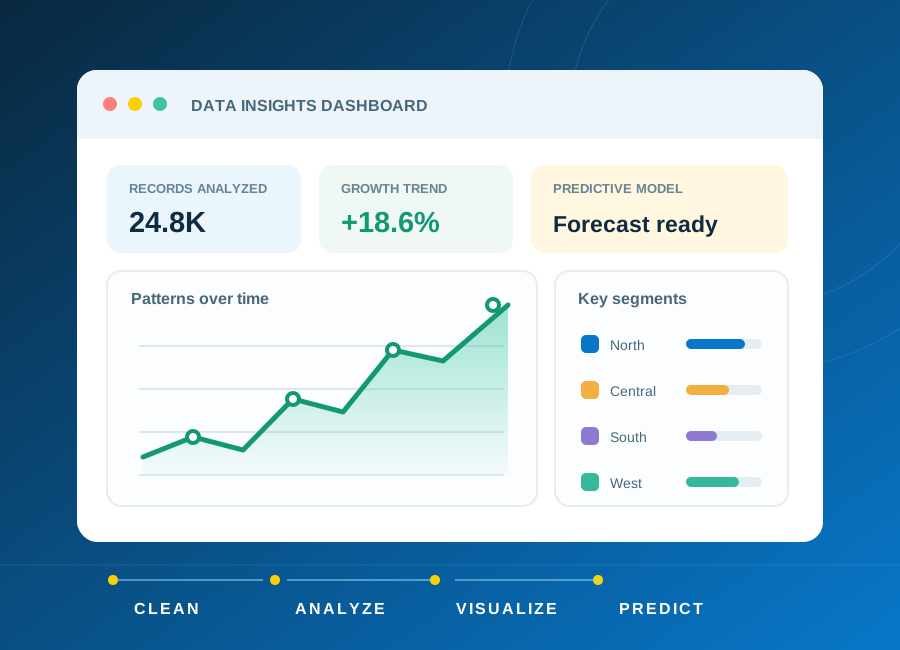
Learn how to frame a question, clean a small dataset and choose charts that explain rather than distract.
Read article: From raw data to a clear, useful dashboard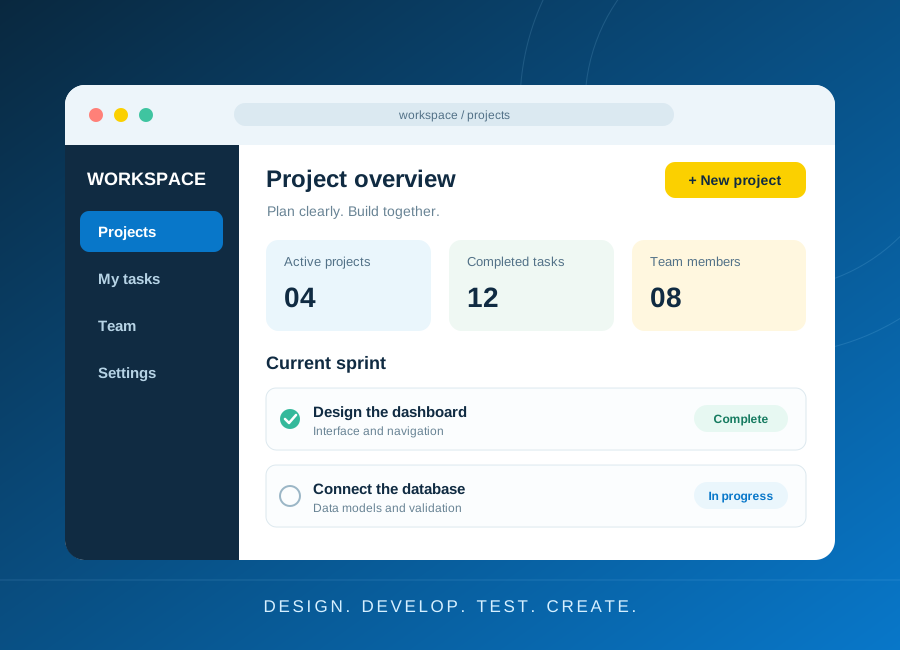
Turn a small idea into a working application with a clear data model, accessible forms and meaningful tests.
Read article: Build a first web application you can explain