Students and freshers
Build practical digital skills for study, projects, and future work.


Course fee: INR 6,500 + 18% GST (INR 1,170). Total including GST: INR 7,670.
Confirm exclusions, materials, assessments and payment options with admissions.
Get confident with computers.
Computer Fundamentals · Office Applications · Internet & Email · Digital Services · Online Safety
A practical 45-hour foundation in computer use, office applications, internet communication, digital services, and online safety.
Course duration: 45 hours. Contact admissions for batch dates, daily timings and delivery arrangements.
The Basic Computer & Digital Literacy course is designed to help learners develop essential computer skills for education, employment, business, and everyday life. Through guided instruction and practical exercises, students learn to operate a computer, create documents, manage data, communicate online, and use digital services more confidently.
Whether you are a student preparing for your first job, a homemaker exploring new opportunities, or a business owner looking to improve productivity, this course provides a foundation for your digital learning journey.
This 45-hour course introduces practical skills through guided learning. The ten-module outline combines instructor-led sessions, demonstrations, guided exercises, practical assignments, and an integrated assessment. Confirm the current schedule, fees, eligibility, delivery format, system requirements, and certificate details with ECAREERPLUZ.
Build practical digital skills for study, projects, and future work.
Practise common computer tasks and prepare to describe your skills accurately.
Develop confidence using computers and everyday digital services.
Explore digital documents, records, and basic online activities.
Refresh or build foundational computer and office application skills.
The 45-hour program combines instructor-led sessions, demonstrations, guided exercises, and practical assignments across ten modules.
Course duration: 45 hours. Contact admissions for the revised module-hour allocation and timetable. Confirm software access, practical arrangements and assessment requirements with admissions.
Learners gain exposure to commonly used software, devices, and digital platforms through guided demonstrations and practical exercises.
Practise desktop navigation, keyboard shortcuts, file management, folders, settings, storage devices, printers, and basic troubleshooting.
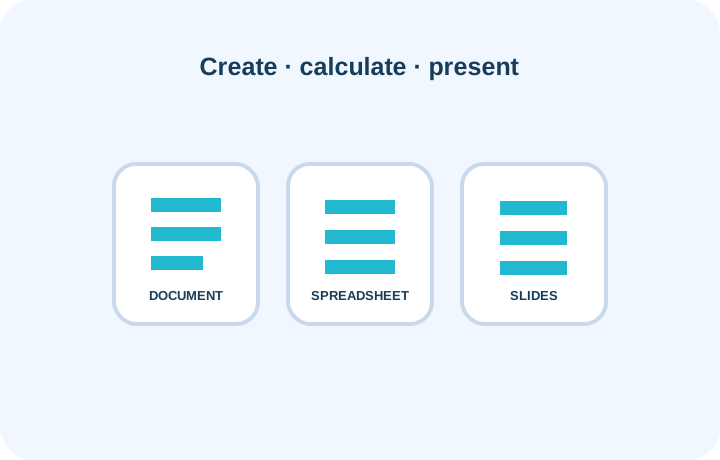
Create documents, maintain simple spreadsheets, perform basic calculations, and prepare presentations using available compatible applications.
Browse websites, search for information, use email, share attachments, and explore online collaboration tools where available.
Explore sample online forms and official portals, and learn about passwords, privacy, phishing, and safer online transactions.
Tools and services are examples in this course. Specific software versions, licences, computer systems, accounts, and portal access depend on the confirmed training environment. Software availability depends on the institute's computer lab and licensing. Equivalent applications may be used where appropriate. Microsoft Office, Google services, email accounts, payment apps, and government portals may require separate accounts, access, or licensing and are not confirmed as included. Use sample data for practice. Do not share real passwords, payment credentials, identity documents, or personal information in class exercises.
Learn by doing through guided activities that reflect common educational, personal, and workplace tasks.
Prepare and format a professional resume using a word processor. Practise clear headings, layout, saving, and preparing a copy for sharing.
Document creation, formatting, file management
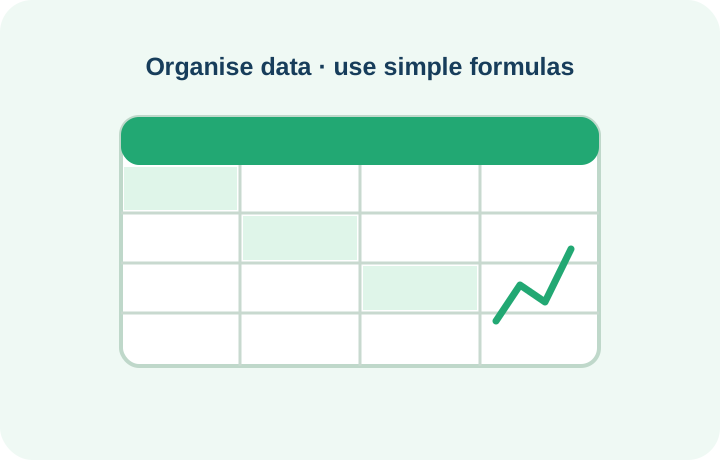
Enter sample expenses, use basic spreadsheet formulas, organise the data, and create a simple chart.
Spreadsheet data entry, calculations, charts
Build a short presentation using headings, text, images, and other basic visual elements.
Slide layouts, visual communication, presentation basics
Practise completing a sample online form and organising the files needed to support the application.
Online forms, digital documents, file organisation
Compose a clear email, attach a practice document, and organise messages.
Email composition, attachments, message organisation
Identify suspicious messages and practise safe online transaction procedures through instructor-led demonstrations.
Online safety, scam awareness, privacy
The final practical assessment is a small integrated assignment involving a document, spreadsheet, presentation, email, and basic digital safety tasks. The actual assessment and software depend on the confirmed course delivery.
By the end of the program, learners should be able to:
This course builds foundational digital familiarity. Further practice and additional training may be needed for specific job requirements.
Basic computer literacy can help learners prepare for administrative support, office operations, customer service, and data-entry opportunities. Salary and hiring requirements depend on location, employer, communication skills, typing speed, experience, and additional qualifications.
Explore data entry, spreadsheet updates, and record maintenance tasks.
Build experience with document preparation, filing, printing, and office coordination.
Develop familiarity with email handling, customer records, and basic computer operations.
Explore online listings, digital documents, basic billing, and record-keeping tasks.
Compare these planning ranges with current local opportunities. Pay varies by role, qualifications, experience and employer.
Build your future: Combining this course with Advanced Excel, Tally with GST, spoken English, typing practice, or digital marketing may broaden learning options. Freelance work.
Ask admissions about career preparation and job-search guidance. Confirm currently available services, eligibility, and batch-specific arrangements with ECAREERPLUZ.
Learn to present your education, computer skills, and practical assignments professionally.
Practise common interview questions and explain your computer skills with confidence.
Learn to find relevant openings, review job descriptions, and submit online applications.
Information about relevant openings or employer interactions may be available where offered by the institution.
Placement assistance is subject to the services offered by the institution.
Discuss the issuing authority, assessment requirements and any separate provider exams with admissions.
Certificate eligibility, assessment requirements, and the issuing institution should be confirmed with ECAREERPLUZ before enrolment. No third-party certification is automatically included.
Explore example computer and digital literacy projects and learning journeys.
Sample profile · not a verified learner
A learner practises documents, spreadsheets, and email to build confidence with everyday computer tasks.
Practice focus: Develop practical skills through guided exercises and project work.
Sample profile · not a verified learner
A learner explores how computer skills are used in office environments and identifies skills to continue developing.
Practice focus: Develop practical skills through guided exercises and project work.
Sample profile · not a verified learner
A learner discovers how documents, spreadsheets, and digital services may support everyday business activities.
Practice focus: Develop practical skills through guided exercises and project work.
The learning approach focuses on measurable progress, practical competency, and structured instruction.
Learn through demonstrations and step-by-step explanations, subject to trainer availability.
Practise using available computer systems and applications.
Use exercises and assessments to identify learning gaps.
Progress from computer fundamentals to integrated practical tasks.
Review attendance, completed exercises, and assessment results.
Certificates, if available, are issued according to the institution's completion criteria.
| Area | Example metrics |
|---|---|
| Computer operation | Practise desktop navigation, keyboard and mouse use, and file management. |
| Office applications | Review documents, spreadsheet calculations, and presentation assignments. |
| Digital communication and safety | Demonstrate email attachments, sample online forms, and basic online safety awareness. |
Course delivery, trainer availability, assessment practices, and completion recognition depend on current institutional arrangements. Progress and completion claims should reflect actual records.
Learn from Industry Experts and Experienced Professionals.

15 years of Experience

10 years of Experience
Anyone interested in learning basic computer skills can enquire, including students, freshers, homemakers, job seekers, small business owners, office staff, and beginners. Confirm current admission requirements with ECAREERPLUZ.
The course is designed for beginners and does not specify prior computer knowledge as a requirement. Confirm any current prerequisites with ECAREERPLUZ.
The course duration is 45 hours. Contact admissions for the revised module-hour allocation and timetable.
The outline covers word processing, spreadsheet basics, and presentations using Microsoft applications or compatible software, depending on lab availability and licensing.
Certificate availability, eligibility, issuing institution, and completion criteria should be confirmed with ECAREERPLUZ before enrolment.
It can help build foundational skills relevant to some entry-level office and support roles. Hiring requirements vary.
The 45-hour course includes guided instruction, demonstrations, exercises, practical assignments, and an integrated practical assessment, subject to the confirmed delivery arrangements.
The curriculum introduces digital payment concepts, safer transaction practices, password safety, privacy, phishing awareness, and safe browsing. Use demonstrations and sample data for practice.
Online and classroom availability may vary by batch. Contact ECAREERPLUZ to ask about current online or classroom options.
Possible next steps include Advanced Excel, Tally with GST, spoken English, typing practice, or digital marketing, depending on your interests and goals.
Course fee: INR 6,500 + 18% GST (INR 1,170). Total including GST: INR 7,670. Confirm exclusions, materials, assessments and payment options with admissions.
Confirm course duration, fees, upcoming batch, learning mode, and final curriculum with our team.
Request course details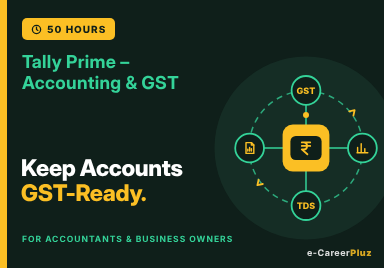
Accounting Fundamentals · TallyPrime · GST Entries · Inventory · Financial Reports
Explore skills, try a small project and find your learning direction.
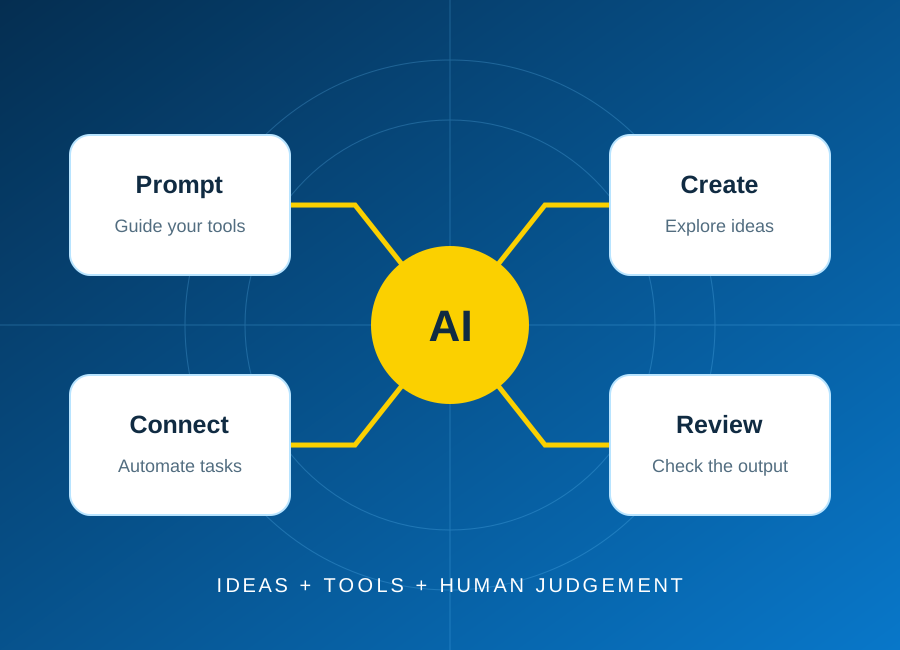
Start with one repeatable task, keep a person in control, and test the result before connecting real business data.
Read article: Plan your first AI automation project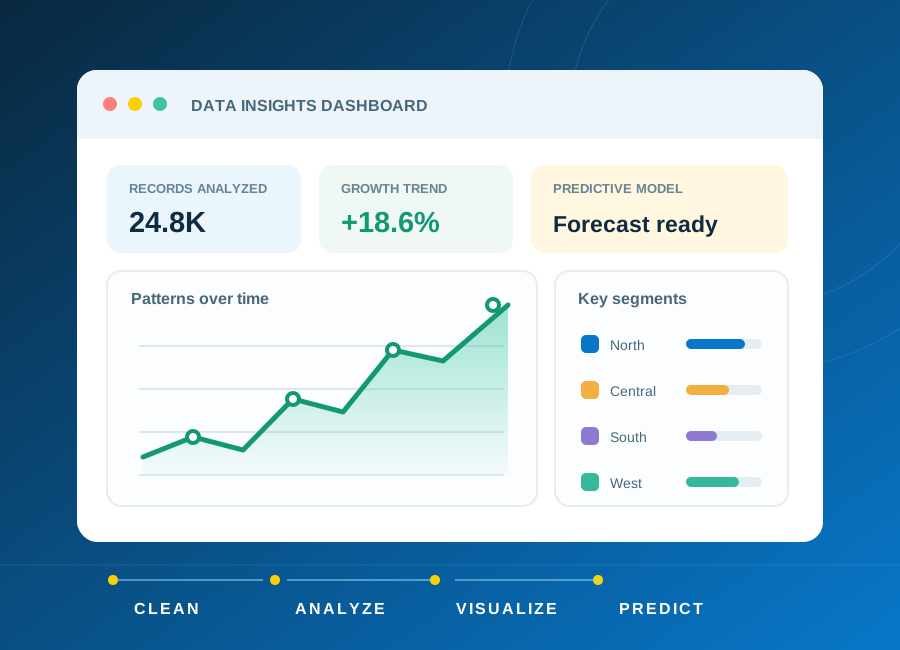
Learn how to frame a question, clean a small dataset and choose charts that explain rather than distract.
Read article: From raw data to a clear, useful dashboard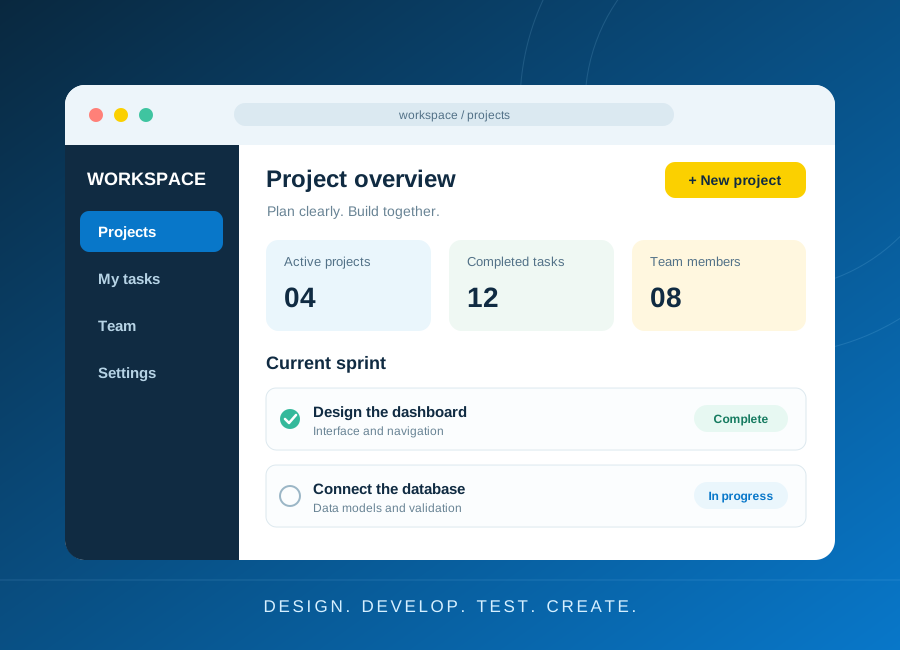
Turn a small idea into a working application with a clear data model, accessible forms and meaningful tests.
Read article: Build a first web application you can explain