Students and fresh graduates
Build foundational skills in cloud infrastructure and administration.

Course fee: INR 18,000 + 18% GST (INR 3,240). Total including GST: INR 21,240.
Confirm exclusions, materials, assessments and payment options with admissions.
Administer. Secure. Monitor. Automate.
Azure Infrastructure · Virtual Machines · Networking · Identity · Storage · Monitoring & Automation
A 90-hour practical learning path for administering Microsoft Azure environments.
Course duration: 90 hours. Contact admissions for batch dates, daily timings and delivery arrangements.
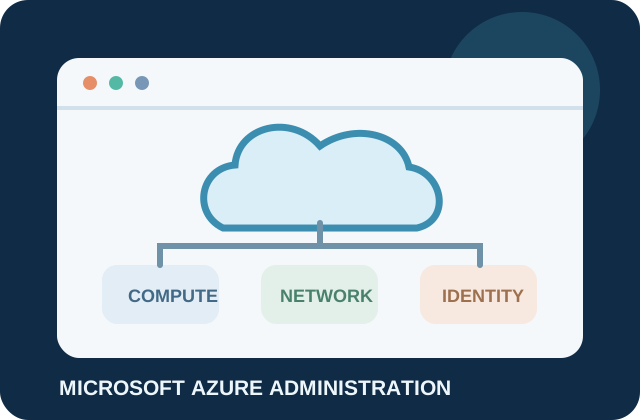
Microsoft Azure is a cloud computing platform used by organisations to host applications, manage IT infrastructure, store data, and support secure digital operations. This course introduces learners to skills for administering and maintaining Azure cloud environments.
The 90-hour program is designed for students, fresh graduates, IT support professionals, system administrators, and networking professionals who want to build cloud technology skills. Learners practise deploying Azure resources, managing access, configuring virtual networks, monitoring services, and exploring backup and recovery through guided learning and projects.
Module timings may vary with learner prerequisites and lab access. Azure services and certification exam objectives can change. Confirm current batch schedules, training mode, lab access, account requirements, fees, and any Azure usage charges with ECAREERPLUZ.
Build foundational skills in cloud infrastructure and administration.
Extend support knowledge into Azure resources, identity, monitoring, and troubleshooting.
Explore cloud administration alongside existing infrastructure experience.
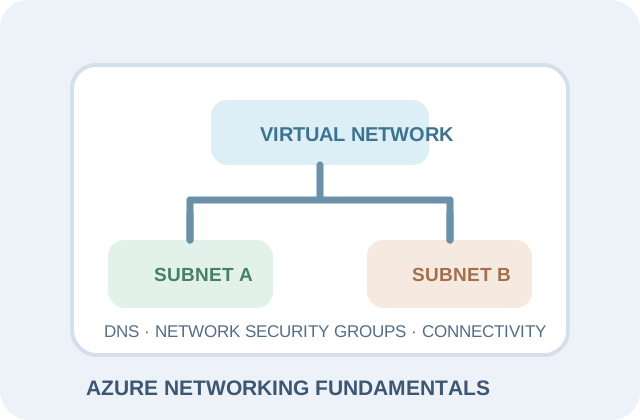
Practise Azure virtual networks, subnets, traffic rules, and connectivity concepts.
Develop an introductory, practical understanding of Azure administration workflows.
The eight modules progress from Azure fundamentals through compute, networking, storage, identity, monitoring, automation, and a practical capstone.
The module hours add up to 90 hours. The syllabus may be adjusted for learner prerequisites and lab access. Azure services and exam objectives can change; confirm the current course outline and lab arrangements with ECAREERPLUZ.
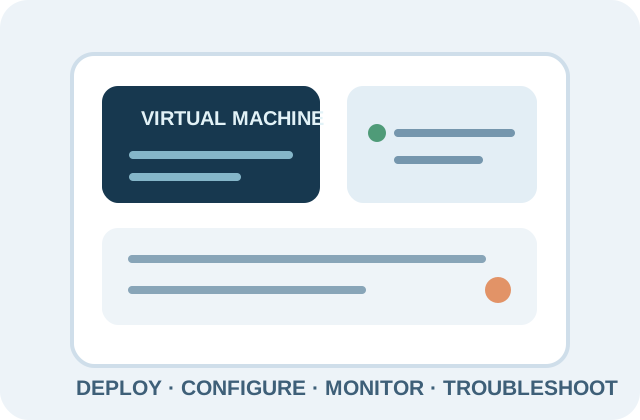
Learners explore Azure administration tools and services through guided demonstrations and practice, subject to the confirmed lab environment.
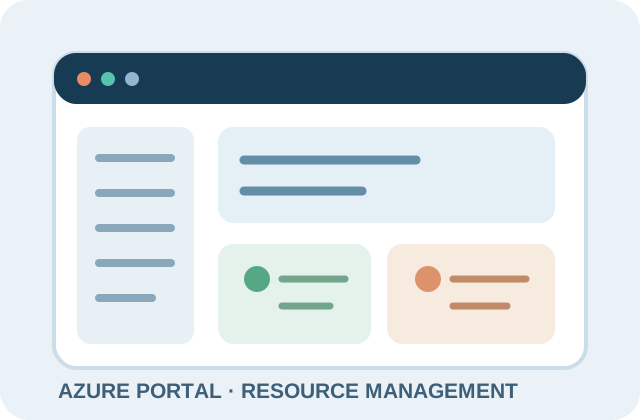
Create, configure, manage, and monitor cloud resources, subscriptions, and services through a browser-based interface.
Explore identity, user and group administration, authentication, permissions, and least-privilege access.
Practise basic deployment, configuration, maintenance, and troubleshooting concepts for Windows and Linux VMs.
Understand virtual networks, subnets, IP addressing, NSGs, storage accounts, Blob containers, file shares, and access controls.
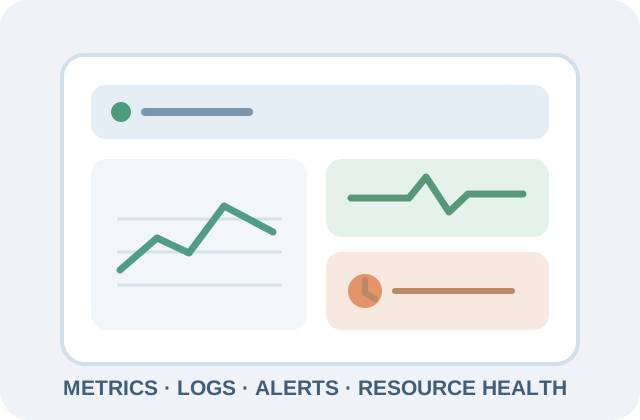
Explore metrics, logs, alerts, resource health, troubleshooting, and introductory backup and recovery concepts.
Learn introductory command-line administration, routine task automation, resource organisation, and usage monitoring.
Service names describe this course. Confirm all arrangements with ECAREERPLUZ. The exact services and commands covered depend on the training lab environment and may change over time. Azure account access, available lab resources, subscriptions, and third-party services are not confirmed as included. Review current Azure usage costs and any lab restrictions before deployment. Use only approved learning accounts, follow trainer guidance, and remove lab resources when finished to help avoid unexpected charges.
These practice projects are guided exercises. Actual lab work depends on Azure account access, available resources, and applicable usage costs.
Create and configure a virtual machine, set its network parameters, manage access, and test connectivity in an approved lab.
Azure compute, VM configuration, networking, secure access
Design a virtual network with subnets and network security rules to control permitted traffic.
Virtual networks, subnets, NSGs, connectivity
Configure cloud storage, set access permissions, and practise backup and recovery procedures.
Storage accounts, access control, backup fundamentals
Configure monitoring, review logs and metrics, and create alerts for selected resource conditions.
Azure Monitor, Log Analytics, metrics, logs, alerts
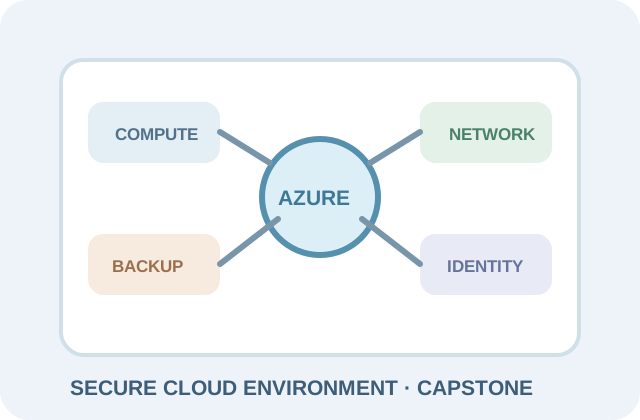
Build a small cloud environment combining compute, networking, identity permissions, monitoring, and backup. Present architecture, configuration decisions, and troubleshooting results.
Azure administration, security, monitoring, backup, documentation
Practical projects depend on Azure account access, available resources, and lab costs. Confirm account safeguards and usage terms, follow the instructor's cleanup guidance, and avoid deploying billable resources without approval.
By the end of this course, learners should be able to:
The course provides a foundation for further cloud administration learning. Advanced roles generally require additional experience, scripting, security knowledge, and cloud engineering skills.
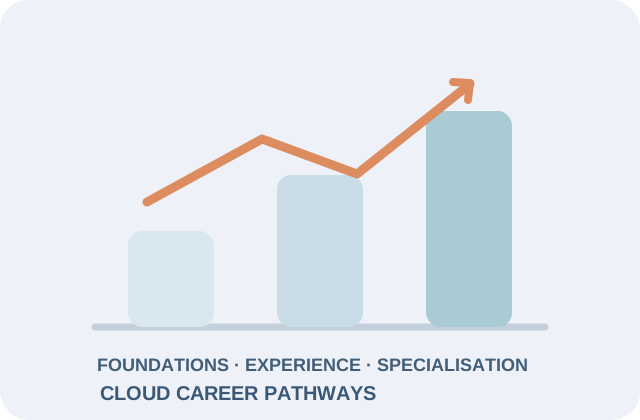
Cloud administration skills can support career exploration across IT services, cloud consulting, software organisations, startups, and enterprises. A 90-hour course alone does not qualify a learner for a particular role; experience, practical ability, certifications, and employer requirements vary.
Explore cloud service support, basic troubleshooting, and resource assistance.

Develop experience with Azure resources, access, routine administration, and monitoring.
Apply infrastructure and troubleshooting skills while continuing to build cloud experience.
Progress toward operational work involving monitoring, resource health, and cloud environments.
Consider these longer-term pathways after further technical training and hands-on experience.
Compare these planning ranges with current local opportunities. Pay varies by role, qualifications, experience and employer.
Build your future: Business opportunities require appropriate competence, client permission, secure practices, and clear scope.
Ask admissions about career preparation support. Confirm which services are available, eligibility requirements, and current placement arrangements with ECAREERPLUZ.
Present Azure skills, practical projects, and relevant technical knowledge accurately.
Practise cloud administration questions and troubleshooting scenarios.
Build technical communication and interview confidence through practice, subject to availability.
Document practical exercises and capstone work without exposing credentials or sensitive account information.
Learn how to identify suitable cloud and IT infrastructure vacancies.
Discuss entry-level roles and application guidance, subject to eligibility and available employer opportunities.
Interview opportunities and recruitment outcomes depend on individual performance and employer requirements.
The course may support learning toward relevant Microsoft Azure certification pathways. It does not itself award Microsoft certification.
Course completion is not a Microsoft-issued certification. Confirm any ECAREERPLUZ completion certificate criteria and issuing details with the institute.
Explore example cloud computing and DevOps projects and learning journeys.
not a verified learner
A learner explores virtual machines, networking, and cloud resource management through guided practical sessions.
Practice focus:
not a verified learner
A learner practises configuring and monitoring cloud infrastructure and works on explaining technical concepts.
Practice focus: Develop practical skills through guided exercises and project work.
not a verified learner
A learner uses guided labs to identify further skills to develop for a cloud administration pathway.
Practice focus: Example only; no employment or certification outcome is implied.
The learning approach focuses on practical understanding, consistent progress, and measurable skill development.
Practise Azure configurations through guided exercises and supervised lab activities where access is available.
Monitor attendance, module completion, practical assessments, and project milestones where supported.
Follow module notes, demonstrations, lab instructions, and revision exercises where provided.
Review difficult concepts, practical errors, project improvements, and learning goals.
Connect Azure configuration, monitoring, troubleshooting, and security awareness through project work.

| Area | Example metrics |
|---|---|
| Administration exercises | Review resource deployment, access configuration, monitoring, and troubleshooting practice. |
| Learning progress | Discuss attendance, module completion, practical assessments, and project milestones where supported. |
| Capstone review | Present architecture, configuration decisions, security controls, backup, and troubleshooting results. |
These learning-quality activities describe this course. Confirm actual lab access, assessment, and feedback arrangements with ECAREERPLUZ.
Learn from Industry Experts and Experienced Professionals.




The course is designed for students, graduates, freshers, IT support professionals, networking learners, and system administrators interested in cloud computing. Confirm current admission requirements with ECAREERPLUZ.
The course duration is 90 hours. Contact admissions for batch dates and the detailed timetable.
Ask admissions whether your chosen batch requires previous Azure experience. Confirm prerequisites and any recommended networking or system administration knowledge with ECAREERPLUZ.
The outline includes guided labs and projects covering virtual machines, networking, storage, monitoring, backup, and a capstone, subject to Azure account access and lab availability.
The course may support further role-based Azure certification study. Confirm the appropriate current certification path and exam objectives directly with Microsoft; exams are separate.
Course completion is not a Microsoft-issued certification. Ask ECAREERPLUZ about any separate course-completion certificate and its eligibility requirements.
Freshers may explore suitable entry-level cloud or IT support opportunities, but employers set their own requirements.
Ask our team about available career guidance, portfolio preparation and interview practice. Employers make their own selection decisions based on skills, qualifications and vacancies.
Online and classroom availability may vary by batch. Contact ECAREERPLUZ to ask about current online or in-person options.
Some Azure resources may incur usage charges. Confirm the learning environment, account safeguards, and cost controls before deploying resources, and remove lab resources after practice.
Possible next steps include deeper Azure administration, cloud security, DevOps, scripting, infrastructure, and role-based certification preparation, depending on your goals.
Contact ECAREERPLUZ admissions to confirm the next batch, fees, schedule, delivery format, lab access, prerequisites, and enrolment process.
Course fee: INR 18,000 + 18% GST (INR 3,240). Total including GST: INR 21,240. Confirm exclusions, materials, assessments and payment options with admissions.
Confirm course duration, fees, upcoming batch, learning mode, and final curriculum with our team.
Request course details
AWS Cloud Concepts · Core Services · Security Fundamentals · Pricing & Cost Awareness
AWS Architecture · Networking · Security · Reliability · Automation
Cloud Concepts · Core Azure Services · Networking · Security · Pricing & Resource Management
Explore skills, try a small project and find your learning direction.
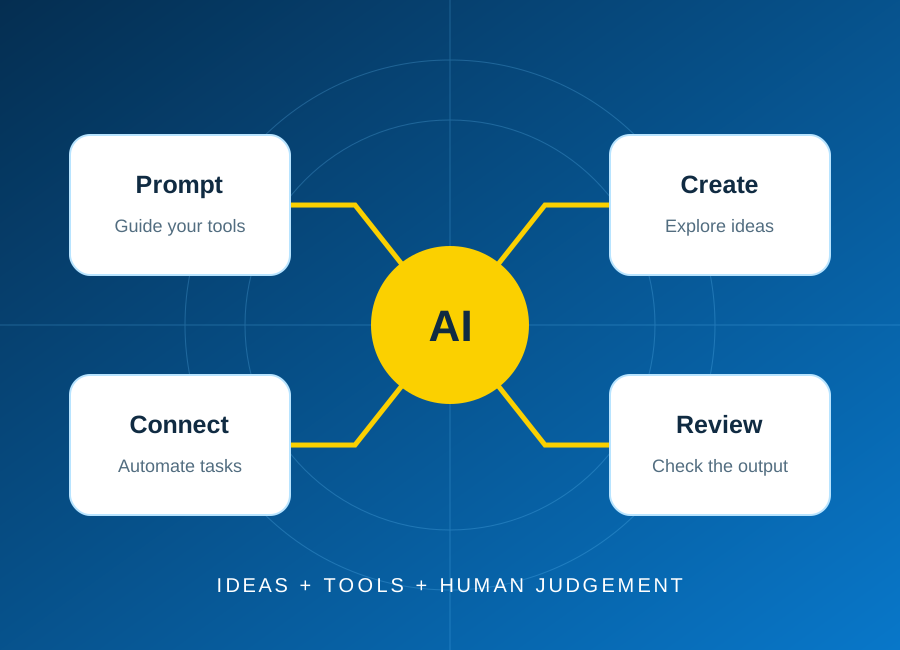
Start with one repeatable task, keep a person in control, and test the result before connecting real business data.
Read article: Plan your first AI automation project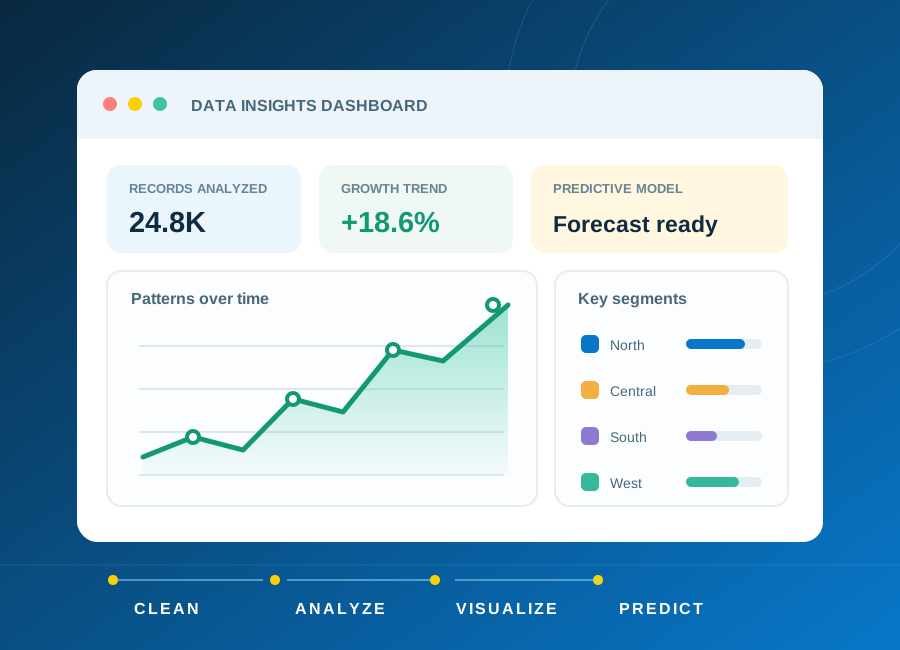
Learn how to frame a question, clean a small dataset and choose charts that explain rather than distract.
Read article: From raw data to a clear, useful dashboard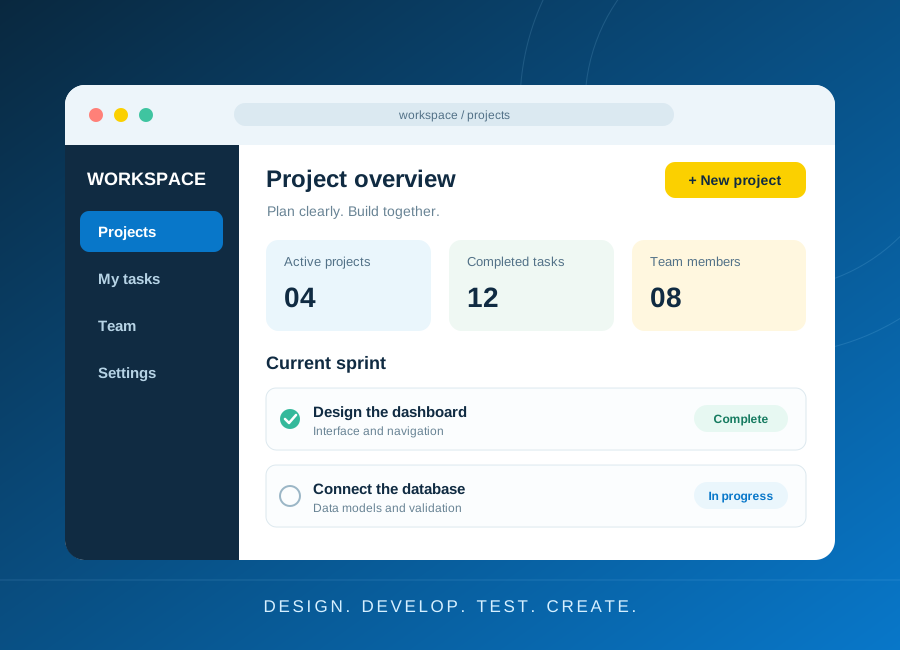
Turn a small idea into a working application with a clear data model, accessible forms and meaningful tests.
Read article: Build a first web application you can explain