Android Software Servicing - Technical Concepts
Device identification, firmware, ADB, Fastboot, Download Mode, EDL, BROM/Preloader, bootloop diagnosis, and software troubleshooting.


YOUR NEXT LEARNING DIRECTION
Course fee: INR 15,000
Confirm exclusions, materials, assessments and payment options with admissions.
Explore practical diagnostics, careful repair and workshop skills.
Android · iPhone · Firmware · Diagnostics
Loan facility available. Contact admissions to confirm the lender, eligibility, interest, charges and repayment terms. Loan approval depends on the lender's assessment.
Course duration: 60 hours. Contact admissions for daily timings, upcoming batches and delivery arrangements.
Preview content only. Course dates, delivery, fees and admission details are to be confirmed.
Get to know this learning path.
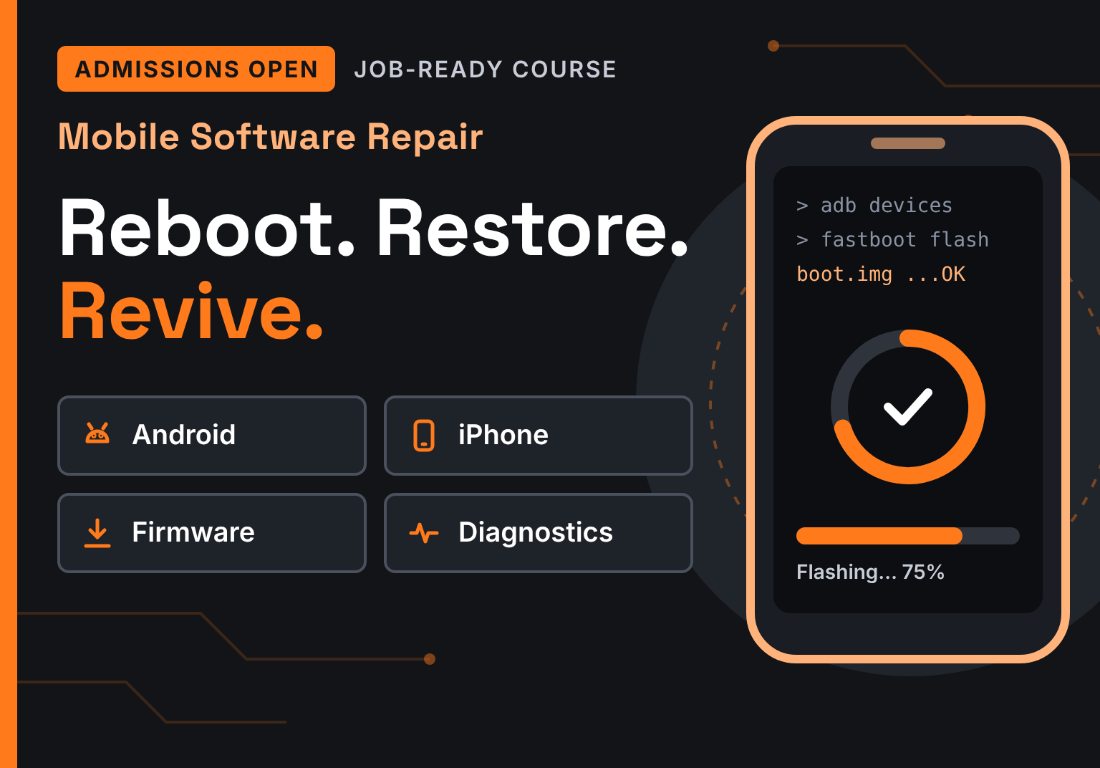 MOBILE PHONE REPAIR · PREVIEW
E Careerpluz's 60-hour Advanced Practical Training focuses on Android software servicing, iPhone software servicing, and professional service tools and workflows. The program connects device identification, firmware concepts, diagnostic modes, software troubleshooting, and update and restore procedures with practical servicing tasks.
Technical concepts are presented separately from the software tools that support them, so learners can distinguish the skills they will practise from the utilities used during compatible servicing workflows. Work should be carried out on authorized devices with customer consent, appropriate data protection, and model-specific compatibility checks.
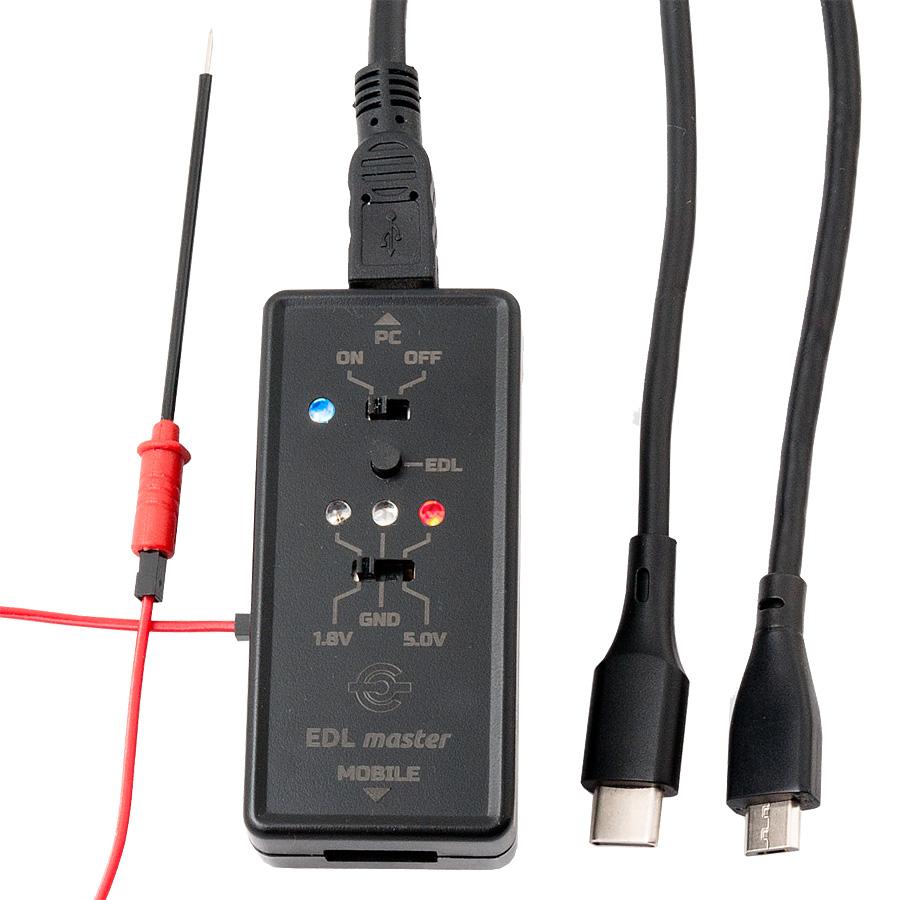
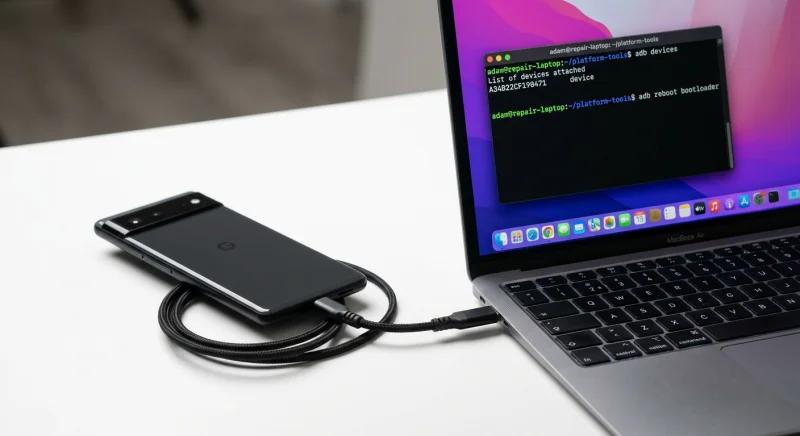
Device identification, firmware, ADB, Fastboot, Download Mode, EDL, BROM/Preloader, bootloop diagnosis, and software troubleshooting.
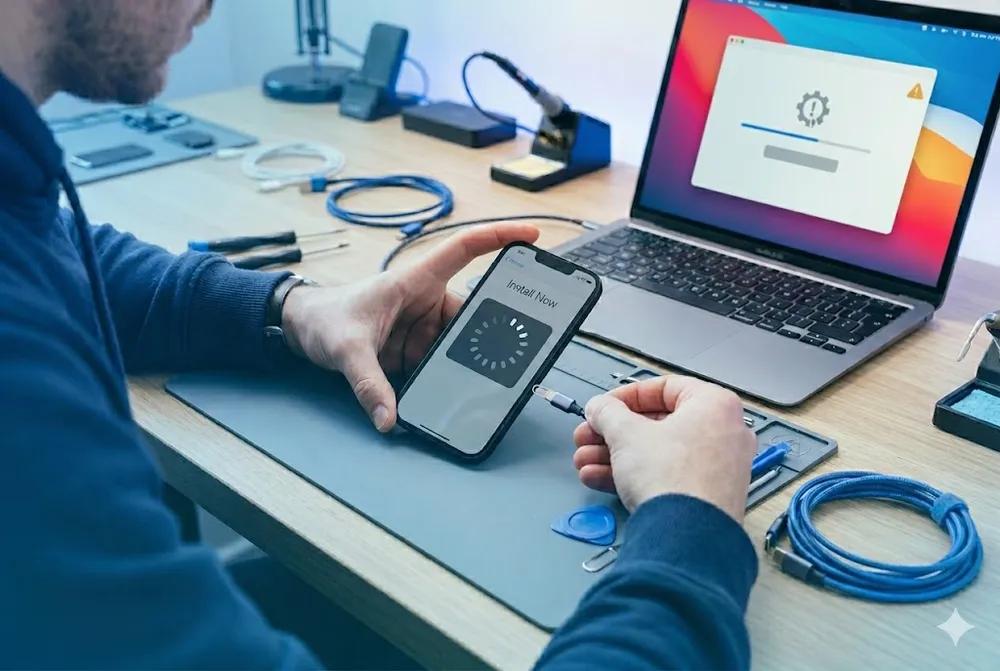
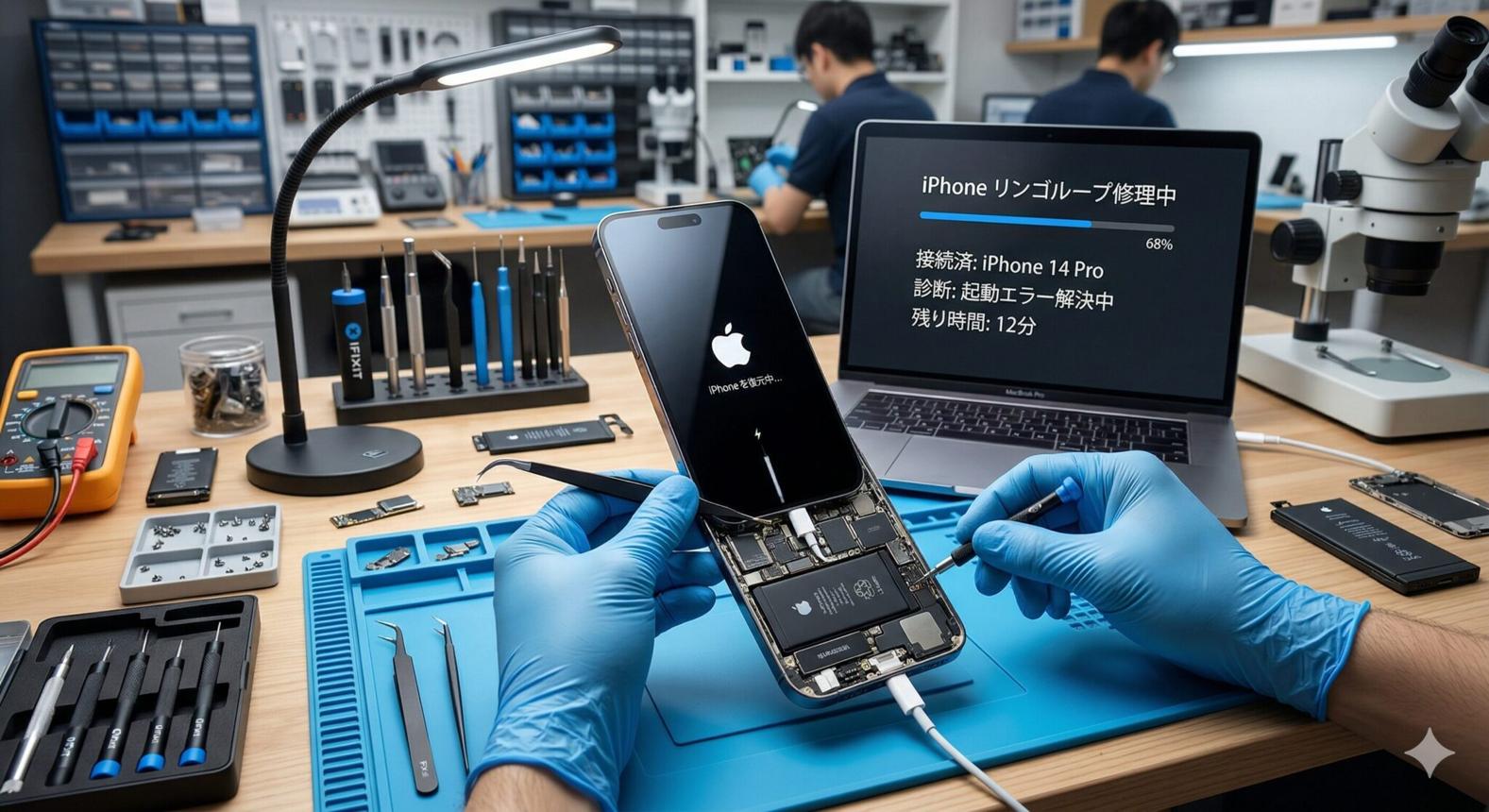
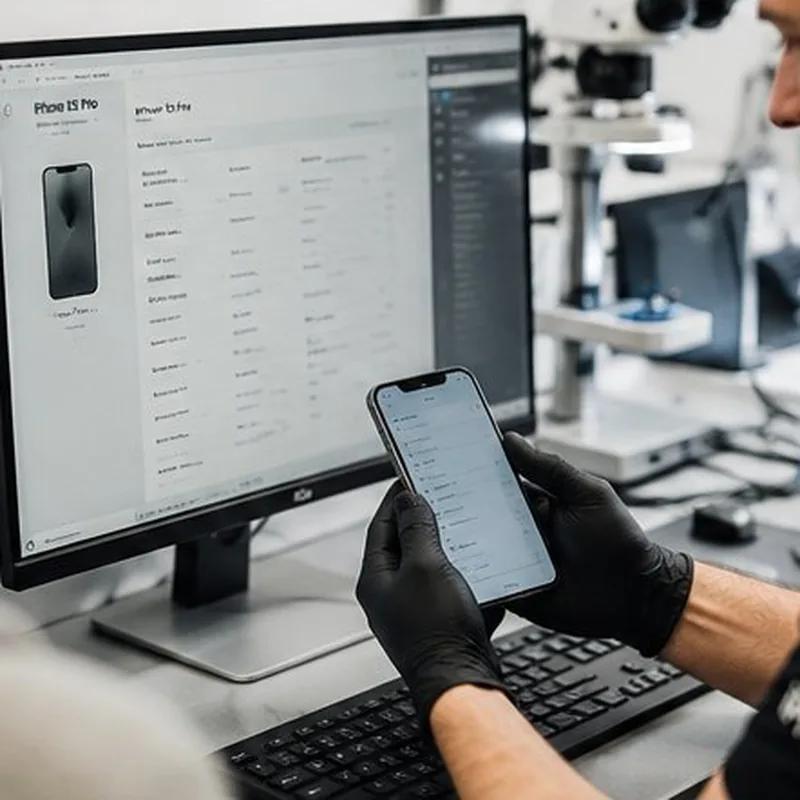
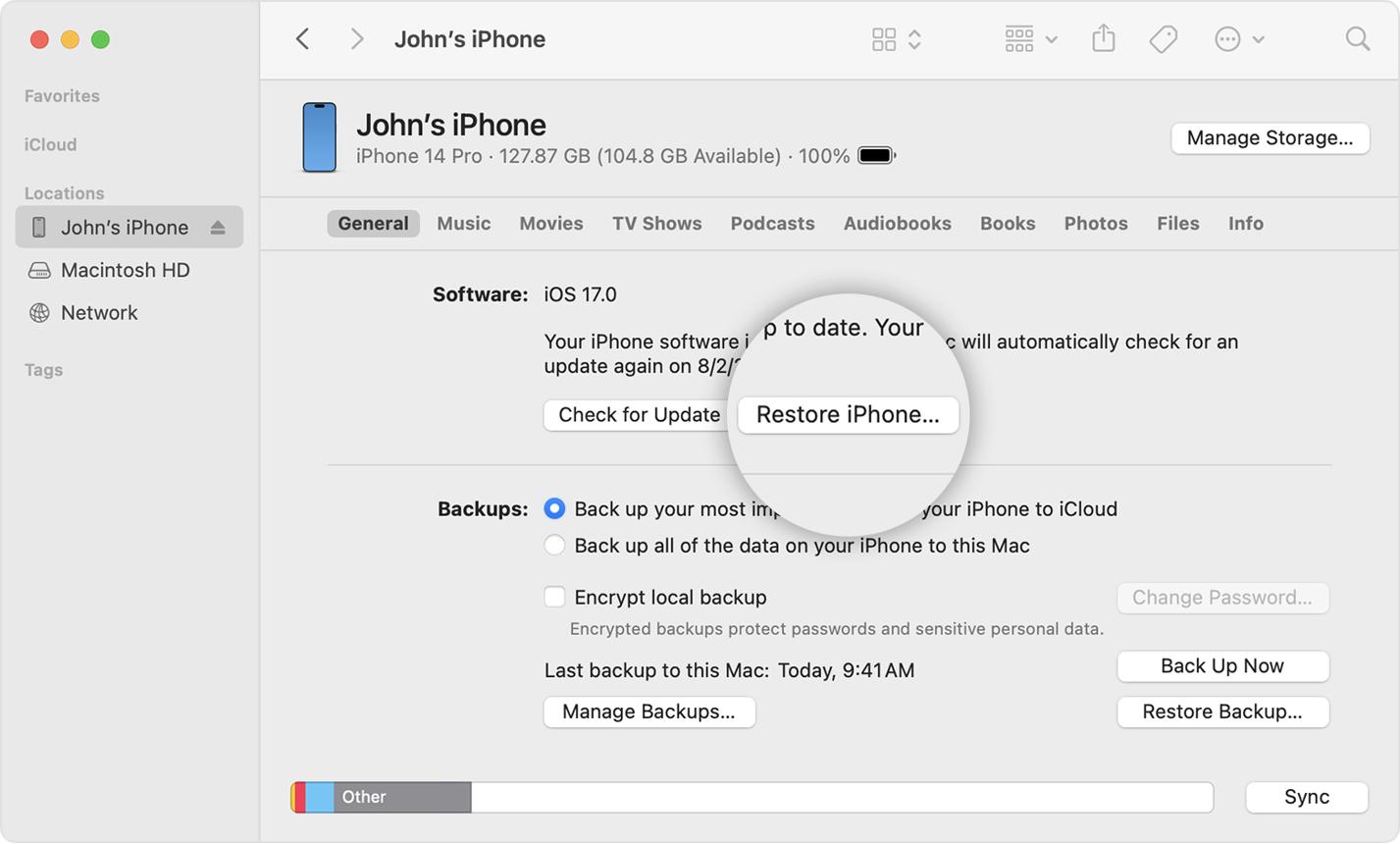
iPhone identification, IPSW concepts, Recovery Mode, DFU Mode, update and restore workflows, and final verification.
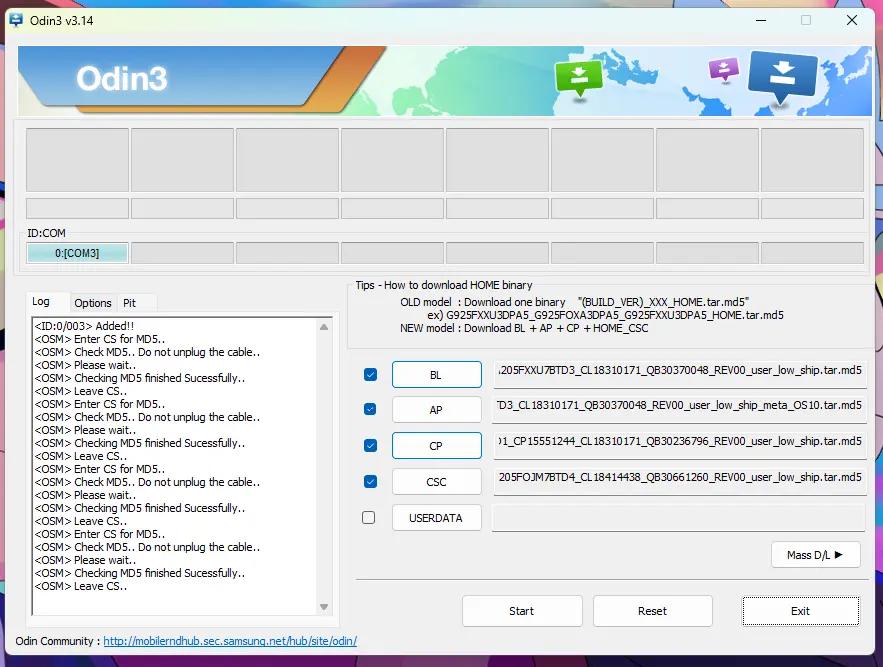
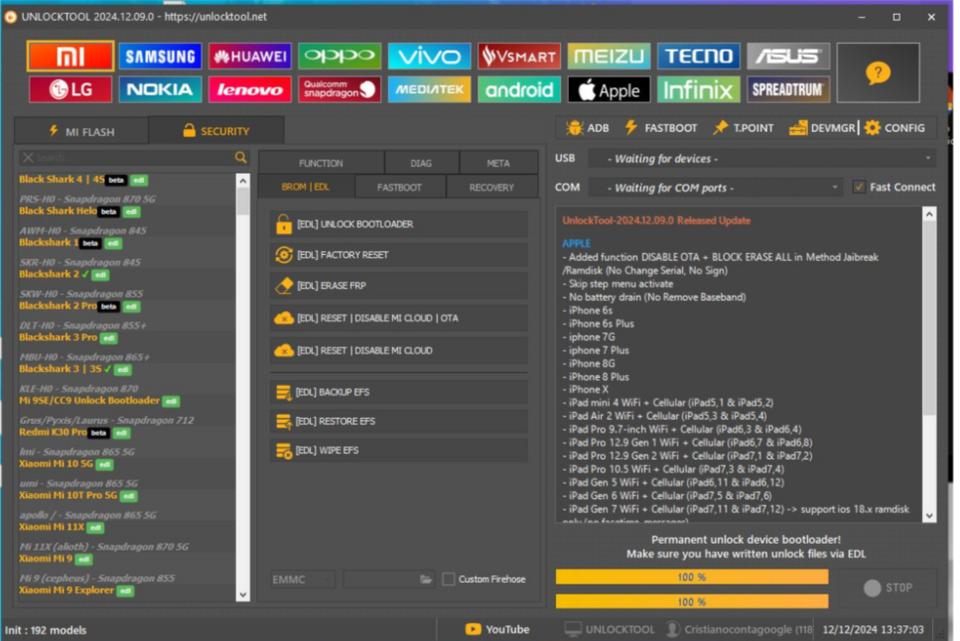
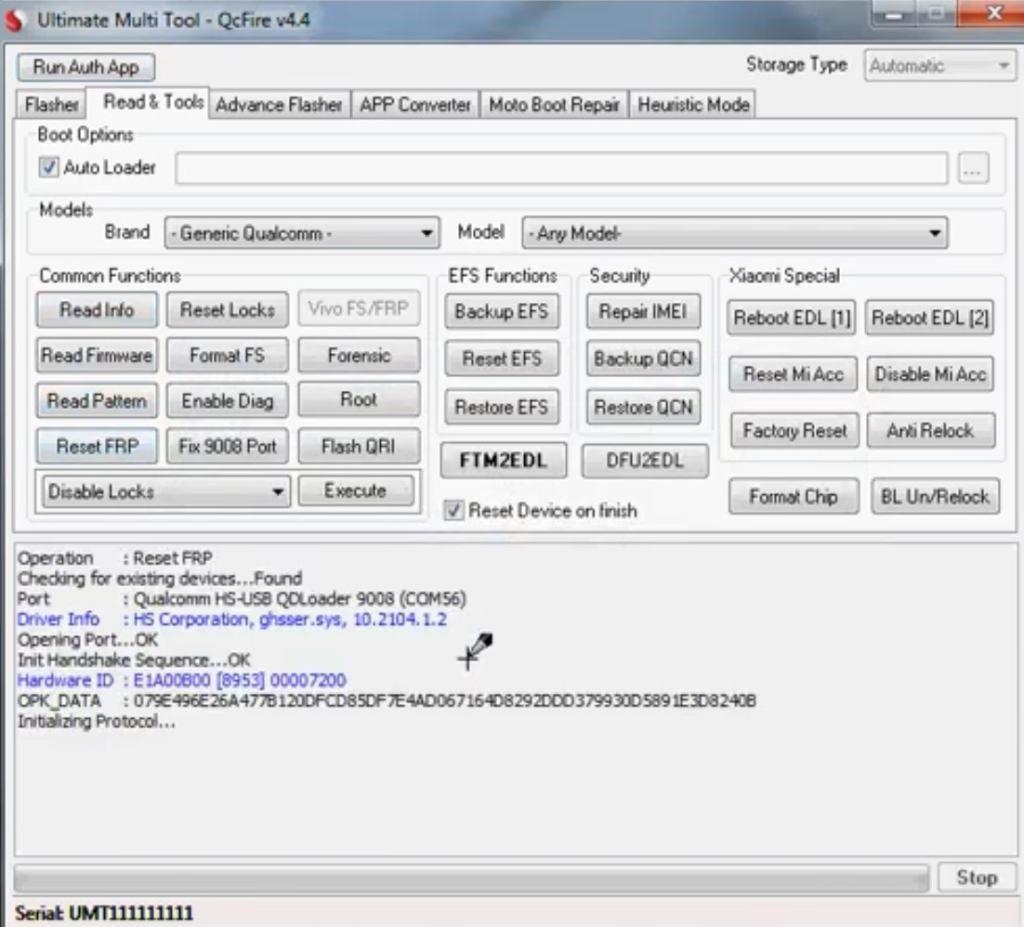
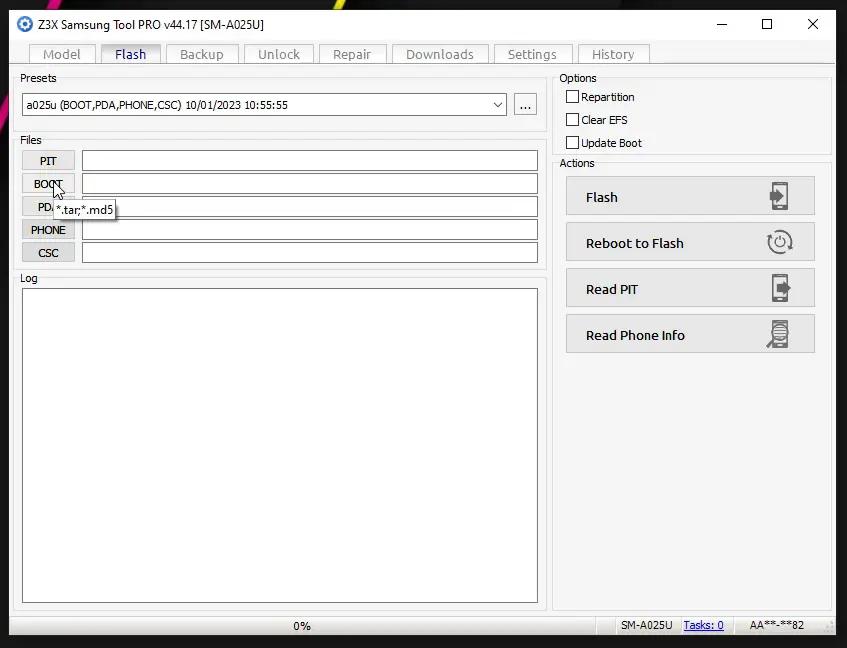
UnlockTool, UMT Pro/QcFire, Z3X/Samsung tools, Odin, Android Fastboot tools, and iPhone utilities support compatible Qualcomm, MediaTek, Android, and iPhone servicing workflows.
A structured learning pathway from fundamentals to practical troubleshooting.
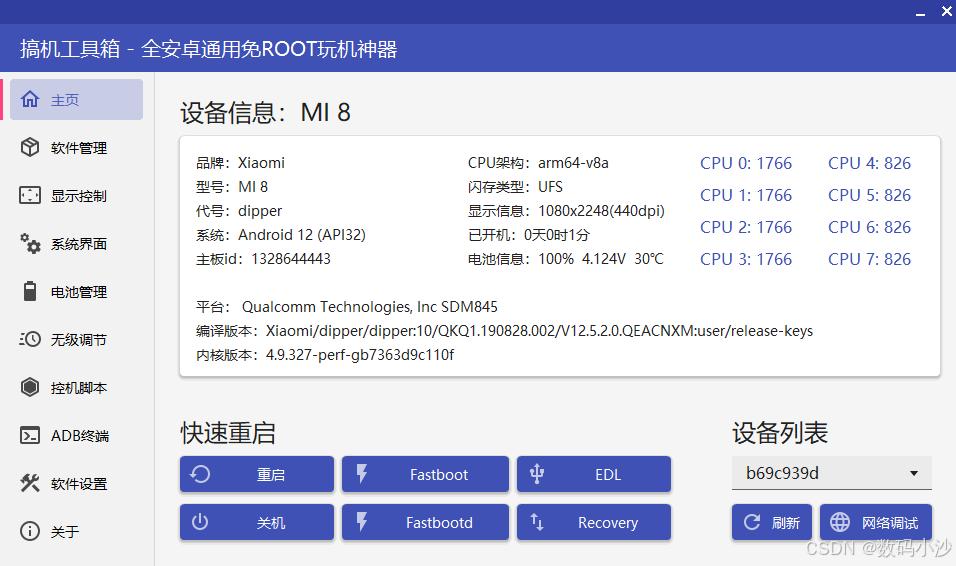
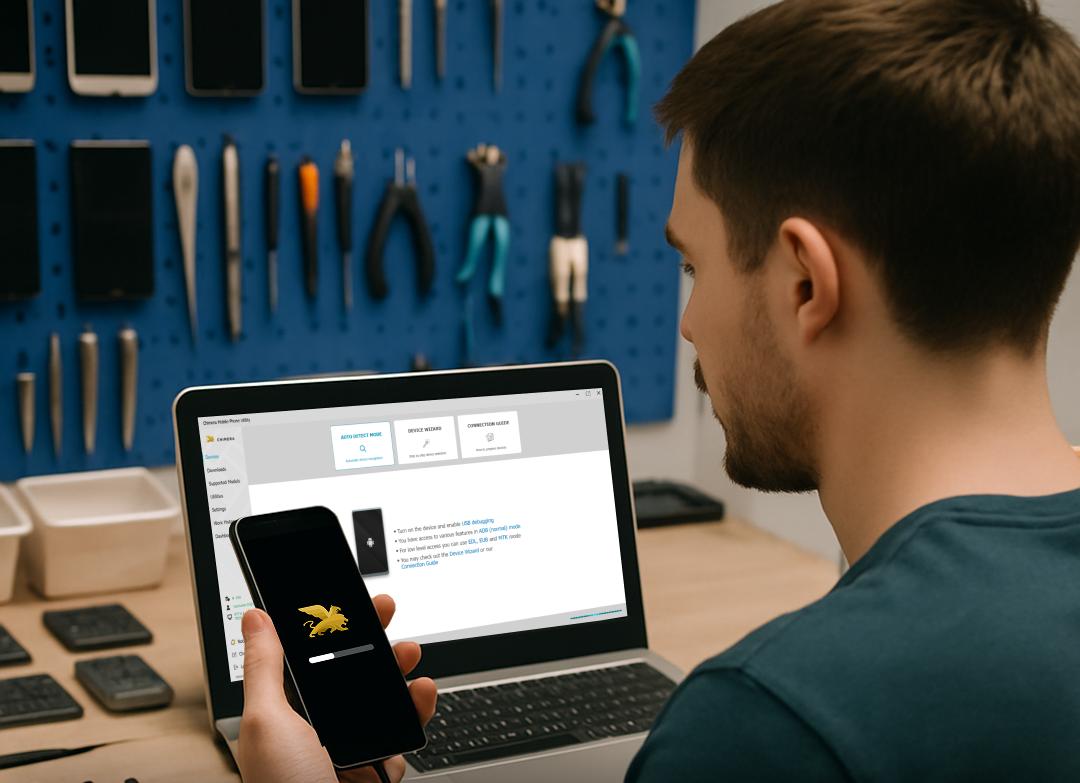
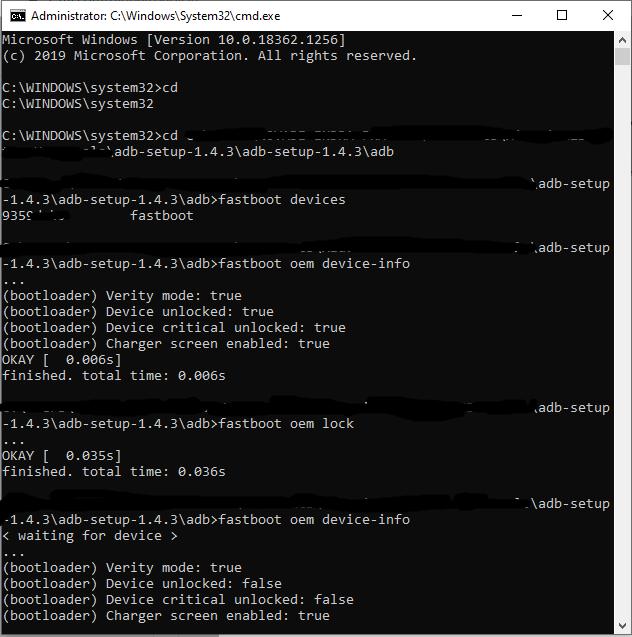
Curriculum note: Exact modules, practical hours, assessment methods, and device coverage should reflect the training actually delivered by E Careerpluz.
Software tools, diagnostic accessories and chipset servicing workflows.
Explore software tools, diagnostic accessories and supporting chipset workflows. Use supported procedures on authorized devices with customer consent and data protection. Confirm device compatibility, tool licences and access requirements with the course team.
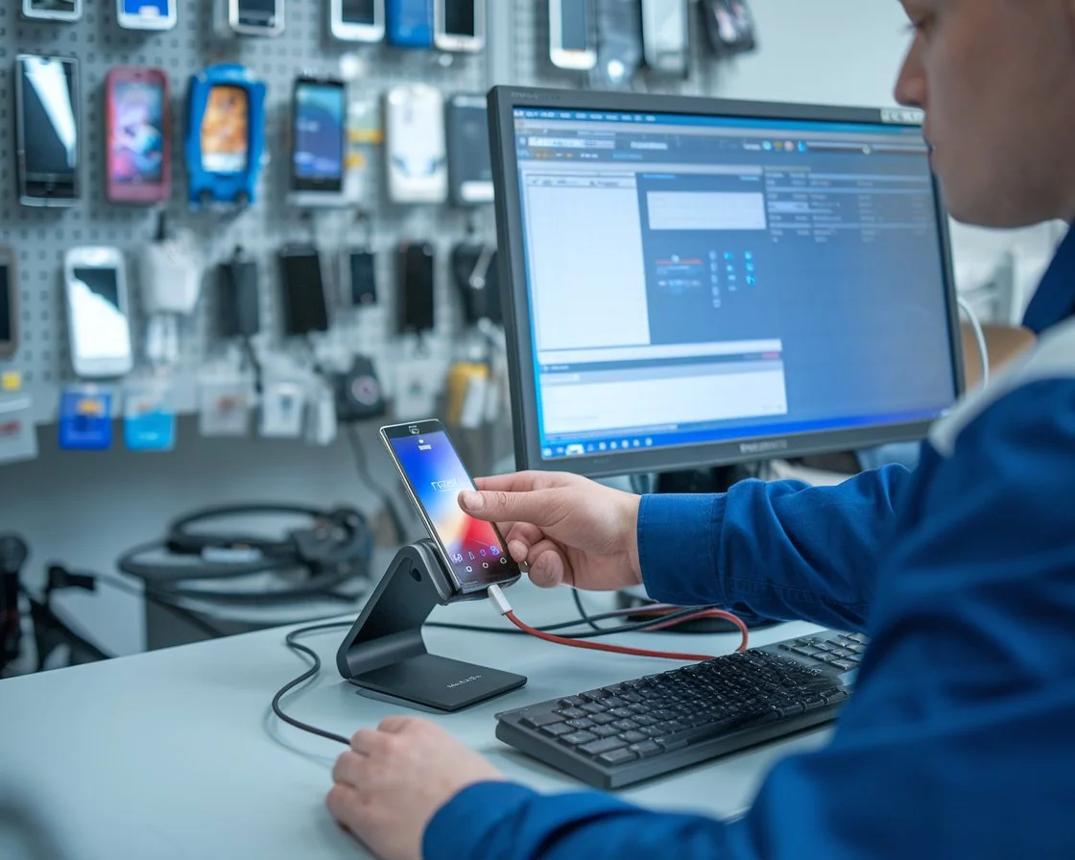
Apply workshop skills through guided practice projects.
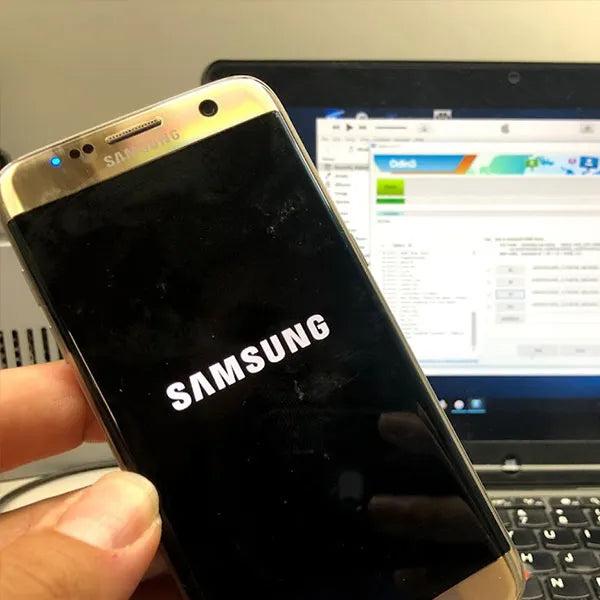
Analyse device symptoms and select a suitable recovery workflow.
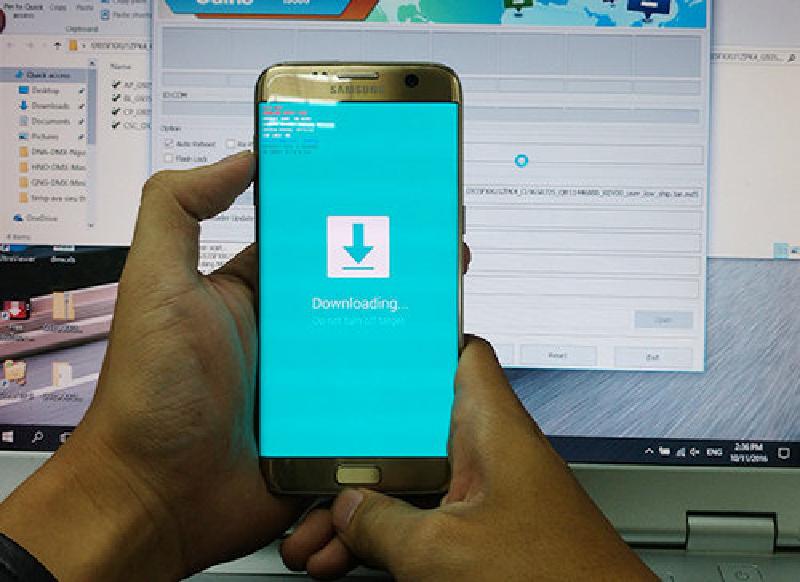
Match device model, firmware package, and supported servicing method.
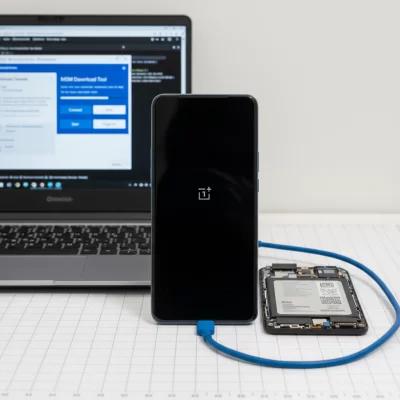
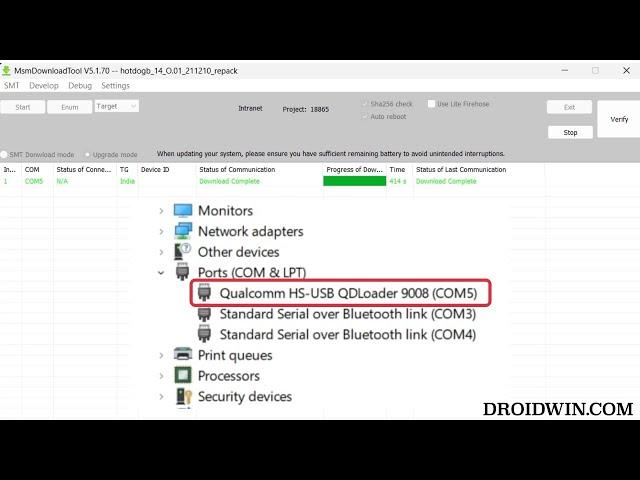
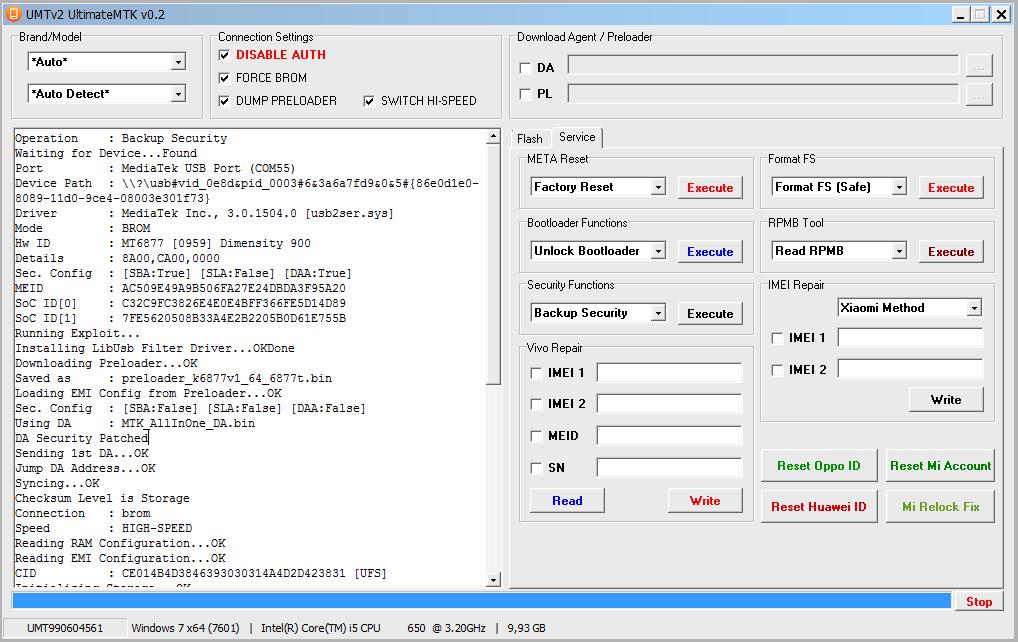
Distinguish supported Qualcomm EDL and MediaTek BROM/Preloader workflows.
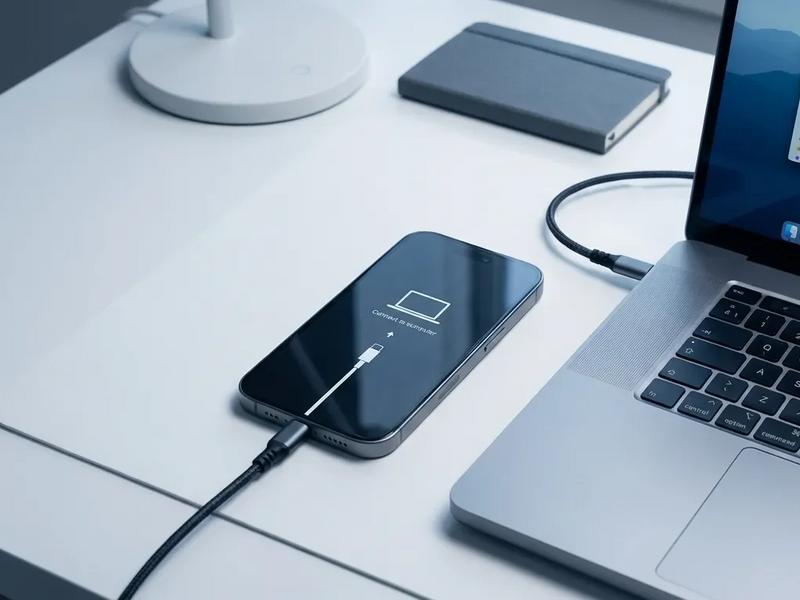
Practise supported update and recovery procedures, then verify the device state.
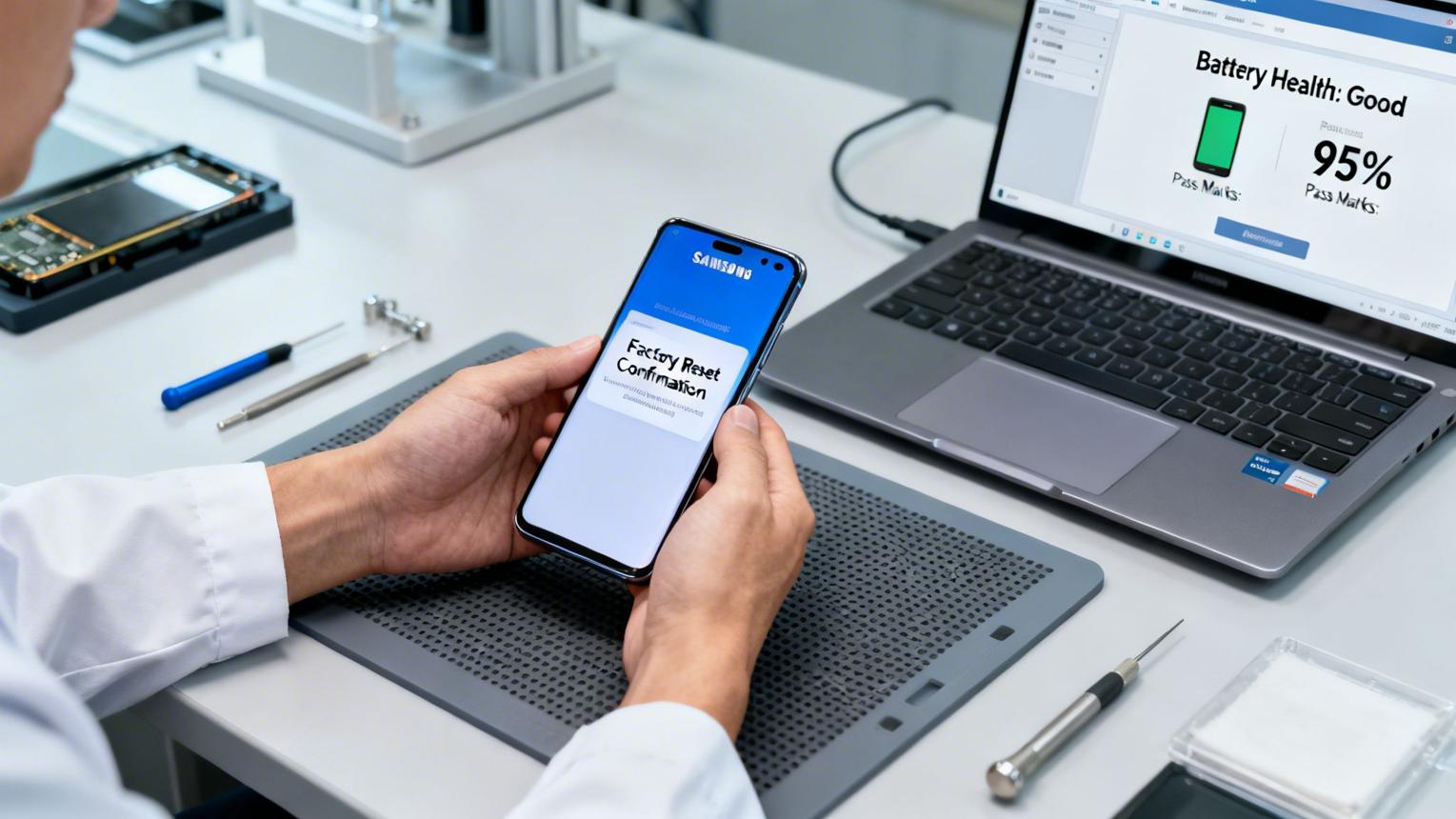
Document the fault, diagnose the cause, select the procedure, perform checks, and record the result.
Smartphone software servicing can open pathways into mobile repair centres, electronics service businesses, retail after-sales support, and self-employment. Your opportunities will depend on practical competence, experience, location, customer demand, and the range of devices you can service.
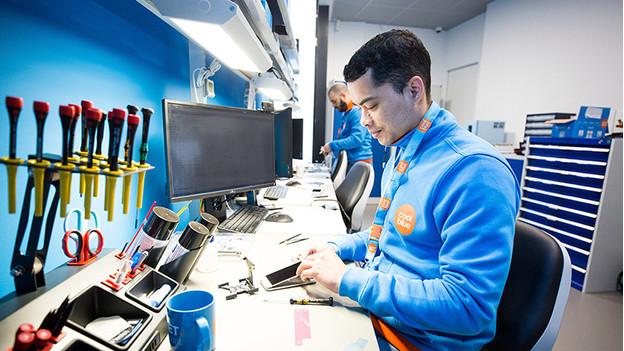
Diagnose common software faults, handle updates and supported recovery tasks, and document service work.
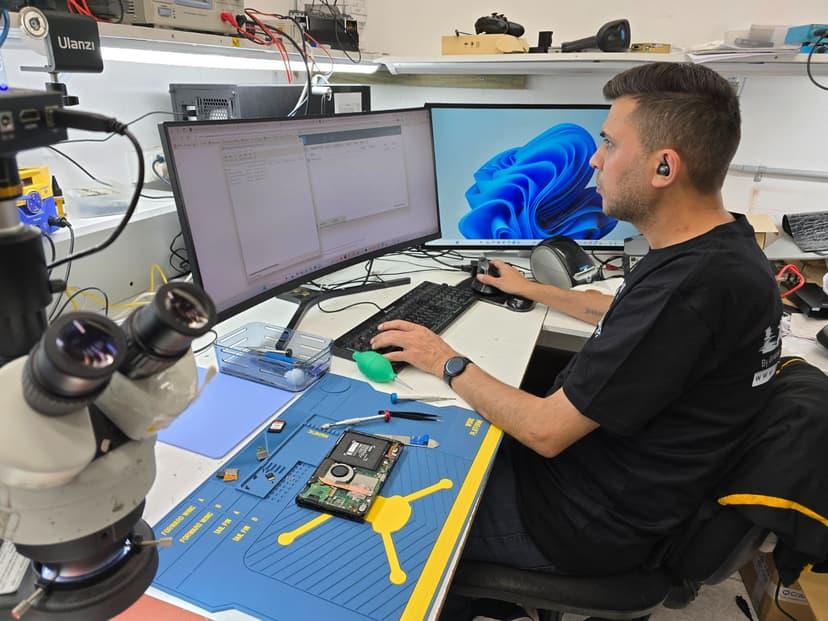
Progress toward more complex diagnostics as your experience and verified technical skills develop.
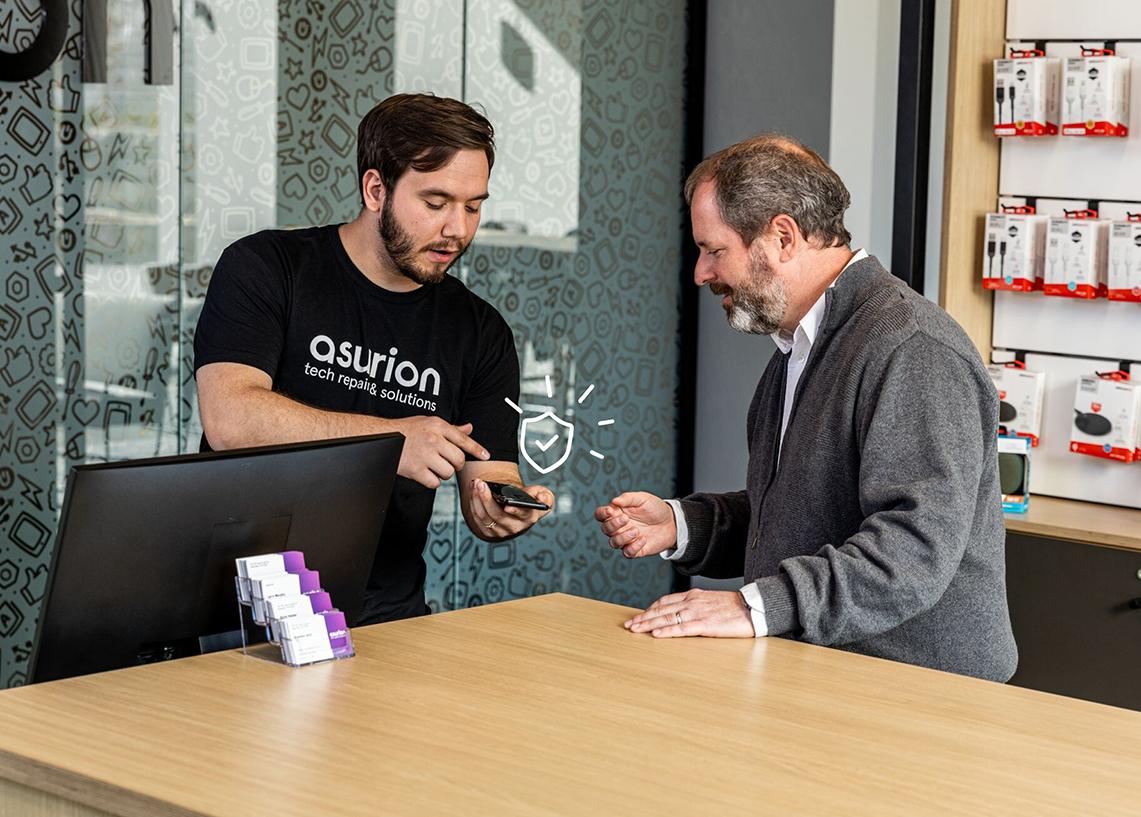
Support customer intake, service tracking, quality checks, workflow coordination, and service operations.
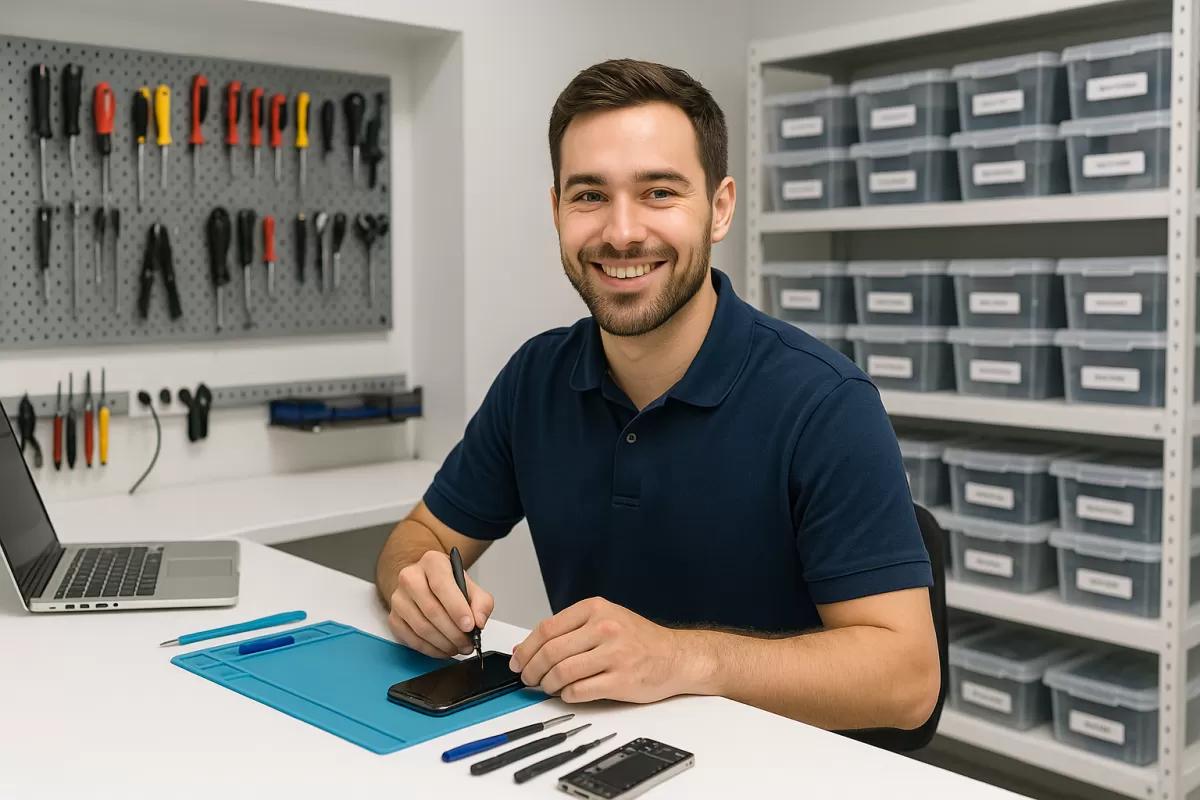
Establish a repair service, build customer relationships, offer software troubleshooting, and develop additional services within your expertise.
Compare these planning ranges with current local opportunities. Pay varies by role, qualifications, experience and employer.
Build your future: Start with technical fundamentals, practise consistently, and grow toward specialist roles or your own service business.
Discuss the issuing authority, assessment requirements and any separate provider exams with admissions.
Sample certificate design only. Eligibility, issuing authority and assessment requirements must be confirmed before enrolment.
Complete supervised practice activities.
Document diagnostic tasks and observations.
Confirm attendance, assessments and certificate eligibility.
Sample placement-support section. Explore this course preview and confirm available training arrangements with admissions.
Career guidance and interview preparation
Resume and repair-work portfolio preparation
Workshop readiness and service communication practice
Networking guidance; opportunities subject to confirmation
Explore a learning approach that combines structured modules, guided Android and iPhone software practice, trainer feedback and practical assessment.
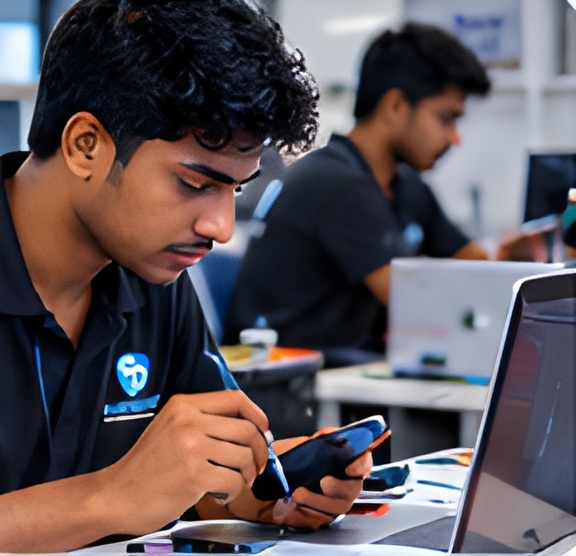
Progress from smartphone fundamentals to advanced software servicing through clear modules and guided practice.
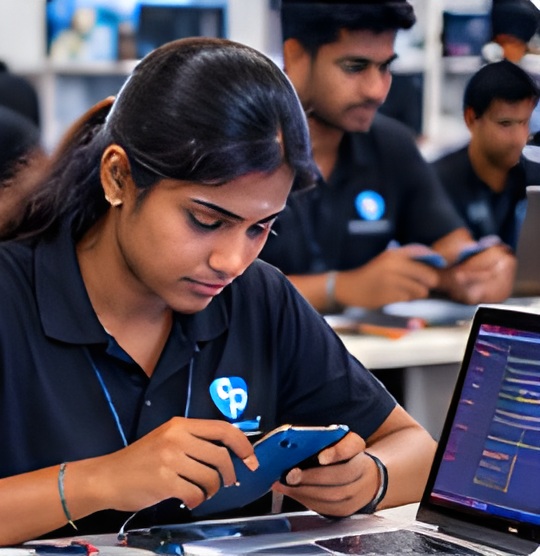
Practise compatible Android and iPhone servicing workflows on authorized training devices under supervision.
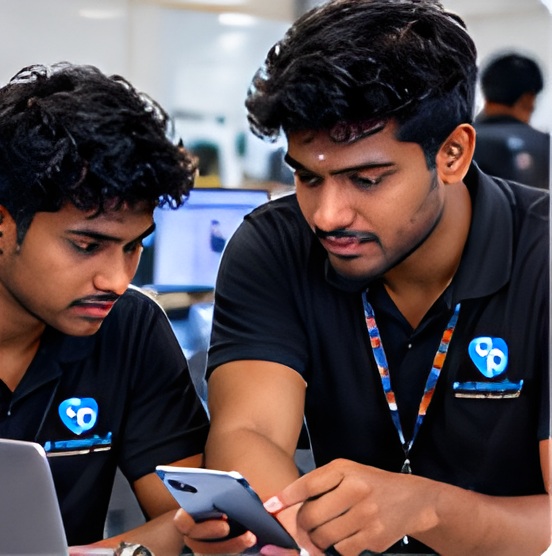
Demonstrate diagnostic reasoning and servicing skills through practical tasks, checks and trainer feedback.
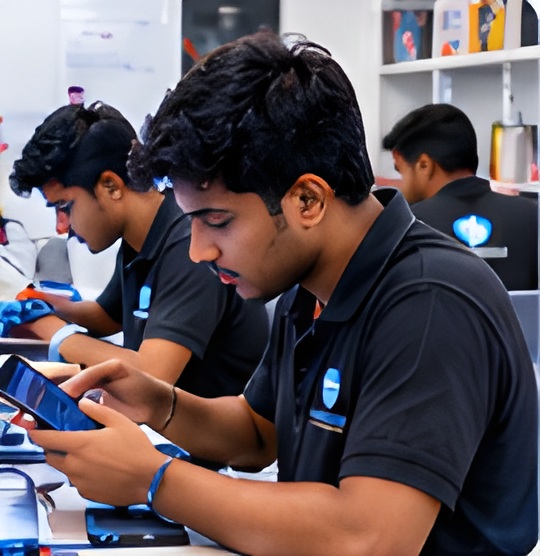
Discuss technical questions, review servicing decisions and identify areas for further practice with a trainer.
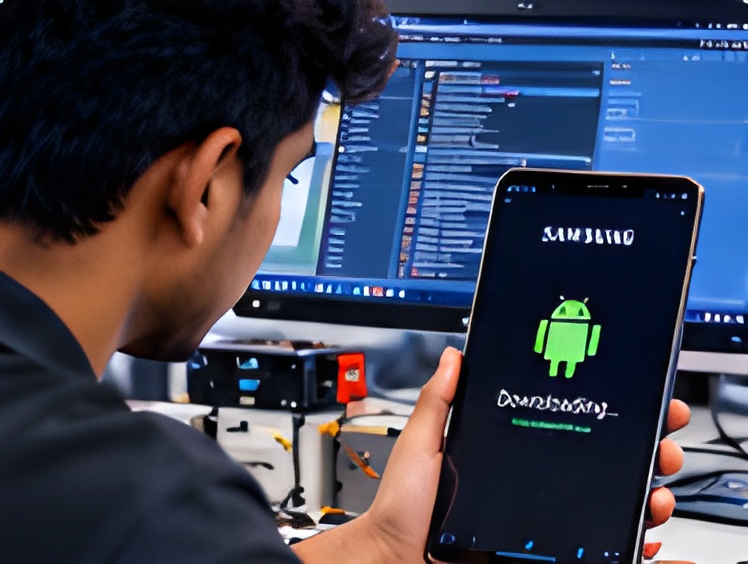
Work through supervised service scenarios involving bootloops, update errors, recovery modes and device detection.
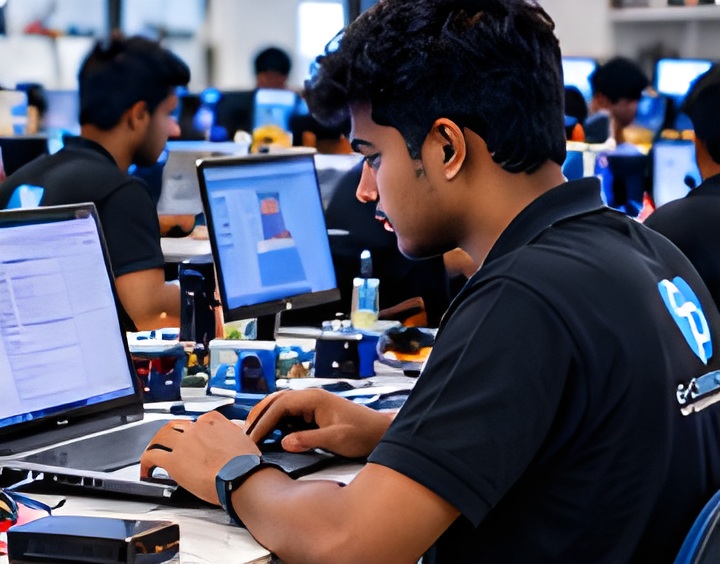
Discuss troubleshooting approaches, share findings and practise professional communication with fellow learners.
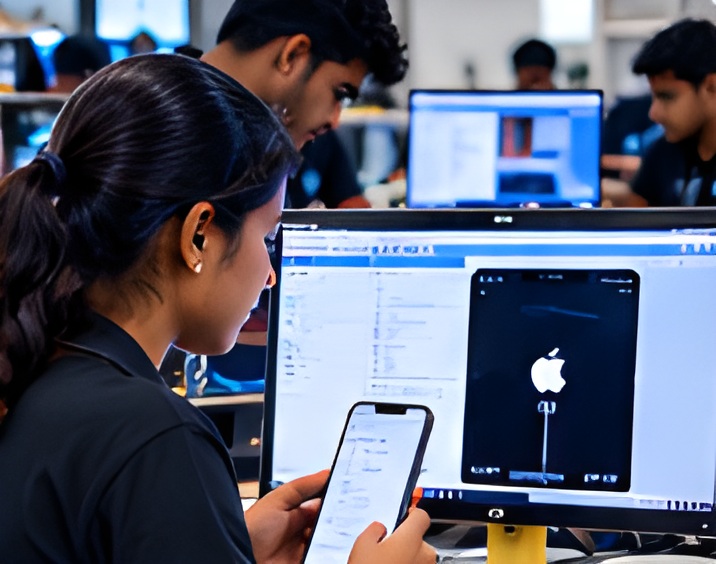
Follow compatible workflows, device-safety practices, customer consent, data protection and final verification.
Use practical task records, assessment feedback and completed exercises to identify progress and further learning needs.
These training images have been AI-enhanced for display. The enhancement may reconstruct visual detail; source photography was not higher resolution.
Learn from Industry Experts and Experienced Professionals.

16 years of Experience

18 years of Experience

8 Years of Experience

5 Years of Experience


Explore example mobile repair projects and learning journeys.
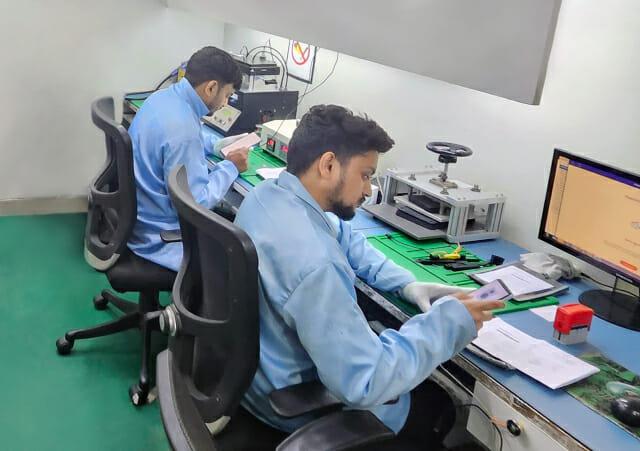
Learner
A beginner develops a foundation in Android troubleshooting, device setup, and software diagnostics through structured learning and practical exercises.
Practice focus: Practise troubleshooting and review progress through guided assessment.
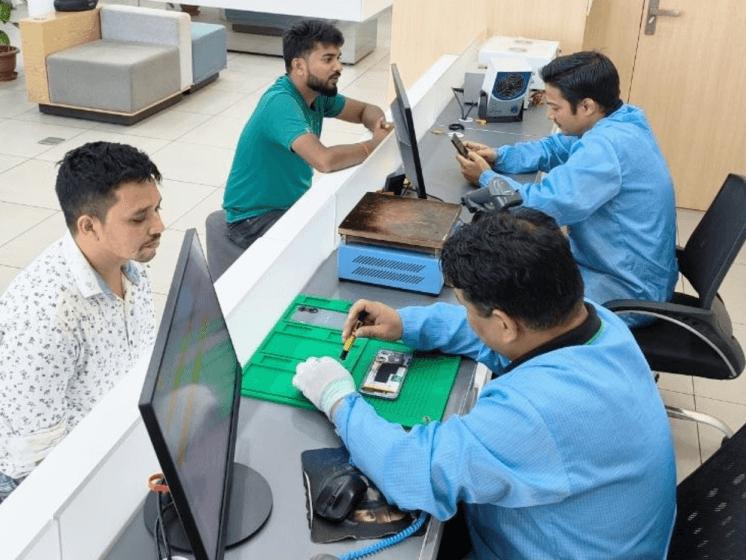
Learner
A technician builds additional knowledge of operating system recovery, software-related faults, and diagnostic workflows to complement existing repair experience.
Practice focus: Practise operating-system recovery and supported servicing workflows.
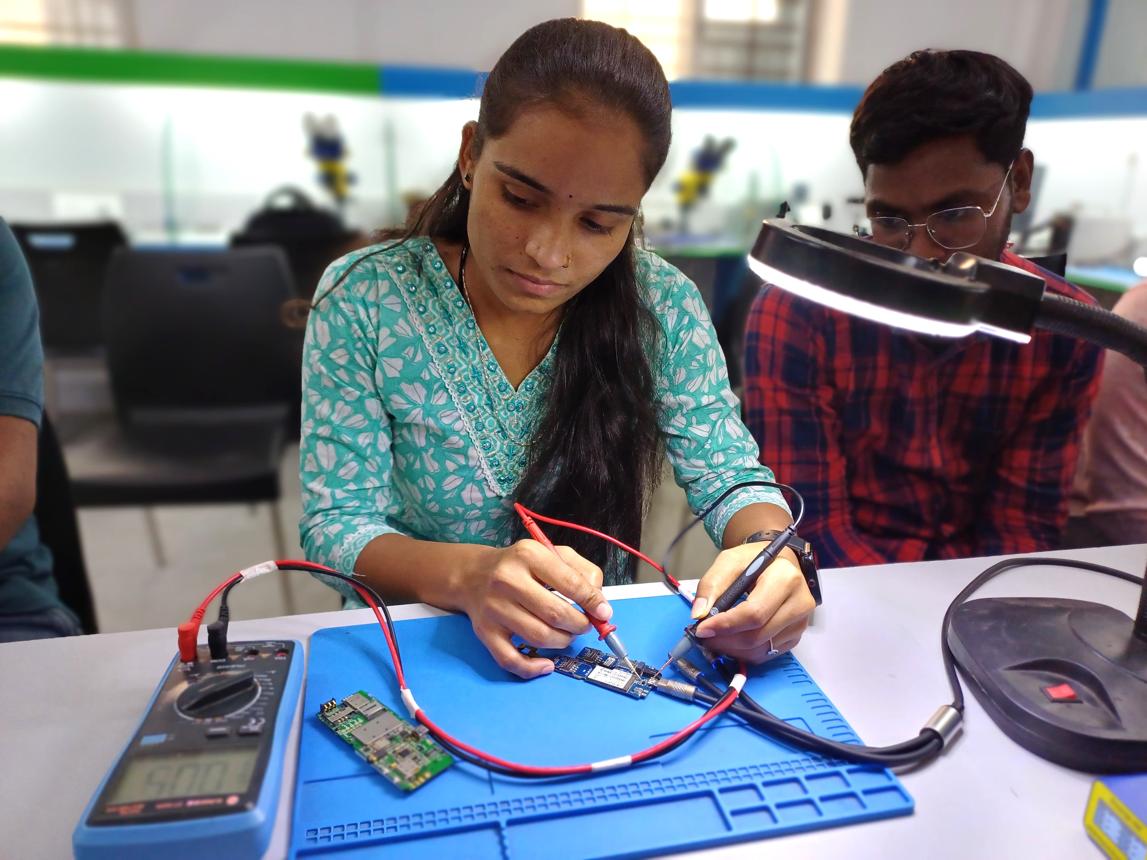
Learner
A learner strengthens confidence in using diagnostic utilities, following servicing procedures, and documenting technical findings.
Practice focus: Build confidence in diagnostics and technical documentation.
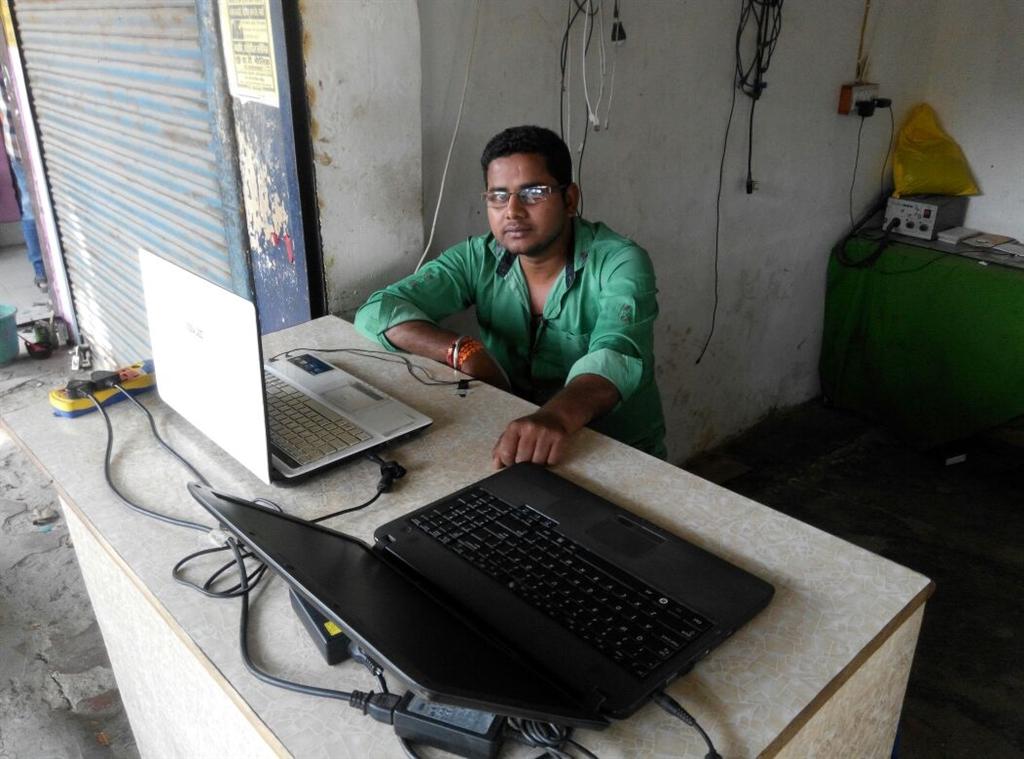
Learner
A learner explores service-centre setup, customer handling, service pricing, and the practical considerations involved in running a smartphone servicing business.
Practice focus: Explore repair-business planning and customer service.

Learner
A learner develops a technical resume, practises explaining software troubleshooting, and prepares to apply for suitable entry-level roles.
Practice focus: Practise presenting technical skills in a resume and interview.
Mobile Software Repair – ECAREERPLUZ
It is a technical training program focused on understanding smartphone operating systems, diagnosing software-related issues, performing supported update and recovery procedures, and following safe servicing practices.
Beginners can enquire about eligibility. This is advanced practical training, so discuss your computer skills, device knowledge and readiness with the course team before enrolment.
The curriculum covers Android and iPhone software servicing concepts, diagnostics, supported update and recovery workflows, and final verification. Confirm the devices and practical activities available for your batch.
The course outline introduces Android Platform Tools, Samsung firmware workflows, UnlockTool, UMT Pro/QcFire, Z3X/Samsung tools and iPhone utilities, alongside Qualcomm and MediaTek workflows. Confirm tool access, licences and supported device coverage with the institute.
No. Physical damage, component failures and some storage or board faults require hardware diagnosis or repair. Software checks help identify whether a supported software procedure is appropriate or the device should be referred for further diagnosis.
Some updates may preserve data, but resets, restores and firmware procedures can erase it. Explain the risks, obtain informed customer consent and plan a backup where possible before work. Data preservation or recovery cannot be guaranteed.
No. Training focuses on authorized servicing, ownership verification and official Apple or Google account-recovery procedures. It does not teach bypassing Activation Lock, Factory Reset Protection or other ownership protections.
Confirm the certificate offered, issuing authority, attendance requirements, assessments and completion criteria with E Careerpluz before enrolment. External recognition or accreditation should not be assumed.
Ask the course team which resume, interview and opportunity-guidance services are currently available and what eligibility conditions apply.
The skills may support a service business, but you will also need suitable equipment, licensed tools, investment, customer consent procedures and business planning. Start within your competence and consider local demand.
Earnings depend on practical competence, experience, location, employer and service demand.
Use the course enquiry form or contact E Careerpluz to confirm prerequisites, the 60-hour training schedule, fees, device coverage and enrolment steps before making a decision.
The course duration is 60 hours and the course fee is INR 15,000. Confirm included materials, tools, assessments and any additional costs with admissions before making a payment. Batch dates and daily timings are to be confirmed.
The course duration is 60 hours and the course fee is INR 15,000. Confirm included materials, tools, assessments and any additional costs with admissions before making a payment. Batch dates and daily timings are to be confirmed.
Loan facility available. Contact admissions to confirm the lender, eligibility, interest, charges and repayment terms. Loan approval depends on the lender's assessment.
EXPLORE MORE IN THIS AREA 01
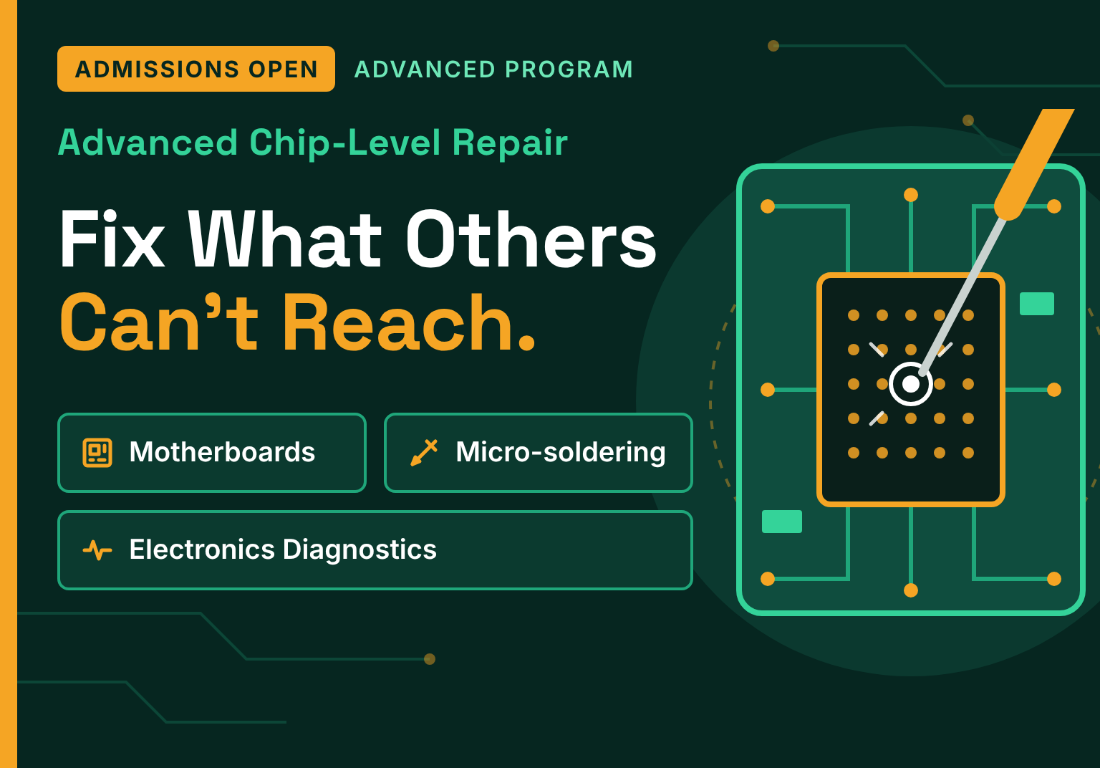
Motherboards · Micro-soldering · Electronics Diagnostics
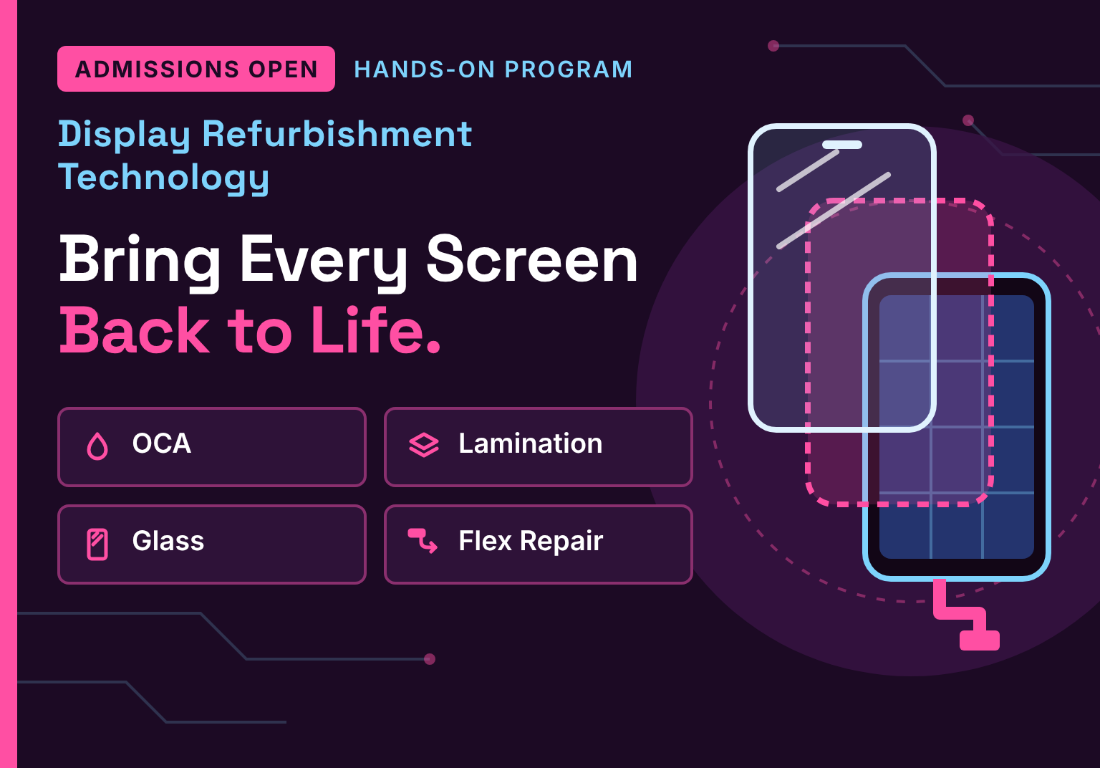
Learn how to refurbish damaged mobile display assemblies using professional tools, precision techniques, and practical workshop training.
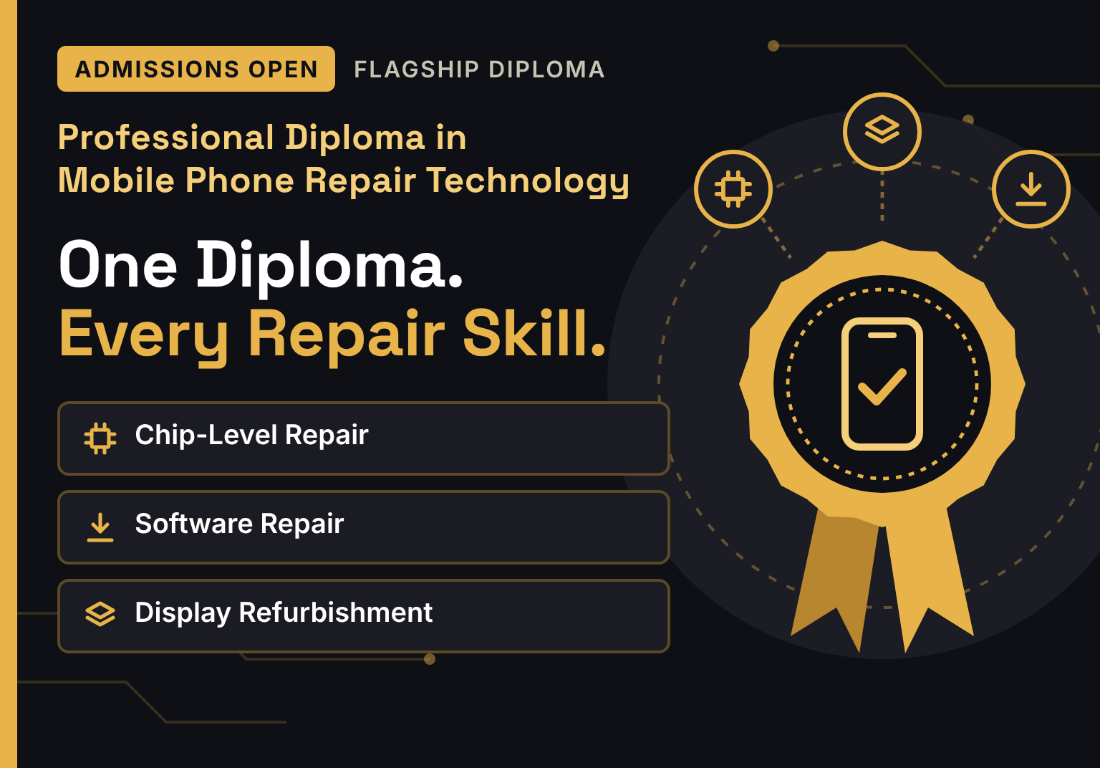
This comprehensive training program brings together Android and iPhone software servicing, mobile display combo refurbishing, and Android motherboard chip-level repair in one integrated learning pathway.
Explore skills, try a small project and find your learning direction.
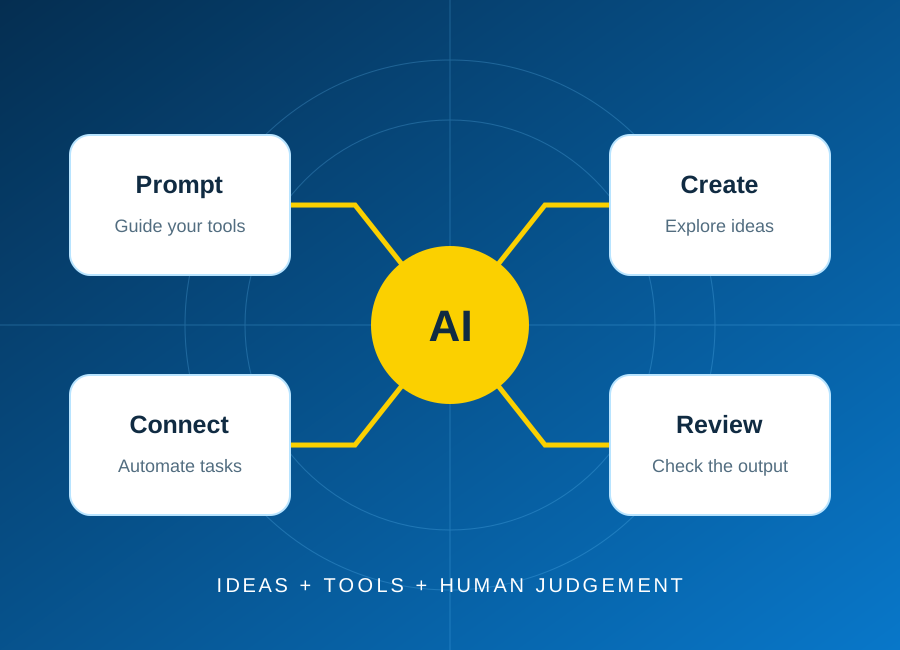
Start with one repeatable task, keep a person in control, and test the result before connecting real business data.
Read article: Plan your first AI automation project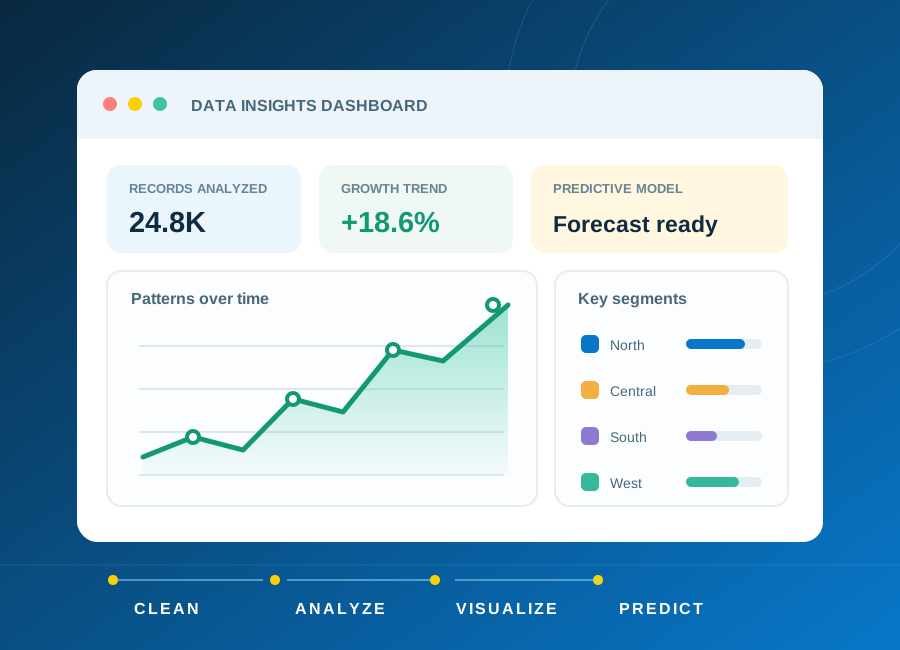
Learn how to frame a question, clean a small dataset and choose charts that explain rather than distract.
Read article: From raw data to a clear, useful dashboard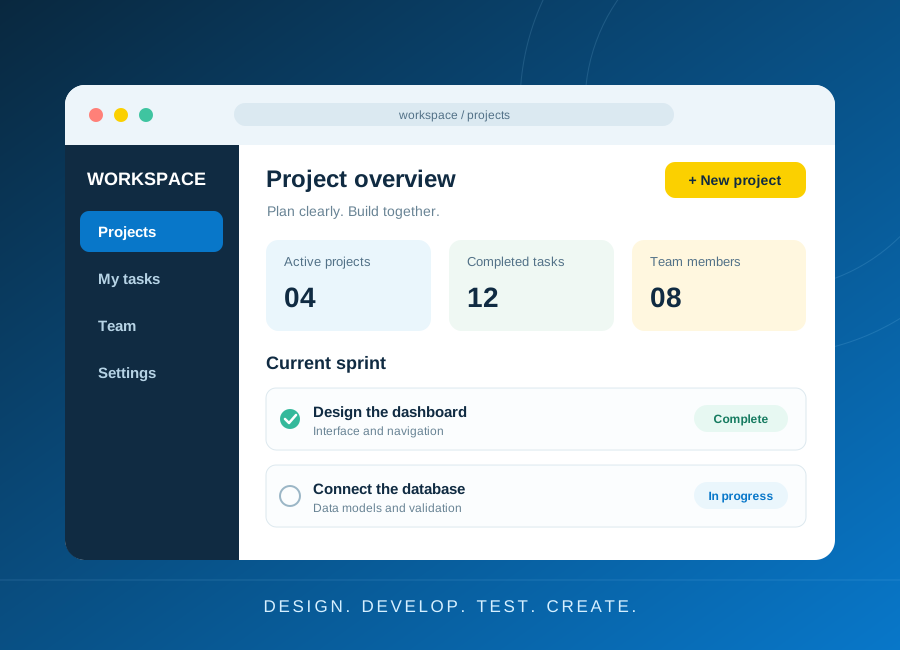
Turn a small idea into a working application with a clear data model, accessible forms and meaningful tests.
Read article: Build a first web application you can explain