45 Hours
A structured learning program with seven learning modules.


Course fee: INR 9,000 + 18% GST (INR 1,620). Total including GST: INR 10,620.
Confirm exclusions, materials, assessments and payment options with admissions.
Upgrade Your Excel Skills in 45 Hours
Advanced Formulas · MIS Report Design · Macros & Automation · Excel Dashboards
Learn advanced formulas, business reporting, dashboard creation, and practical data analysis through a structured program.
Course duration: 45 hours. Contact admissions for batch dates, daily timings and delivery arrangements.
A structured learning program with seven learning modules.
Practise reporting layouts, key performance indicators, and interactive summaries.
Clean, organize, validate, and analyze workplace-style datasets.
Explore business-focused reporting projects and practical assignments.
Master Excel, automate repetitive reporting tasks, analyse business data, and create professional Management Information System (MIS) reports that support better business decisions.
This course is designed for students, graduates, working professionals, accountants, HR executives, operations teams, business analysts, and aspiring MIS executives who want to improve spreadsheet skills and workplace productivity.
Through guided exercises and business-style scenarios, learners practise organising datasets, generating reports, monitoring key performance indicators, and presenting information clearly. Basic computer knowledge is recommended; prior experience with advanced Excel is not required.
Confirm the final Excel edition, feature availability, delivery mode, schedule, fees, and assessment requirements with ECAREERPLUZ before enrolment.
Build spreadsheet and reporting foundations for workplace tasks.
Practise spreadsheet calculations, expense analysis, and recurring reports.
Explore attendance, workforce, and administrative reporting tasks.
Organize performance information and create useful summaries.
Explore dashboards and trackers for common business activities.
Prepare practical examples relevant to MIS Executive, Reporting Executive, and Junior Data Analyst roles.
Suggested seven-module curriculum · 45 hours total.
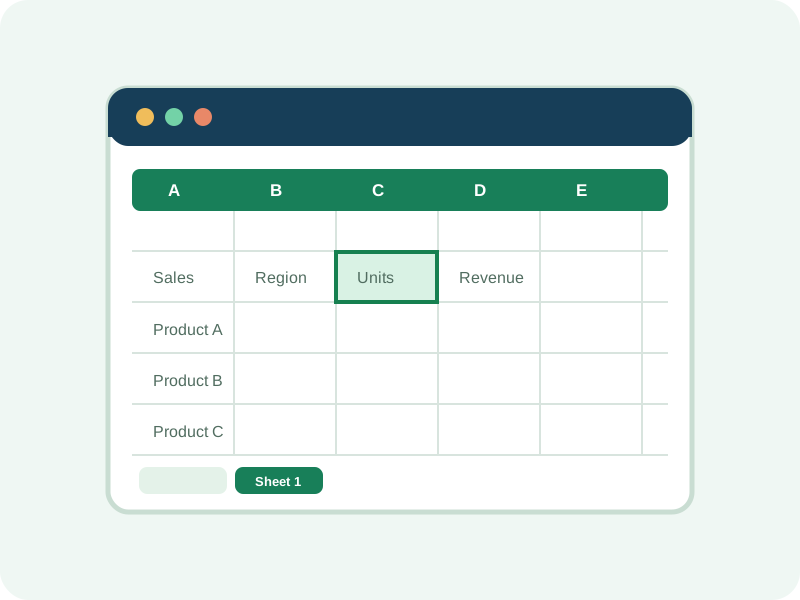
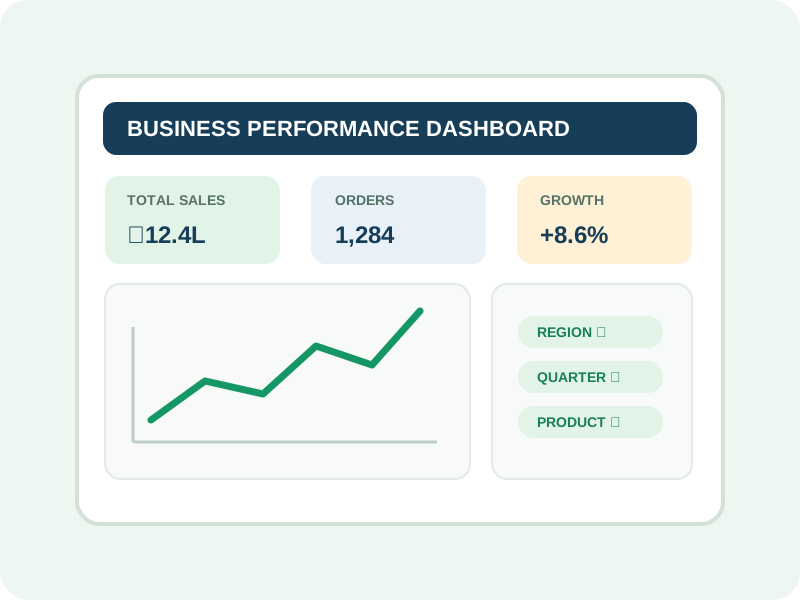
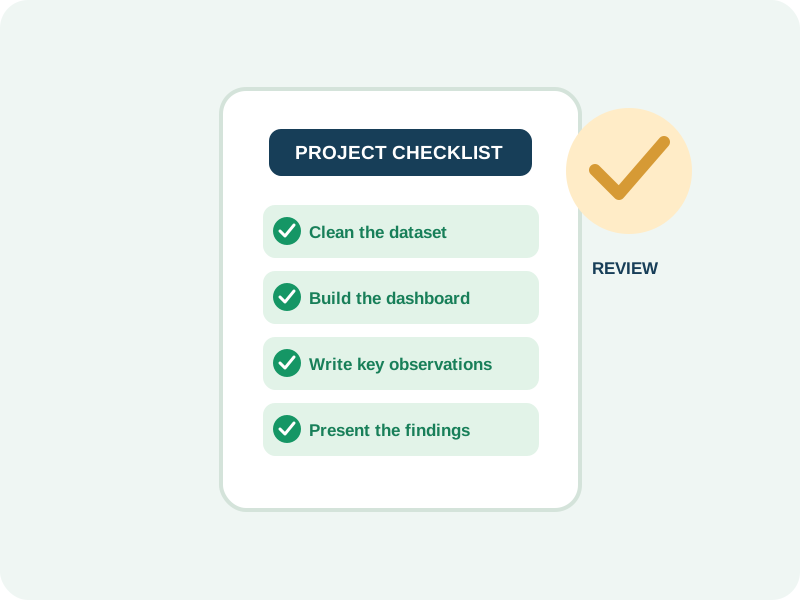
The module allocations shown total 45 hours. Power Query, Power Pivot, VBA, and other features vary by Excel edition and operating system; confirm the software and feature coverage available for your batch.
Explore Excel features and reporting technologies included. Feature access depends on the installed software edition and operating system.
Organize business data, build calculations, and prepare spreadsheet reports.
Workbooks, tables, formatting, validation, and named ranges
Use logical, conditional, lookup, text, and date functions for common reporting tasks.
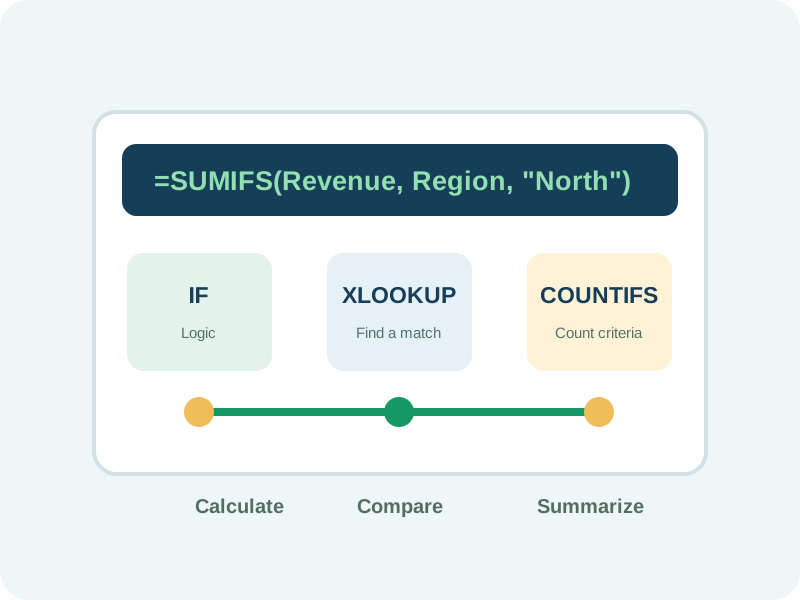
XLOOKUP, SUMIFS, IFERROR, INDEX-MATCH, and related functions
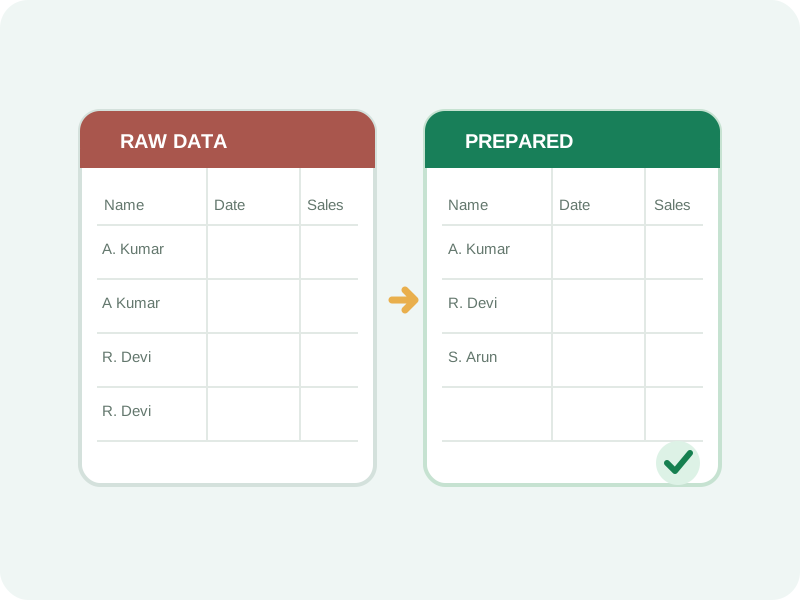
Import, combine, transform, and refresh data using repeatable preparation steps.
Import, merge, append, transform, and refresh
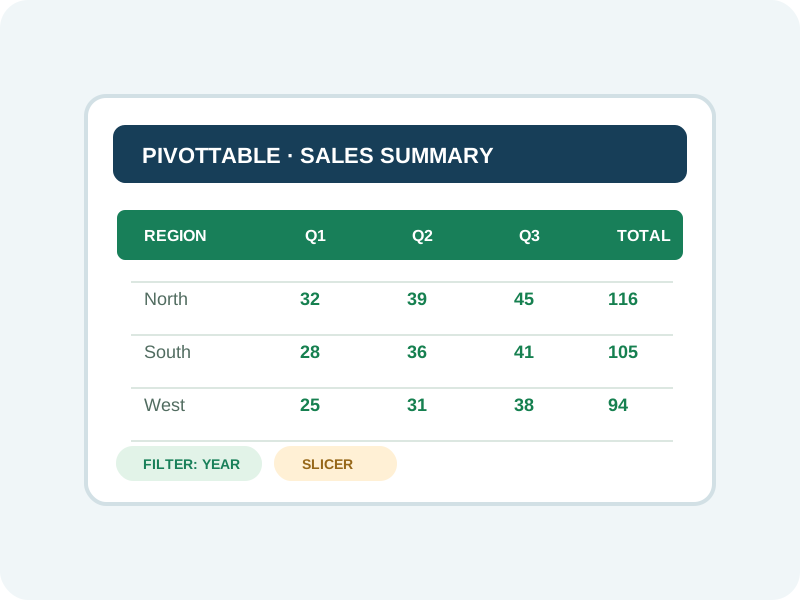
Summarize large datasets and explore categories, trends, and business measures.
KPI tracking, trend analysis, filters, and visual reporting
Understand how Excel data can support business intelligence dashboards and reporting.
Introductory dashboard concepts and Excel-to-BI workflows
Explore introductory automation and shared reporting workflows where software access permits.
Macro fundamentals and collaborative reporting files
Power Query, Power Pivot, VBA, and Microsoft 365 collaboration features vary by Excel edition, operating system, and account access. Coverage of Power Pivot, VBA, macros, and specific Power Query features depends on the installed Excel edition and operating system. Power BI is introductory exposure only in this outline; it is not presented as a full Power BI certification or complete Power BI syllabus.
Apply course concepts to practice assignments based on common business requirements. Datasets and deliverables described here are practice exercises, not client work.
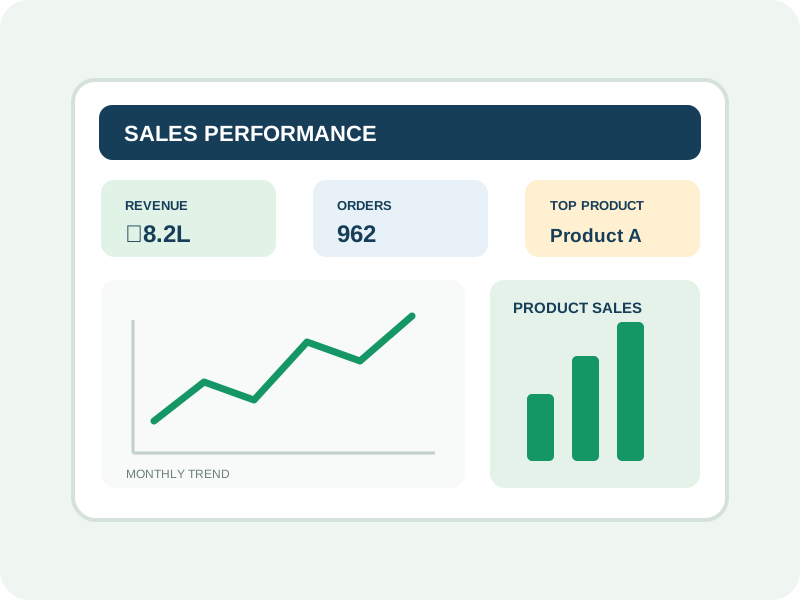
Track monthly sales, target achievement, product performance, regional results, and salesperson productivity. Deliverable: a sales dashboard with KPIs and trend charts.
PivotTables, KPI tracking, charts, and dashboard design.
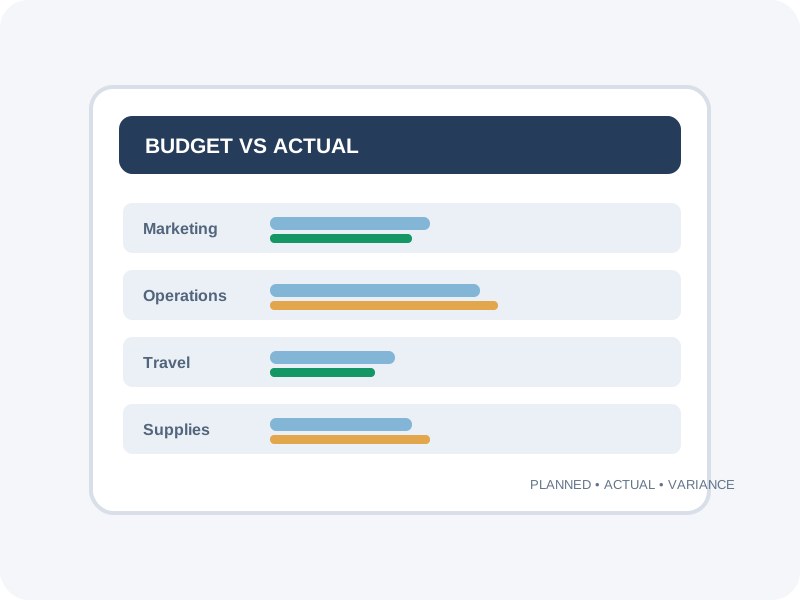
Organize income and expense data, compare budgets with actuals, and prepare monthly financial summaries. Deliverable: an expense tracker and budget variance report.
Formulas, variance analysis, and financial summaries.
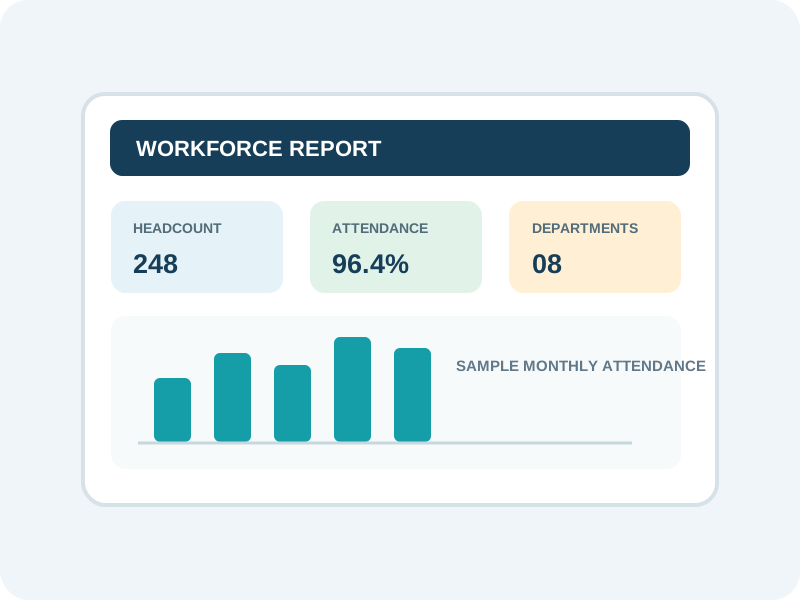
Analyze sample employee attendance, leave records, department headcount, and workforce trends. Deliverable: an HR dashboard and attendance summary.
Date functions, data validation, PivotTables, and reporting.
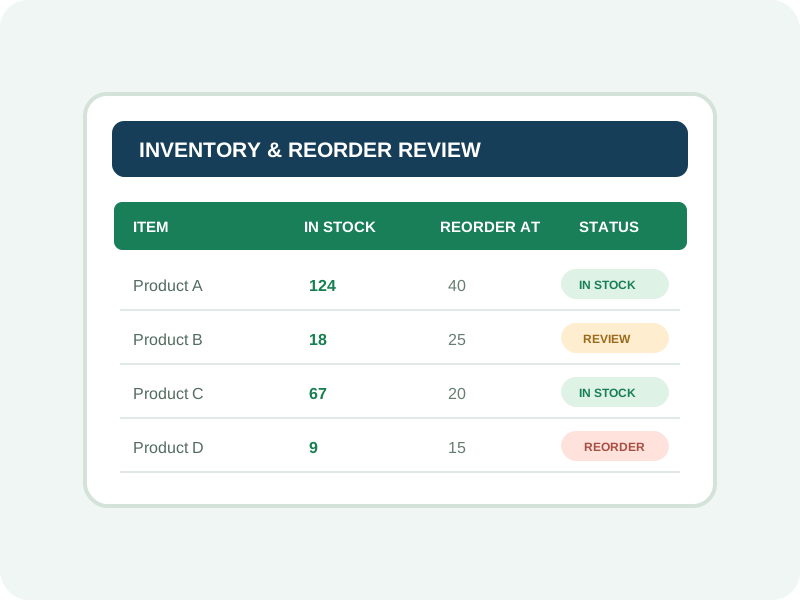
Monitor opening stock, purchases, sales, closing stock, and low-stock alerts. Deliverable: an inventory tracker and reorder report.
Lookups, conditional formatting, and stock summaries.
Combine sample business datasets, prepare repeatable data-cleaning steps, build management summaries, and refresh reports efficiently. Deliverable: a reusable MIS reporting workbook.
Power Query concepts, report refresh, KPI summaries, and dashboard presentation.
The practical approach includes guided exercises, business datasets, formula-building and error-correction assignments, dashboard presentation exercises, and a final capstone demonstration. Use fictional or approved datasets and do not publish confidential information.
By the end of the course, learners should be able to:
Organize Excel data consistently and prepare it for reporting.
Use lookup, logical, text, date, and conditional functions for business tasks.
Detect duplicates, missing values, and errors before analysis.
Use PivotTables, PivotCharts, and slicers to explore business performance.
Build recurring sales, finance, HR, and inventory reports.
Present KPIs, trends, and business measures clearly.
Use Power Query workflows to make recurring data preparation more efficient.
Explain reporting metrics and insights to managers and colleagues.
Demonstrate an Excel reporting project in a portfolio.
Excel can support reporting and analytics work, but job requirements vary. Some Business Analyst and broader data roles may require additional analytical, domain, SQL, or business-intelligence skills.
Advanced Excel and MIS reporting skills are useful across IT services, manufacturing, retail, banking operations, education, logistics, healthcare administration, and other sectors. Actual role requirements and compensation vary.
Prepare daily, weekly, and monthly management reports and maintain recurring trackers.
Analyze trends, metrics, and performance results for business teams.
Manage workforce, payroll-support, and expense information using structured reports.
Explore development of reporting templates and dashboards for small businesses.
Compare these planning ranges with current local opportunities. Pay varies by role, qualifications, experience and employer.
Build your future: Potential freelance or business services require suitable skills, client permission to use data, confidentiality safeguards, and clear scope.
Placement assistance focuses on practical competence and helping learners present their skills confidently. Confirm which services are currently available.
Present Excel projects, reporting capabilities, and relevant skills in a professional resume.
Practise common spreadsheet and reporting questions.
Demonstrate reporting, error correction, and the ability to explain dashboard findings.
Receive guidance on relevant vacancies, applications, and employer expectations, subject to available institute services.
Interviews, vacancies, referrals, offers, and placement outcomes depend on learner readiness, institute service availability, and employer requirements. No specific employer partnerships or placement statistics are confirmed for this preview.
Eligible learners may receive a course completion certificate according to the institute's assessment and certification policy. Confirm the issuing authority and requirements with ECAREERPLUZ.
Course completion recognition depends on the institute's assessment and certification policy. Confirm certificate eligibility, issuing authority, attendance, and assessment requirements before enrolment.
Explore example Advanced Excel and MIS reporting projects and learning journeys.
Sample profile · not a real learner
A sample learner practises structuring a dataset and preparing a recurring report.
Practice focus: Develop practical skills through guided exercises and project work.
Sample profile · not a real learner
A sample accounts professional explores formulas and budget comparisons in a practice workbook.
Practice focus: Develop practical skills through guided exercises and project work.
Sample profile · not a real learner
A sample reporting exercise combines PivotTables, KPIs, and visual summaries.
Practice focus: Develop practical skills through guided exercises and project work.
Sample profile · not a real learner
A sample project demonstrates how to validate a report and explain its findings.
Practice focus: Develop practical skills through guided exercises and project work.
The learning approach connects spreadsheet practice with common business reporting workflows.
Practise with guided exercises, business datasets, formulas, and dashboard assignments.
Progress from spreadsheet techniques to advanced functions, MIS reports, and practical automation.
Explore reporting scenarios drawn from sales, HR, finance, and inventory.
Review assignment accuracy, dashboard presentation, and project work with trainer feedback.
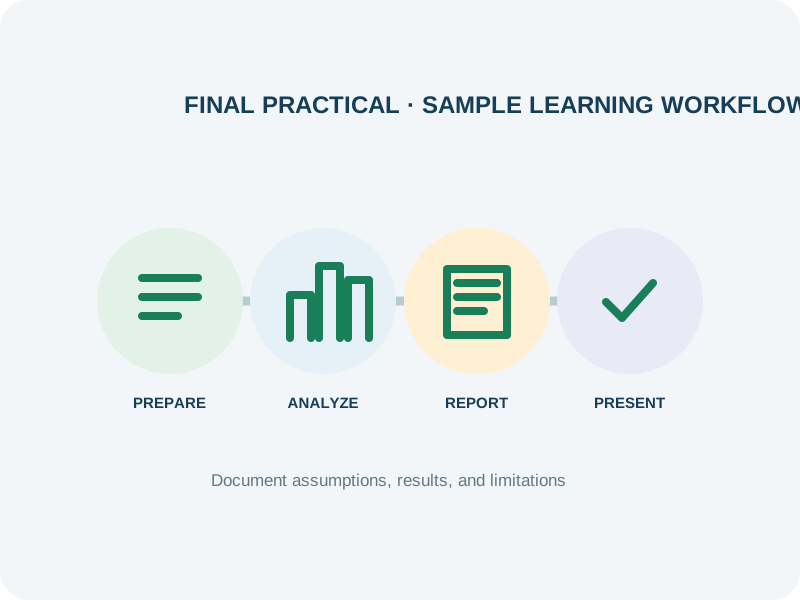
Teaching methods, project feedback, and certificate arrangements are subject to confirmation with ECAREERPLUZ.
Learn from Industry Experts and Experienced Professionals.




The course outline recommends basic computer knowledge and says prior advanced Excel experience is not required. Confirm any device or software requirements with ECAREERPLUZ.
The course duration is 45 hours. Contact admissions for batch dates and the detailed timetable.
The curriculum includes logical, conditional, lookup, text, and date functions such as IF, SUMIFS, XLOOKUP, VLOOKUP, INDEX, and MATCH. Confirm the final syllabus and software edition.
The curriculum includes MIS reports, KPI tracking, PivotTables, PivotCharts, slicers, and dashboard development.
The outline describes introductory exposure to Power BI concepts. It is not a full Power BI course; confirm the exact coverage with ECAREERPLUZ.
Certificate availability and eligibility depend on the institute's assessment and certification policy. Confirm details before enrolment.
The course is designed for students, graduates, and working professionals. Basic computer knowledge is recommended; contact admissions to confirm current eligibility.
Possible role directions include Excel or Reporting Executive, MIS Executive, and HR or Finance Executive. Requirements vary, and some analyst roles require additional skills or experience.
Ask our team about available career guidance, portfolio preparation and interview practice. Employers make their own selection decisions based on skills, qualifications and vacancies.
Excel skills may help create trackers, dashboards, and recurring reports. Business results depend on the use case, data quality, and implementation.
Course fee: INR 9,000 + 18% GST (INR 1,620). Total including GST: INR 10,620. Confirm exclusions, materials, assessments and payment options with admissions.
Confirm course duration, fees, upcoming batch, learning mode, and final curriculum with our team.
Request course details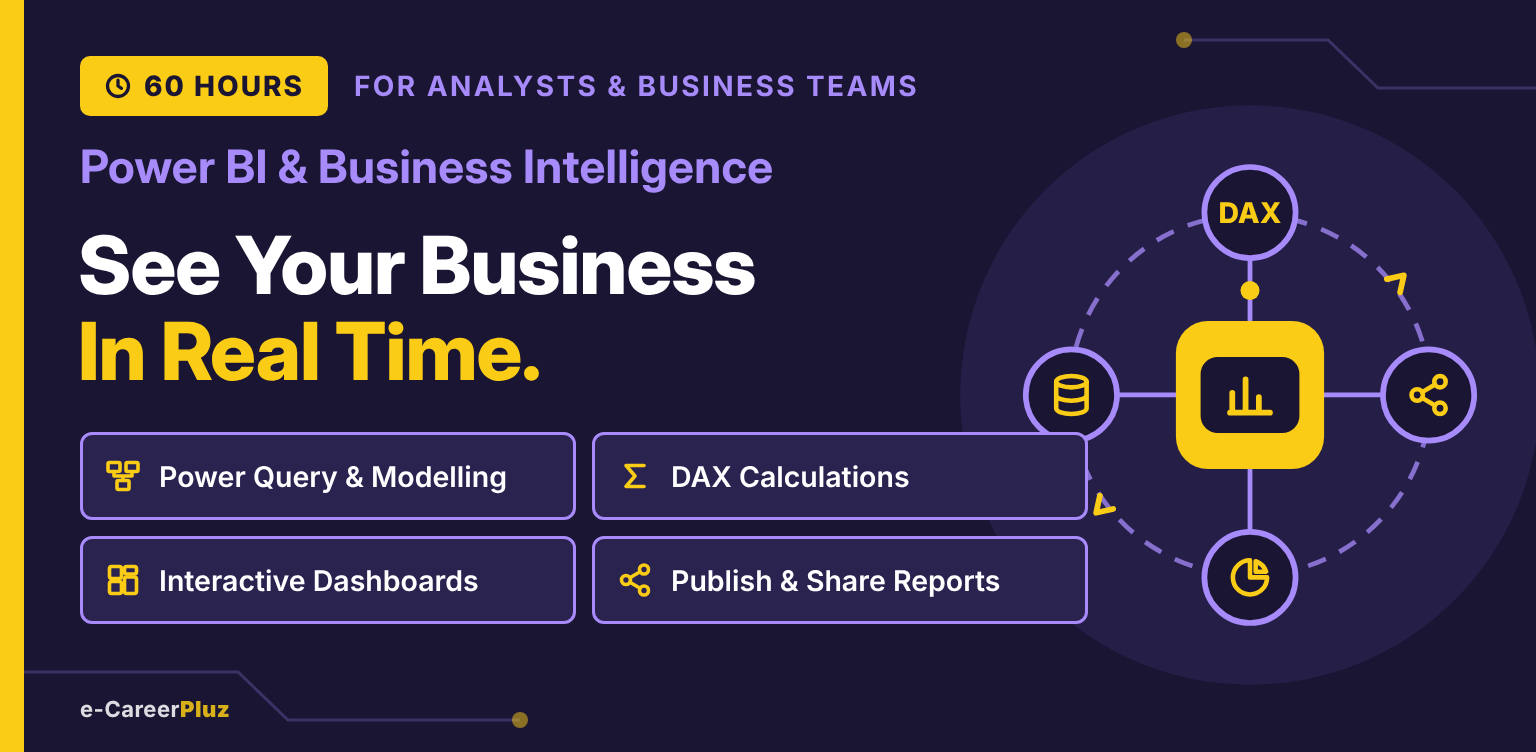
Power Query & Modelling · DAX Calculations · Interactive Dashboards · Publish & Share Reports
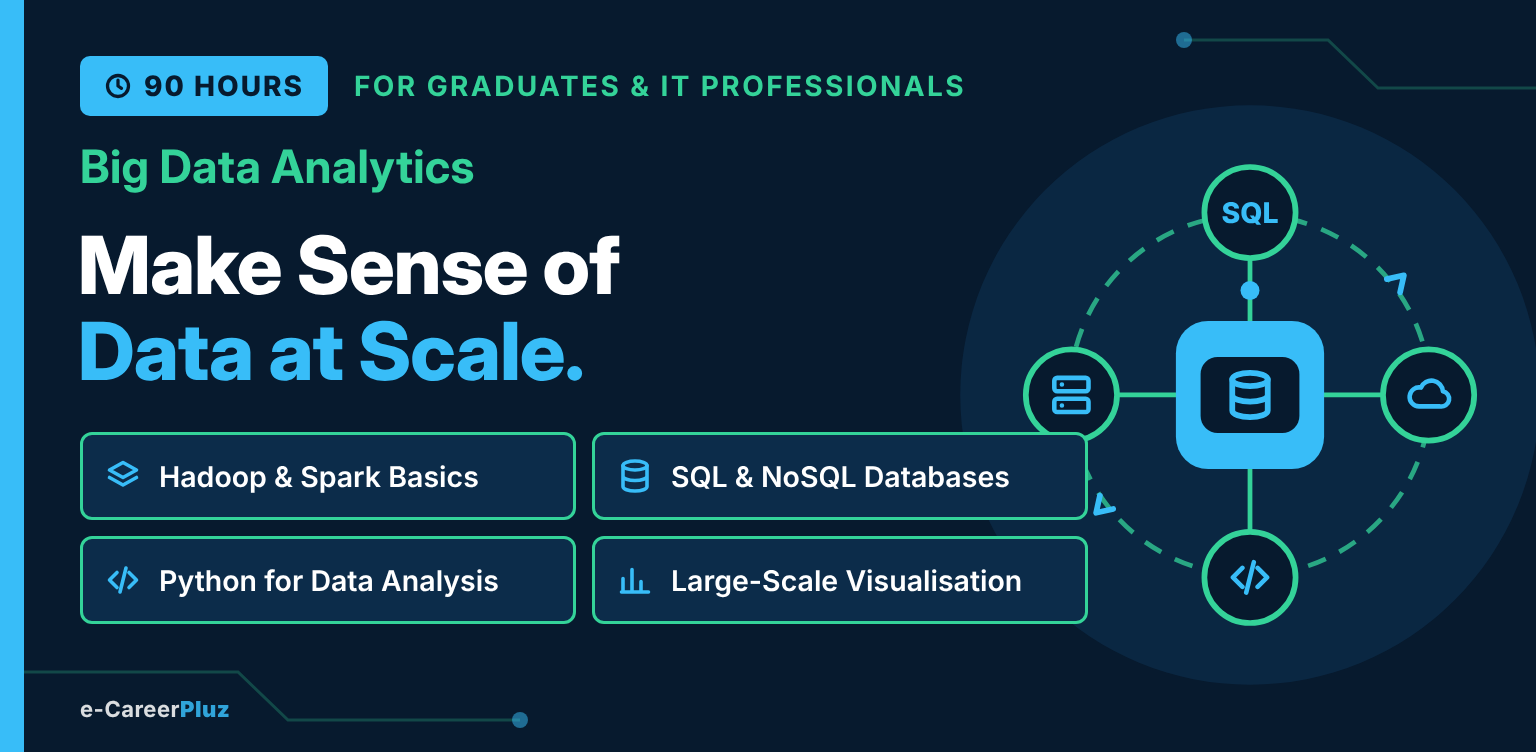
Python & SQL · Hadoop Fundamentals · Apache Spark & PySpark · Data Pipelines · Cloud Analytics
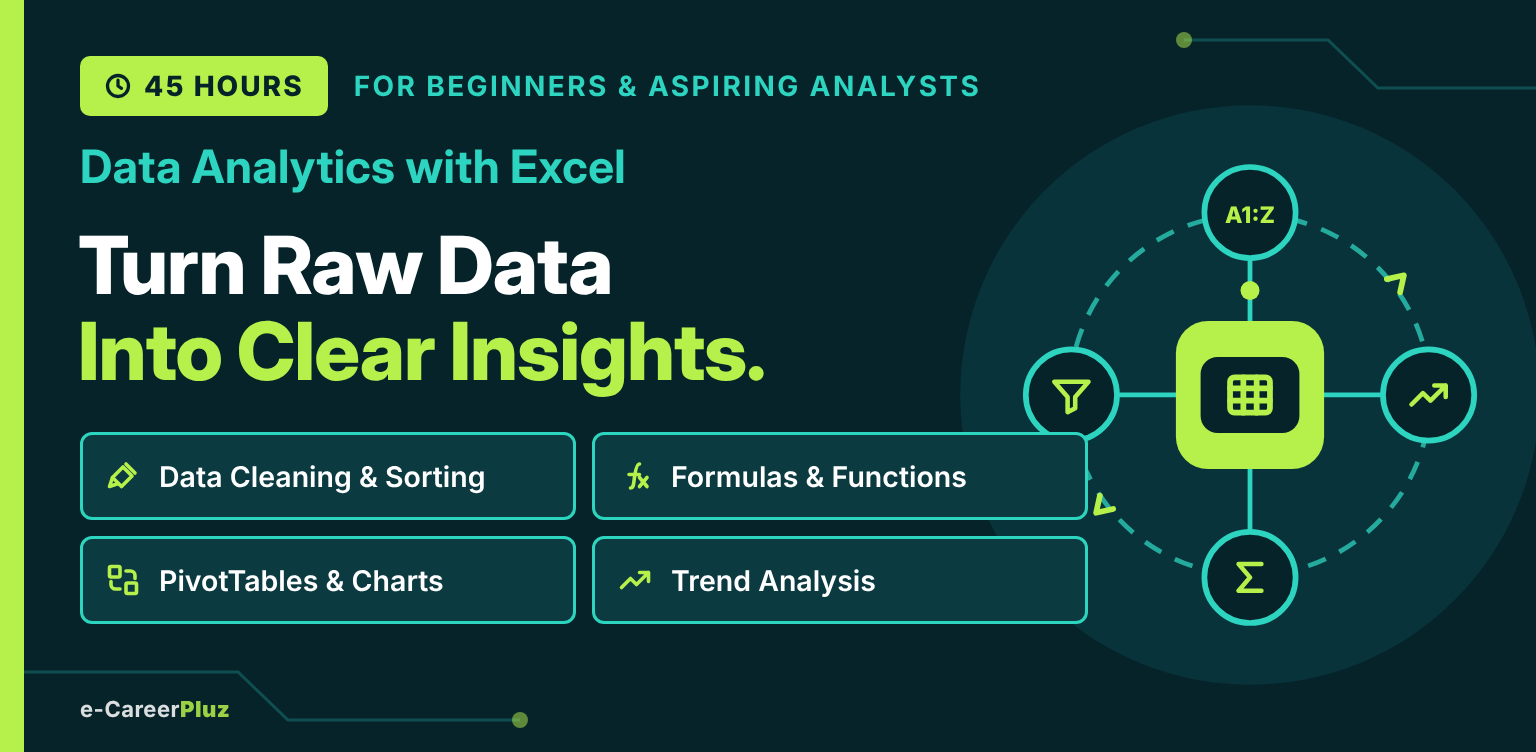
Excel Fundamentals · Data Cleaning · Formulas & Functions · PivotTables · Charts & Dashboards
Explore skills, try a small project and find your learning direction.
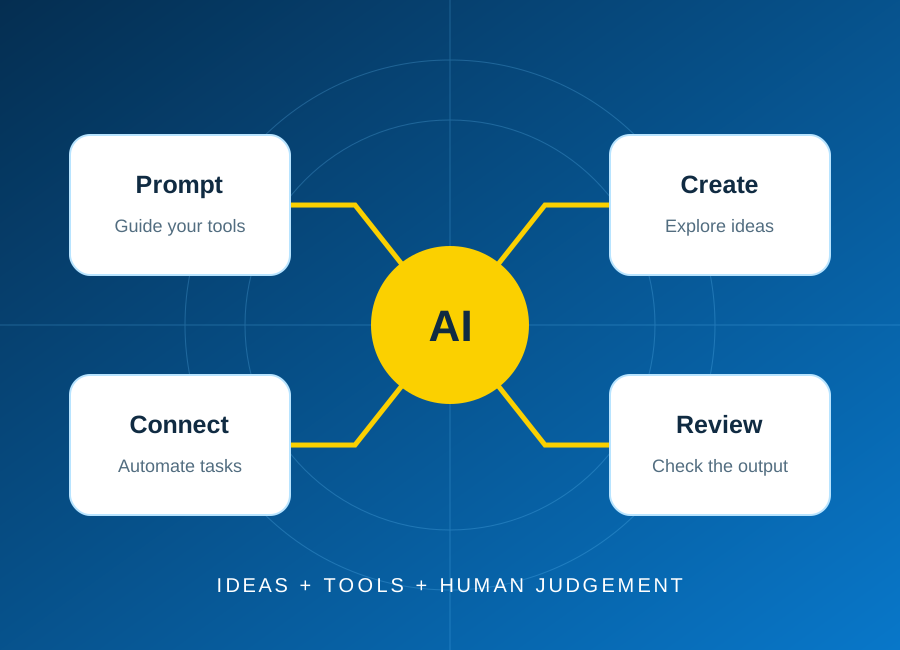
Start with one repeatable task, keep a person in control, and test the result before connecting real business data.
Read article: Plan your first AI automation project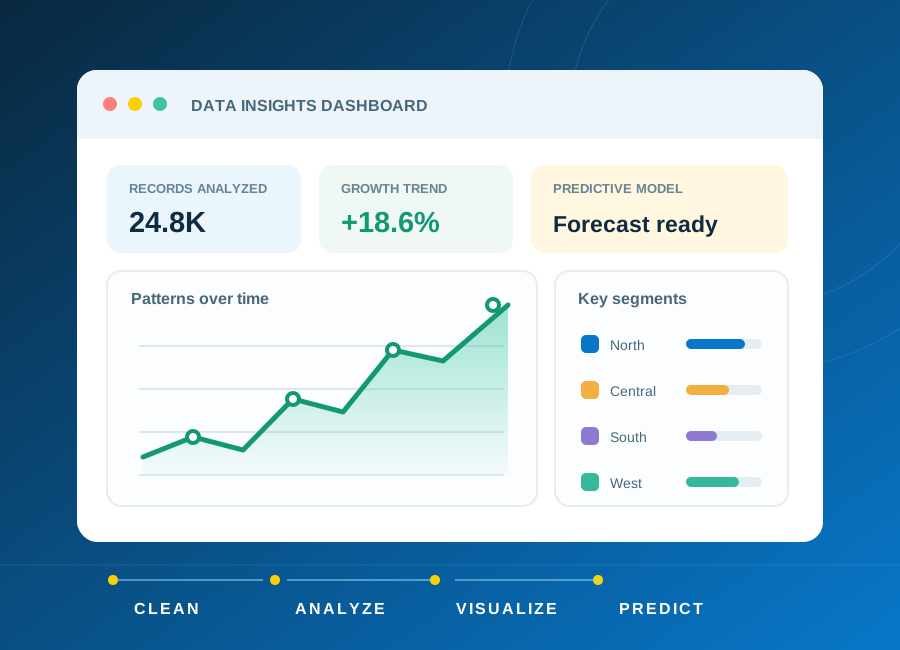
Learn how to frame a question, clean a small dataset and choose charts that explain rather than distract.
Read article: From raw data to a clear, useful dashboard
Turn a small idea into a working application with a clear data model, accessible forms and meaningful tests.
Read article: Build a first web application you can explain