Practical spreadsheet work
Explore guided exercises using example business datasets and reporting questions.


Course fee: INR 15,000 + 18% GST (INR 2,700). Total including GST: INR 17,700.
Confirm exclusions, materials, assessments and payment options with admissions.
Learn Excel. Analyze Data. Make Better Decisions.
Excel Fundamentals · Data Cleaning · Formulas & Functions · PivotTables · Charts & Dashboards
From spreadsheet fundamentals to business reports and dashboards.
Course duration: 45 hours. Contact admissions for batch dates, daily timings and delivery arrangements.
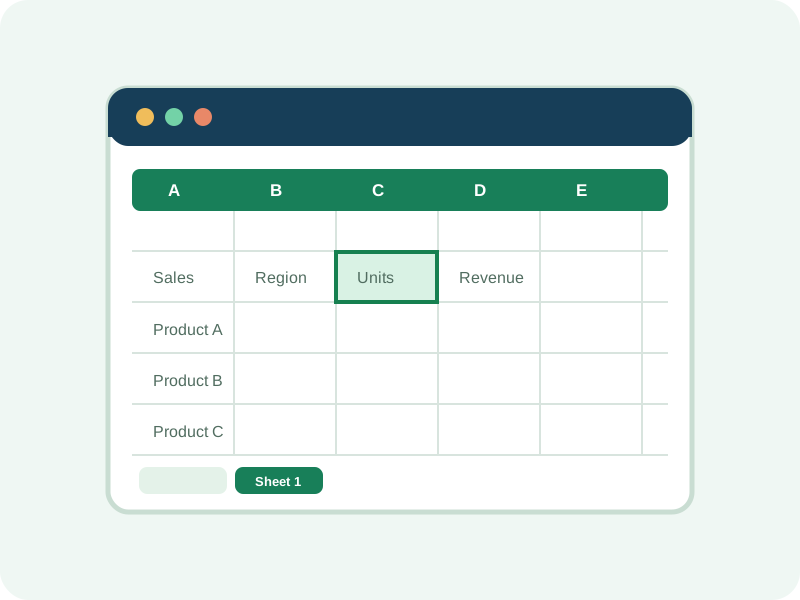
Explore guided exercises using example business datasets and reporting questions.
Move from Excel basics through formulas, data preparation, PivotTables, charts, and dashboards.
Learn concepts for organizing analysis and presenting recurring business summaries.
Build practical work samples and discuss reporting-role requirements.
Learn Excel. Analyze data. Make better decisions.
Data Analytics with Excel introduces learners to spreadsheet-based reporting and business analysis. The course combines Excel fundamentals with formulas, data preparation, analytical techniques, PivotTables, charts, and dashboard development.
Practice exercises use realistic business scenarios inspired by sales, marketing, finance, inventory, HR, and business operations. Use the course to explore how to identify patterns, measure performance, and communicate findings clearly.
Basic computer knowledge is helpful; no previous data analytics experience is required. Confirm the detailed syllabus, Excel version, schedule, fees, delivery, and assessment plan with ECAREERPLUZ.
Explore spreadsheet analysis and reporting foundations.
Practise Excel-based office reporting concepts and prepare examples of your work.
Explore spreadsheet techniques relevant to organizing and summarizing workplace information.
Use sample reporting concepts to review business performance and operations.
Strengthen spreadsheet productivity and reporting skills through guided practice.
Suggested module-wise allocation in this course · 45-hour program.
The seven module allocations shown add up to 40 hours, while the course outline states a total duration of 45 hours. Confirm the final five-hour allocation, approved syllabus, assessment, and available Excel version with ECAREERPLUZ. Power Query and Power Pivot are optional extensions only if time and software access permit.
Example tools and features drawn in this course. Confirm the Excel edition, tool coverage, and access requirements for your batch.
Spreadsheet platform for workbook organization, calculations, business reporting, and analysis.
Workbooks, worksheets, tables, formatting, and sorting
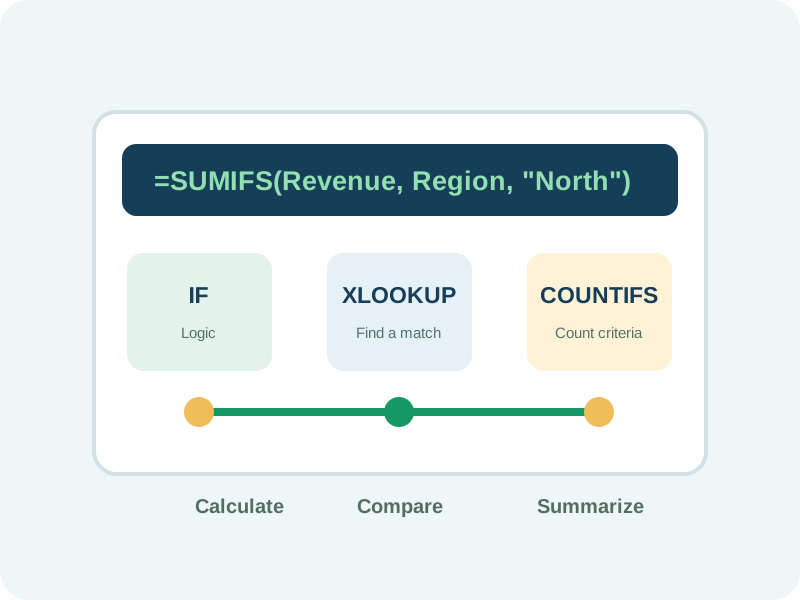
Create calculations, logical tests, summaries, and lookups for common analysis tasks.
IF, SUMIFS, COUNTIFS, XLOOKUP, VLOOKUP, date and text functions
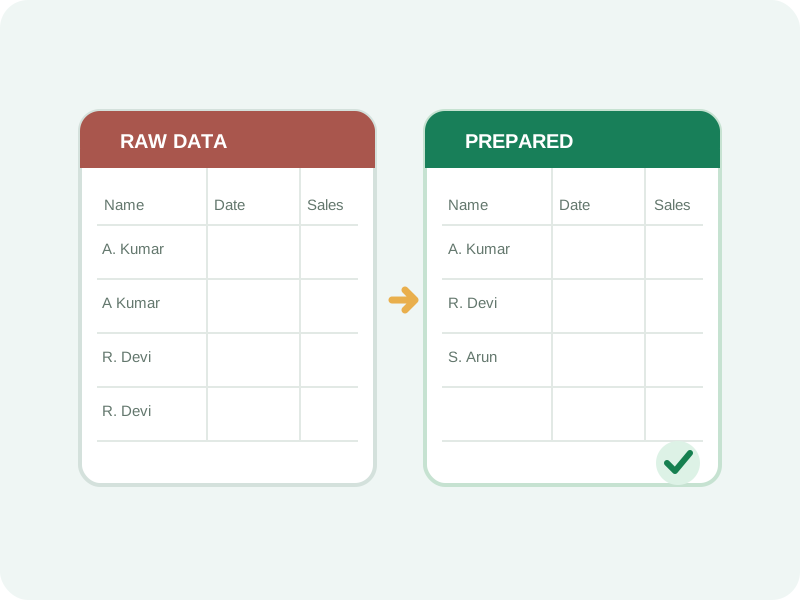
Prepare more consistent datasets by reviewing duplicates, text fields, formats, and validation.
Remove duplicates, Text to Columns, Flash Fill, and data validation
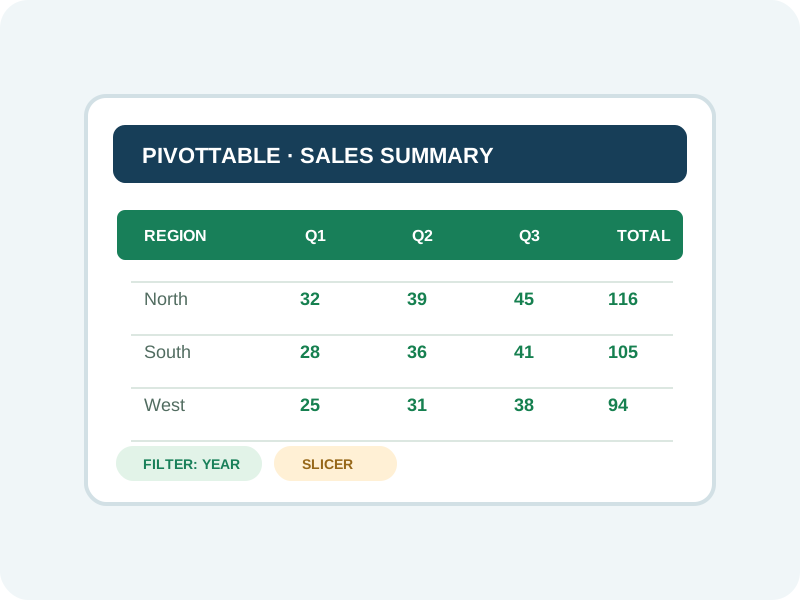
Summarize records into categories and explore patterns without manually calculating each result.
Aggregation, grouping, filtering, slicers, and report summaries
Present useful summaries with charts, visual indicators, report layouts, and interactive filters.
Chart selection, conditional formatting, KPIs, and dashboard design
Microsoft Excel and feature availability depend on the learner's Excel edition and account access. Microsoft 365 or a compatible desktop edition is recommended for the complete practical experience described in the source outline. Exact features depend on the Excel edition. Power Query and Power Pivot may be introduced as optional extensions only if the final schedule and software access permit.
Practise with realistic sample datasets inspired by business operations.
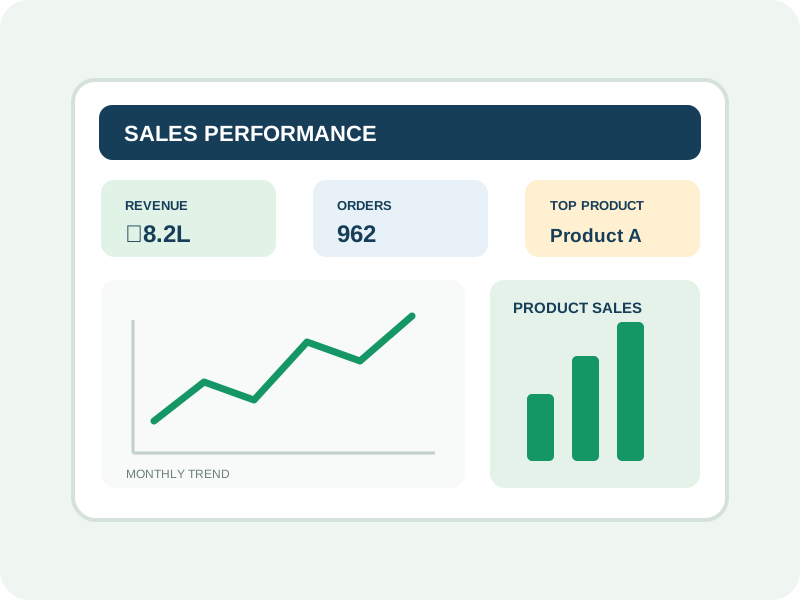
Analyze monthly sales, product performance, revenue trends, and salesperson achievements. Create a dashboard with KPIs and interactive filters.
Excel tables, PivotTables, charts, KPI cards, slicers, and concise reporting.
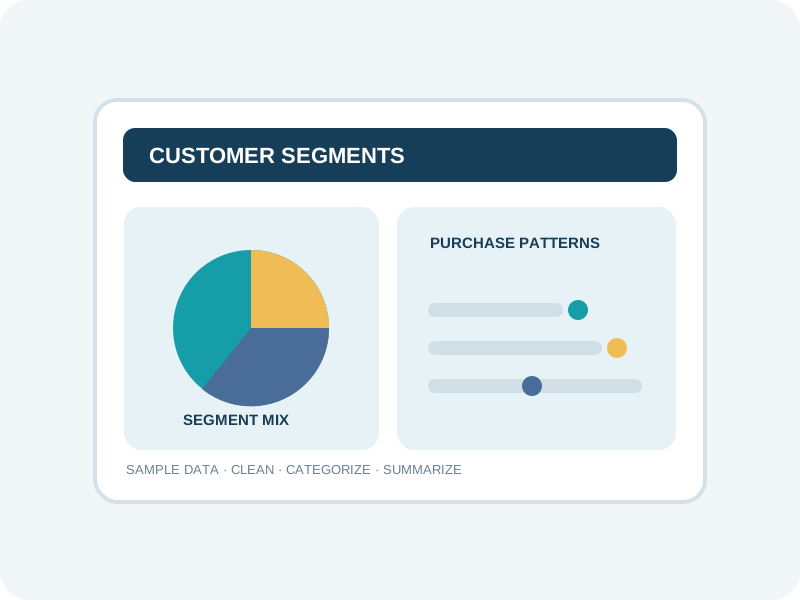
Clean sample customer records, categorize customers, explore purchasing patterns, and summarize customer segments.
Data cleaning, formulas, categorization, PivotTables, and chart summaries.
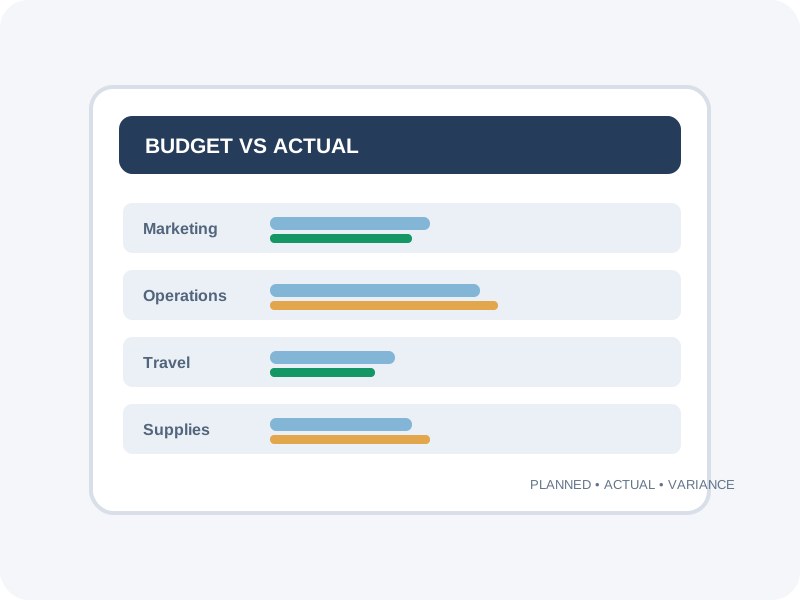
Compare planned and actual expenses, calculate variances, identify high-cost categories, and prepare a financial summary.
Formulas, variance analysis, conditional formatting, and report design.
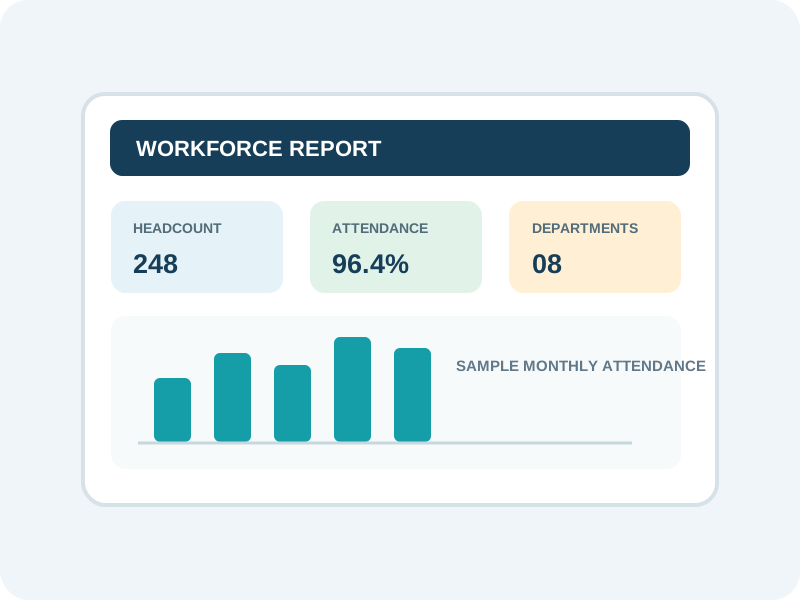
Explore sample attendance, department-wise headcount, employee indicators, and workforce trends.
Data validation, date functions, PivotTables, charts, and careful handling of sample data.
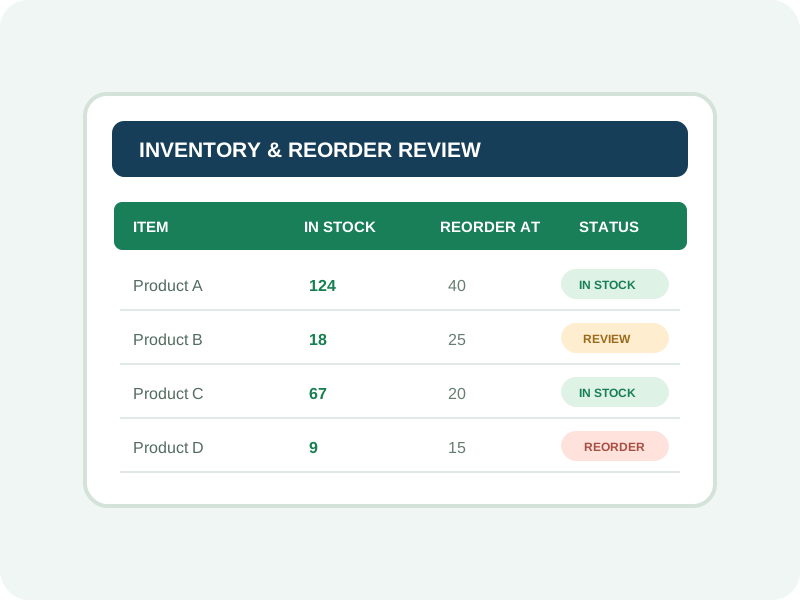
Monitor sample stock levels, identify fast-moving products, flag low inventory, and prepare a reorder report.
Lookups, conditional formatting, PivotTables, and inventory summaries.
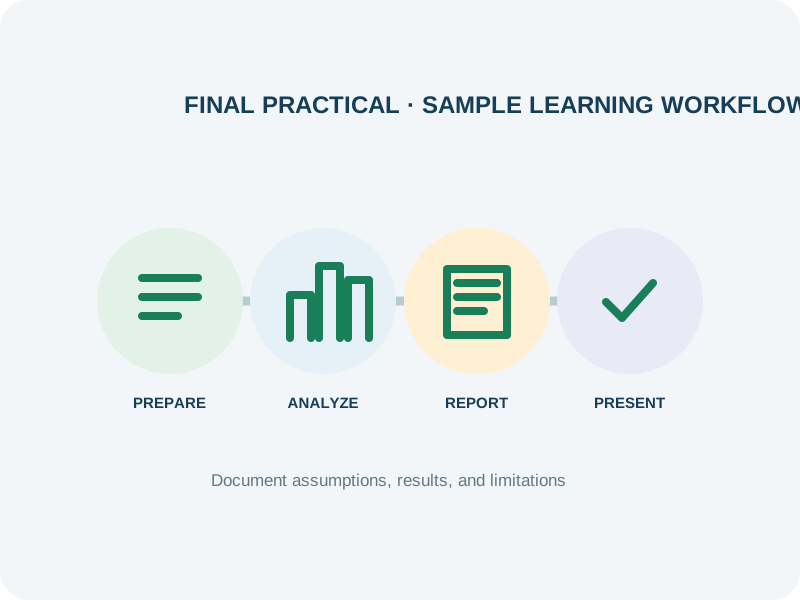
Complete an end-to-end analytics exercise—from raw-data preparation to a dashboard, written insights, and a short presentation.
Data preparation, analysis, visualization, communication, and practical assessment.
A sample portfolio may contain a cleaned dataset, an Excel workbook, a dashboard or report, written observations, and a brief presentation. Use fictional or approved data; do not publish confidential personal or business information.
By the end of the course, learners should be able to:
Manage spreadsheet data in Excel using clear, consistent practices.
Use spreadsheet calculations to explore common business questions.
Identify duplicates, missing values, and inconsistent formats before analysis.
Use PivotTables and charts to explore grouped data and patterns.
Arrange visual summaries, KPI indicators, and filters for review.
Explore changes and performance indicators in sample business datasets.
Communicate observations and limitations to a stakeholder audience.
Demonstrate Excel analytics techniques through sample reporting tasks.
This course focuses on Excel-based analysis and reporting. SQL, Python, Power BI, and advanced analytics are separate potential learning pathways.
Excel skills can support routine information management, spreadsheet reporting, and entry-level analysis tasks across organizations. A short Excel course alone does not qualify a learner for every data analyst role or guarantee a job.
Prepare management reports, maintain Excel trackers, and organize operational data.
Support data cleaning, descriptive analysis, trend review, and visual reporting.
Help prepare performance reports, track KPIs, and support recurring analysis.
Explore productivity, inventory, and operational performance information.
Compare these planning ranges with current local opportunities. Pay varies by role, qualifications, experience and employer.
Build your future: A possible learning progression is Excel Analytics → Advanced Excel & Power Query → Power BI → SQL → Python for Data Analytics. Each step is a separate learning pathway; confirm prerequisites and software availability.
Discuss the issuing authority, assessment requirements and any separate provider exams with admissions.
Course completion recognition is subject to the institute's certification policy. Confirm the issuing authority, eligibility, attendance, and assessment requirements with ECAREERPLUZ before enrolment.
Confirm the institute's attendance and course-completion requirements.
Confirm whether project work or an assessment is required.
Verify the issuing authority, eligibility, and certificate format with admissions.
Explore example Excel data analytics projects and learning journeys.
Sample learner profile · not a real testimonial
A sample learner practises organizing data and building recurring Excel reports.
Practice focus: Develop practical skills through guided exercises and project work.
Sample learner profile · not a real testimonial
A sample learner explores PivotTables, formulas, and charts to present information more clearly.
Practice focus: Develop practical skills through guided exercises and project work.
Sample learner profile · not a real testimonial
A sample sales dashboard exercise helps a learner practice summarizing business trends.
Practice focus: Develop practical skills through guided exercises and project work.
Sample learner profile · not a real testimonial
A sample project and interview-preparation exercise helps a learner explain their Excel work.
Practice focus: Develop practical skills through guided exercises and project work.
The learning approach focuses on practical application rather than memorizing formulas alone.
Progress from spreadsheet foundations through formulas, analysis, visualization, and dashboards.
Apply concepts with guided exercises and realistic sample datasets.
Discuss concepts, demonstrations, practical questions, and feedback with the trainer.
Review learning through exercises, project feedback, and a final practical assignment.
Sample learning cycle: understand a concept, implement a solution, test it with data, measure results, then improve and demonstrate the work. Confirm the actual teaching and assessment arrangements with ECAREERPLUZ.
Learn from Industry Experts and Experienced Professionals.




This course is suitable for students, fresh graduates, job seekers, working professionals, entrepreneurs, and people interested in spreadsheet analysis and business reporting. Confirm the current admission requirements with ECAREERPLUZ.
The course duration is 45 hours. Contact admissions for batch dates and the detailed timetable.
The course guidance explains that basic computer knowledge is helpful and previous data analytics experience is not required. Confirm whether any Excel or device prerequisites apply to your batch.
The topics include logical functions, SUMIFS, COUNTIFS, IFERROR, text and date functions, and lookup concepts such as XLOOKUP, VLOOKUP, and INDEX-MATCH. Confirm the detailed syllabus and Excel-version compatibility.
The outline includes dashboard layouts, KPI cards, PivotTables, charts, slicers, and dynamic reporting. Confirm the practical scope and software edition available.
The course outline proposes practice projects using realistic business-style datasets, including sales, customer, expense, HR, and inventory analysis. Confirm the final exercises and assessment plan.
Certificate availability and eligibility depend on the institute's policy. Confirm the issuing authority, attendance, and assessment requirements before enrolment.
Ask about career support, including resume, portfolio, interview, and job-search preparation. Confirm which services are currently available.
Possible entry-level directions may include MIS Executive, Junior Data Analyst, Reporting Analyst, and Operations Analyst roles. Job requirements vary.
Excel can support reporting and analysis tasks, but many analyst roles also require additional tools, experience, communication, and domain knowledge. You can build on these skills with further study in Power Query, Power BI, SQL, and Python.
The outline recommends Microsoft 365 or a compatible desktop Excel edition for the complete practical experience. Exact feature availability varies by edition; confirm software access and any additional costs.
The course outline suggests possible services such as spreadsheet cleaning, recurring reports, trackers, and sales or inventory dashboards. Client work requires suitable skills, clear data permissions, and careful handling of confidential information.
Course fee: INR 15,000 + 18% GST (INR 2,700). Total including GST: INR 17,700. Confirm exclusions, materials, assessments and payment options with admissions.
Confirm course duration, fees, upcoming batch, learning mode, and final curriculum with our team.
Request course details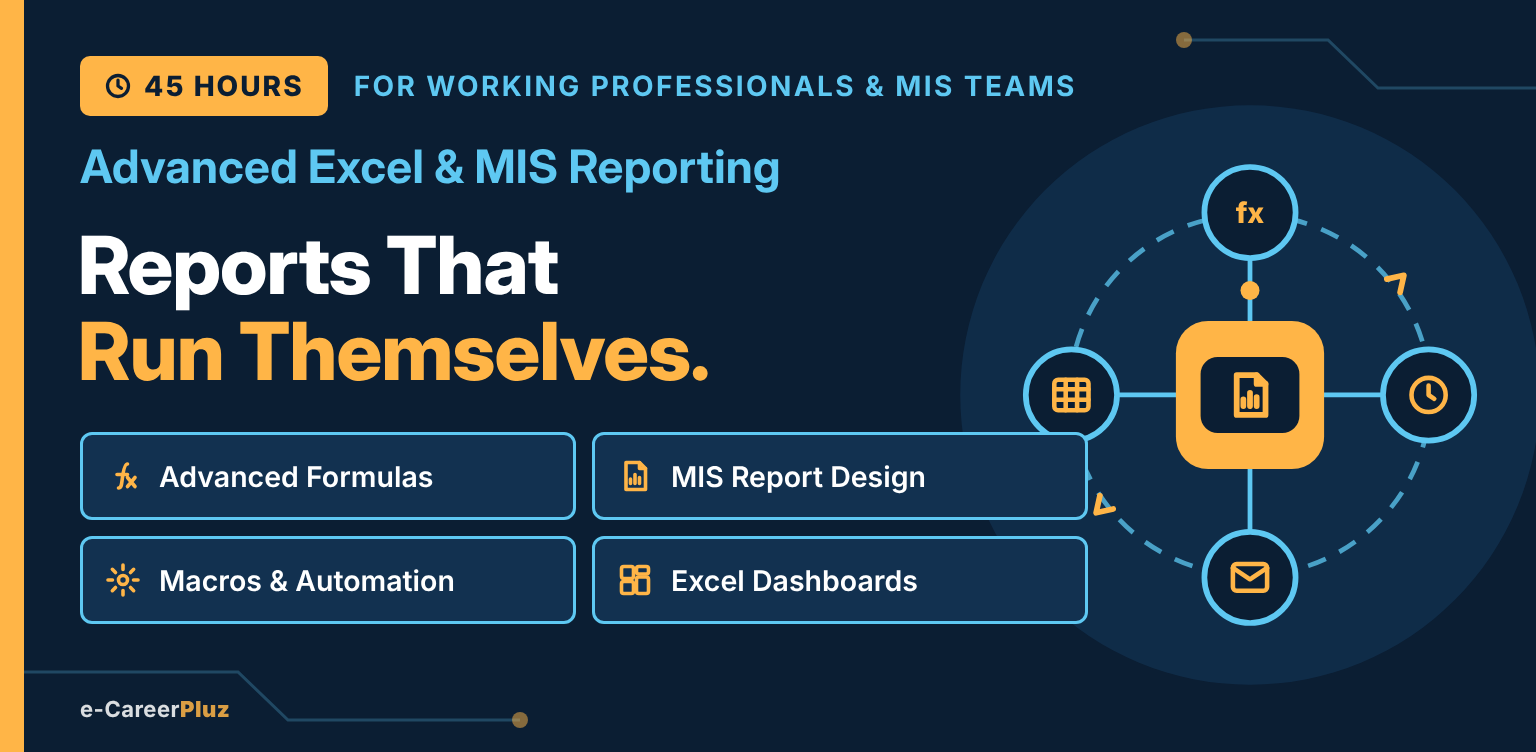
Advanced Formulas · MIS Report Design · Macros & Automation · Excel Dashboards
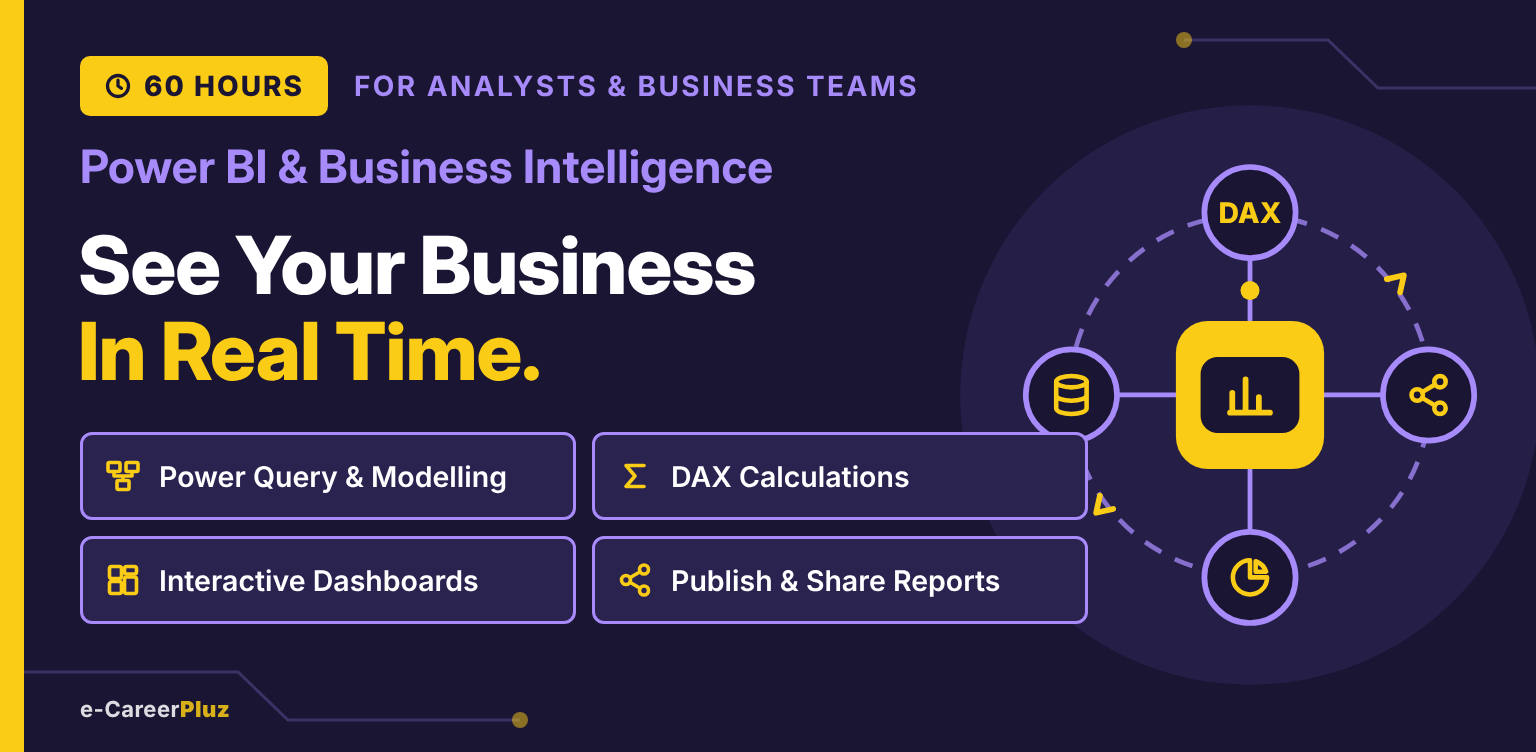
Power Query & Modelling · DAX Calculations · Interactive Dashboards · Publish & Share Reports
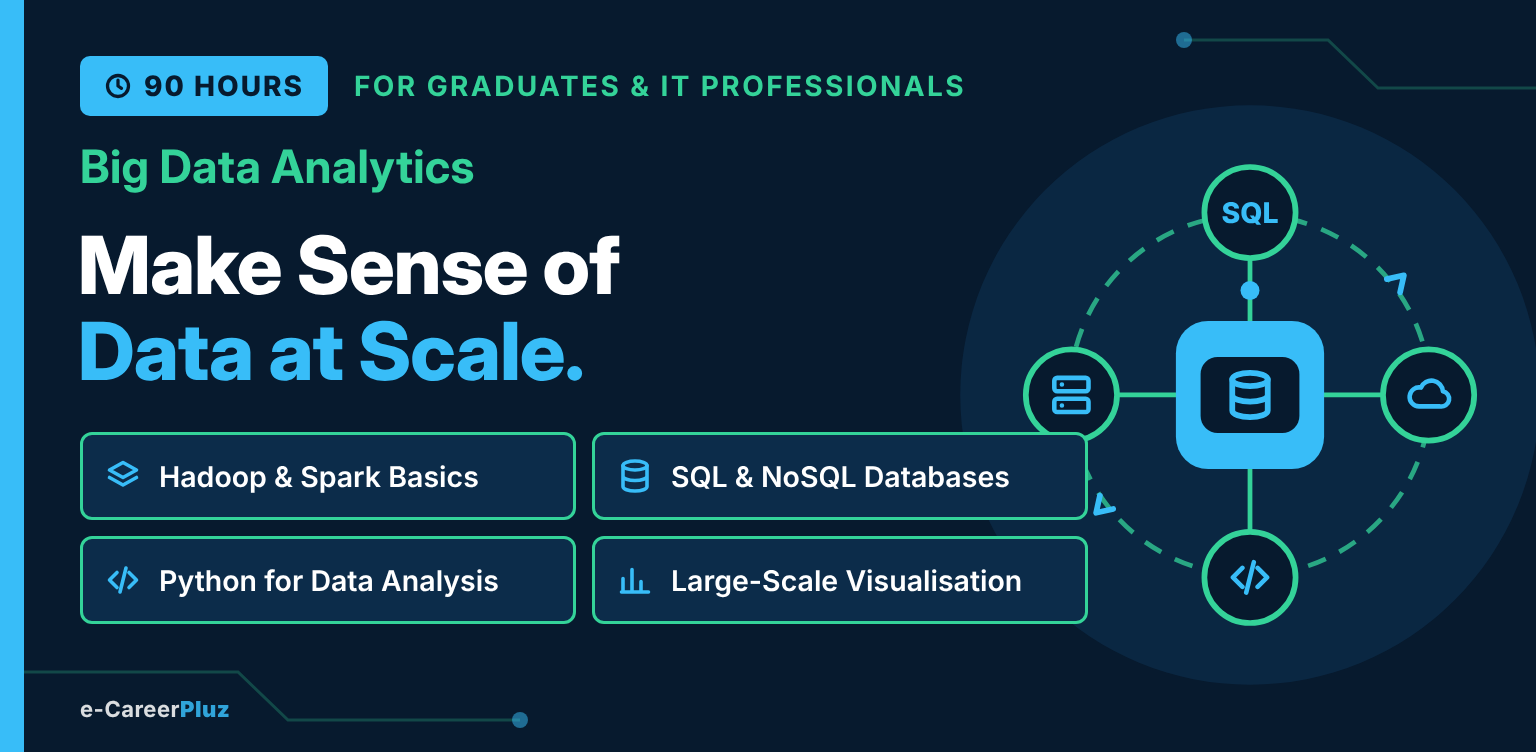
Python & SQL · Hadoop Fundamentals · Apache Spark & PySpark · Data Pipelines · Cloud Analytics
Explore skills, try a small project and find your learning direction.
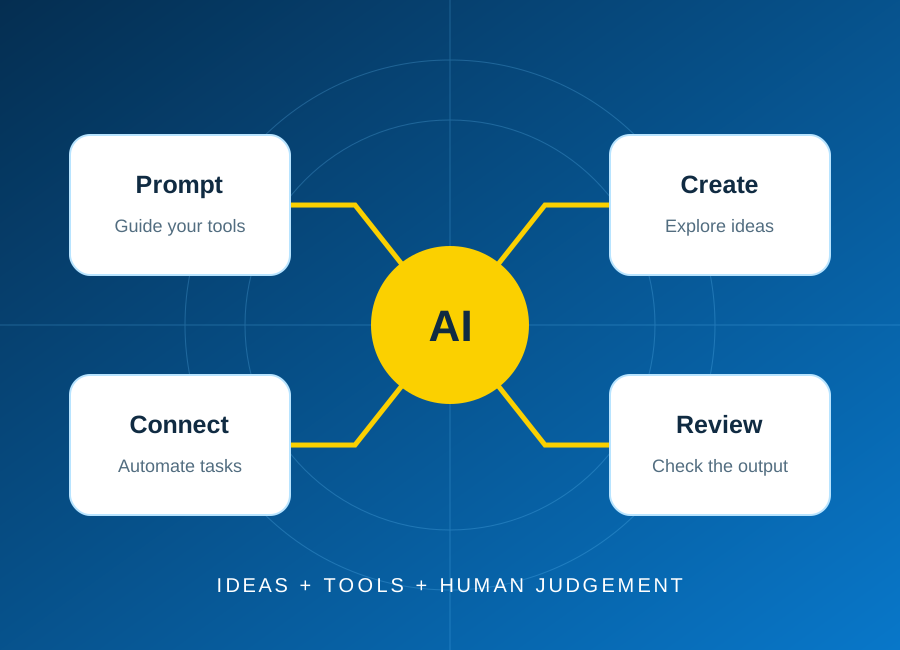
Start with one repeatable task, keep a person in control, and test the result before connecting real business data.
Read article: Plan your first AI automation project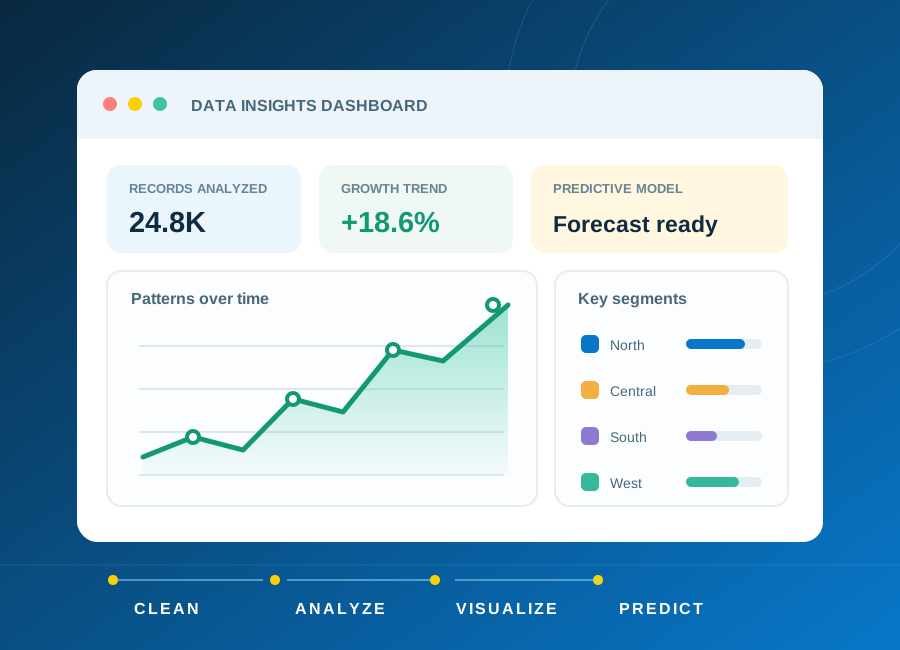
Learn how to frame a question, clean a small dataset and choose charts that explain rather than distract.
Read article: From raw data to a clear, useful dashboard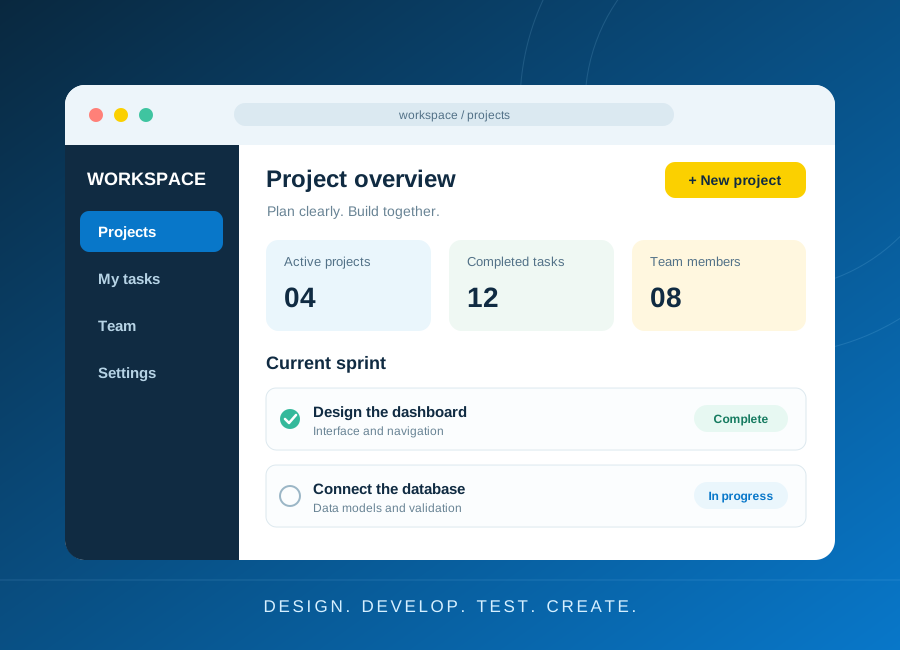
Turn a small idea into a working application with a clear data model, accessible forms and meaningful tests.
Read article: Build a first web application you can explain