60 Hours
A structured learning course covering the reporting workflow.


Course fee: INR 10,000 + 18% GST (INR 1,800). Total including GST: INR 11,800.
Confirm exclusions, materials, assessments and payment options with admissions.
Turn Data into Decisions. Build Dashboards for Better Business Insights.
Power Query & Modelling · DAX Calculations · Interactive Dashboards · Publish & Share Reports
A 60-hour practical learning path covering Power BI, data modeling, DAX, interactive reporting, and business intelligence.
Course duration: 60 hours. Contact admissions for batch dates, daily timings and delivery arrangements.
A structured learning course covering the reporting workflow.
Practise dashboard development with realistic sample business datasets.
Explore Power BI, Power Query, DAX, and SQL fundamentals.
Build practical BI work samples and explore relevant entry-level role requirements.
Turn data into decisions. Build dashboards that support business growth.
Learn to transform data into meaningful insights using Microsoft Power BI, data modeling, interactive dashboards, DAX calculations, and business intelligence techniques. This 60-hour practical training program is designed to help students and working professionals explore business performance, reporting, and communicating insights.
The course workflow moves from importing and cleaning information to building models, creating measures, designing reports, and sharing insights. Practice scenarios cover sales, finance, HR, inventory, marketing, and operations.
The course is suited to college students, graduates, accountants, MIS executives, business analysts, sales professionals, finance teams, HR professionals, entrepreneurs, and people interested in business intelligence. Confirm fees, batch schedule, delivery mode, software access, and actual institute services with ECAREERPLUZ.
Build foundations in business intelligence, data preparation, and interactive reporting.
Explore expense, budget, profit, and financial dashboard scenarios.
Explore a transition from spreadsheet reporting toward business intelligence.
Practise data modeling, KPI calculations, and visual business reporting.
Review business performance through role-relevant sample dashboard projects.
Explore ways to monitor sample business measures and trends.
Suggested eight-module curriculum · 60 hours total.

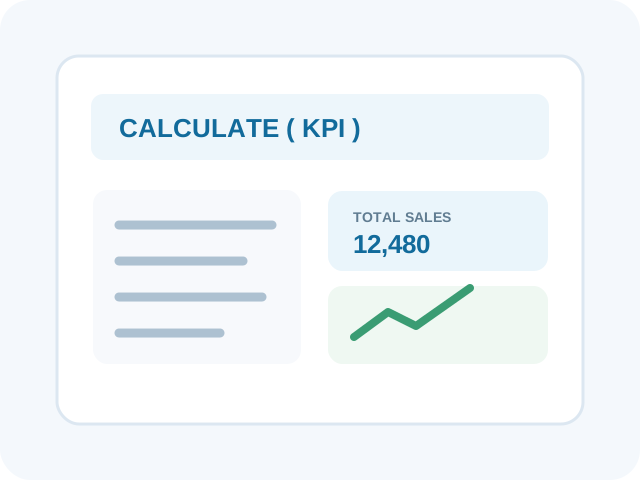
The modules add up to 60 hours (4 + 6 + 8 + 8 + 10 + 8 + 6 + 10). SQL is described as fundamentals only. Power BI Service publishing, scheduled refresh, gateways, sharing, and row-level security depend on account permissions, licensing, tenant settings, and available infrastructure; confirm the practical scope for your batch.
Explore the platforms and features named in the course outline. Product access, operating-system compatibility, and service capabilities vary.
Create reports, interactive visualizations, data models, and dashboards for analysis.
Report building, filters, drill-through, and dashboard design

Prepare and review spreadsheet and flat-file data before analyzing it in reports.
Tables, formulas, PivotTables, CSV import, and data types
Transform, combine, and refresh data through repeatable preparation workflows.
Cleaning, merging, appending, and refresh workflows
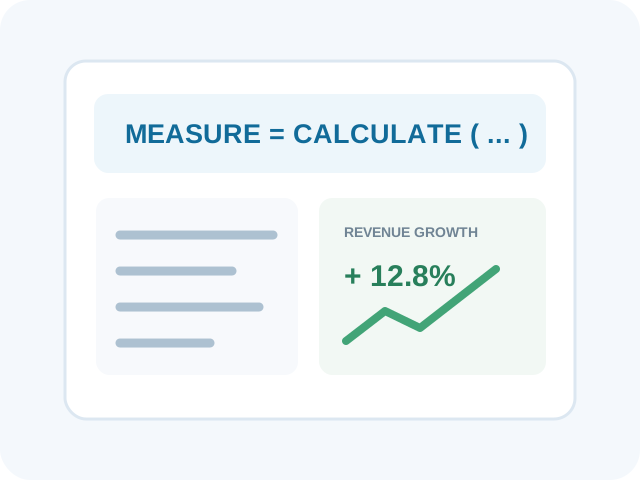
Create measures and business indicators for performance, growth, profit, and targets.
Measures, CALCULATE, filter context, and time intelligence concepts
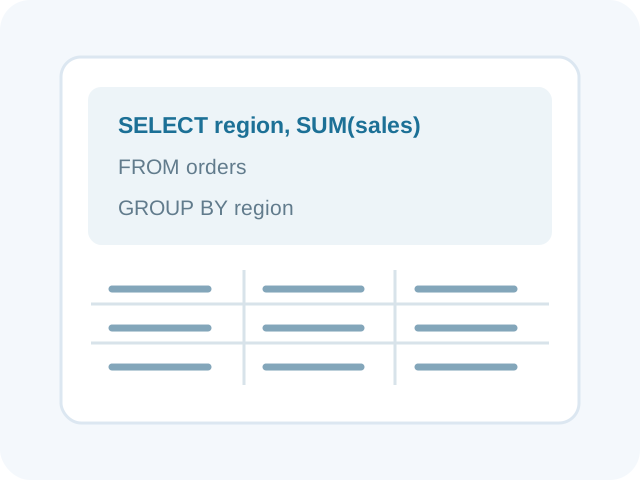
Understand how structured business data can be retrieved for reporting and analysis.
SELECT, WHERE, GROUP BY, and JOIN fundamentals
Explore report publishing, workspaces, sharing, refresh, and access management concepts.
Publishing and sharing, subject to licensing and permissions
Power BI Desktop is a Windows application. Power BI Service, sharing, refresh, and collaboration features can require organizational access, suitable licensing, and tenant permissions. Confirm Windows device access and the Power BI Desktop version required for hands-on class exercises. Publishing, workspaces, scheduled refresh, gateways, sharing permissions, and row-level security are subject to Power BI Service licensing, tenant settings, and infrastructure. SQL is introductory fundamentals in this course outline; it is not a database administration or advanced SQL course.
These practice projects use realistic sample business scenarios.

Analyze revenue, sales volume, product performance, regional trends, and monthly growth. Deliverable: an interactive sales dashboard with KPIs and drill-down analysis.
Data preparation, DAX measures, KPIs, visuals, and drill-down.
Compare budgets with actual expenditure, review departmental expenses, and identify cost trends. Deliverable: a financial dashboard with variance analysis.
Budget modeling, measures, variance analysis, and reporting.
Explore sample employee headcount, recruitment, attrition, department distribution, and workforce trends. Deliverable: an HR metrics dashboard.
Data modeling, employee measures, filters, and workforce reporting.
Track sample stock levels, product movement, reorder requirements, and operational performance. Deliverable: an inventory dashboard for stock and KPI monitoring.
Relationships, inventory measures, trends, and operational KPIs.
Compare campaign results, leads, conversions, acquisition costs, and channel performance. Deliverable: a marketing dashboard to support campaign decisions.
Campaign measures, channel comparisons, and interactive analysis.
Select a sample business scenario, clean the dataset, design a data model, create DAX measures, build an interactive dashboard, and present findings.
Data preparation, modeling, DAX, dashboard design, and communication.
Completed project work may be discussed in interviews or included in a portfolio, subject to project completion. Use fictional or approved data; do not publish confidential personal or business information.
By completing this 60-hour course and its practical exercises, learners should be able to:
Import, clean, transform, and organize information from common sources.
Create relationships between tables and structure datasets for analysis.
Apply DAX to measure revenue, profit, growth, targets, and performance.
Present business information with useful charts, filters, slicers, and layouts.
Recognize trends, investigate differences, and communicate findings.
Develop project evidence, reporting skills, and interview readiness for relevant roles.
This course builds an introductory BI foundation. Advanced roles may also require deeper statistics, SQL, cloud data platforms, data engineering, domain knowledge, or additional technical experience.
Power BI skills can support reporting and analytics opportunities in IT services, banking, finance, retail, manufacturing, healthcare, logistics, education, consulting, and other data-driven industries. Role requirements depend on experience and broader technical and business skills.
Prepare routine Excel and BI reports, track KPIs, and maintain management information.
Support data modeling, DAX measures, dashboard development, and report maintenance.
Explore trends, business metrics, data interpretation, and decision-support reporting.
Progress toward advanced models, enterprise reporting, stakeholder requirements, and analytics solutions with additional experience.
Compare these planning ranges with current local opportunities. Pay varies by role, qualifications, experience and employer.
Build your future: Power BI can complement advanced Excel, SQL, communication, and domain knowledge. Client work requires suitable competence, permission to access data, and appropriate privacy and confidentiality safeguards.
Ask about career preparation and placement support for this course. Confirm which services are actually offered by the institute and available for the relevant batch.
Present Power BI skills and completed sample projects clearly.
Practise concepts commonly associated with reporting and analytics roles.
Prepare to explain dashboard choices and demonstrate reporting skills.
Explore job search strategies, networking, and relevant vacancies where available.
Interviews, referrals, vacancies, and placement outcomes depend on eligibility, performance, employer requirements, and available opportunities.
Discuss the issuing authority, assessment requirements and any separate provider exams with admissions.
Certificate availability and external accreditation are not confirmed. Ask ECAREERPLUZ to confirm course completion recognition, issuing authority, eligibility, attendance, and assessment requirements.
Explore example Power BI and business intelligence projects and learning journeys.
Sample profile · not a real learner
A sample learner explores how to prepare data, select a business question, and present a dashboard.
Practice focus: Develop practical skills through guided exercises and project work.
Sample profile · not a real learner
A sample practice scenario compares business measures and checks how filters change report results.
Practice focus: Develop practical skills through guided exercises and project work.
Sample profile · not a real learner
A sample capstone combines a data model, interactive visuals, and a short presentation of findings.
Practice focus: Develop practical skills through guided exercises and project work.
The learning approach combines instructor-led explanations, guided exercises, realistic datasets, individual assignments, and project reviews. Confirm the actual class format and support available for your batch.
Progress from BI fundamentals to data preparation, modeling, DAX, visualization, and publishing.
Work with sample sales, finance, HR, inventory, and marketing datasets.
Explore why a KPI matters, how it is calculated, and how to present it.
Use assignments, exercises, and project reviews to identify areas to improve.
Practise improving dashboard usability, analytical accuracy, and communication.
Class format, trainer profiles, batch size, assessment standards, and teaching guarantees are not yet confirmed. Confirm arrangements with admissions before joining.
Learn from Industry Experts and Experienced Professionals.




The course duration is 60 hours. Contact admissions for batch dates and the detailed timetable.
This course is suitable for students, graduates, accountants, MIS executives, analysts, sales, finance, HR, operations professionals, and entrepreneurs. Confirm admission requirements with the institute.
Ask admissions whether your chosen batch requires programming experience. Basic computer skills and familiarity with business data may be helpful; ask admissions about prerequisites.
Yes. The modules include Power Query for data preparation and DAX for measures, filter context, and business calculations.
The outline proposes realistic sample business scenarios and dashboard projects.
Certificate availability and eligibility are not confirmed. Ask ECAREERPLUZ about completion recognition, assessment requirements, and issuing authority.
Ask our team about available career guidance, portfolio preparation and interview practice. Employers make their own selection decisions based on skills, qualifications and vacancies.
Possible directions include MIS or Reporting Executive, Junior Power BI Developer, and data or business analyst roles. Requirements vary; advanced BI and analytics roles may require additional experience and skills.
Yes. Excel experience can help with tables and data preparation, while Power BI adds data modeling, DAX measures, interactive reports, and service concepts.
Power BI Desktop is a Windows application. Confirm a compatible Windows device and software access. Power BI Service features may require suitable accounts, licenses, permissions, and organizational settings.
The outline suggests possible services such as dashboards, MIS reporting, and reporting automation. Client work requires appropriate skills, permission to handle data, and realistic service planning.
Use the enquiry form on this page to ask ECAREERPLUZ about current fees, batch schedules, delivery mode, software access, and admission steps.
Course fee: INR 10,000 + 18% GST (INR 1,800). Total including GST: INR 11,800. Confirm exclusions, materials, assessments and payment options with admissions.
Confirm course duration, fees, upcoming batch, learning mode, and final curriculum with our team.
Request course details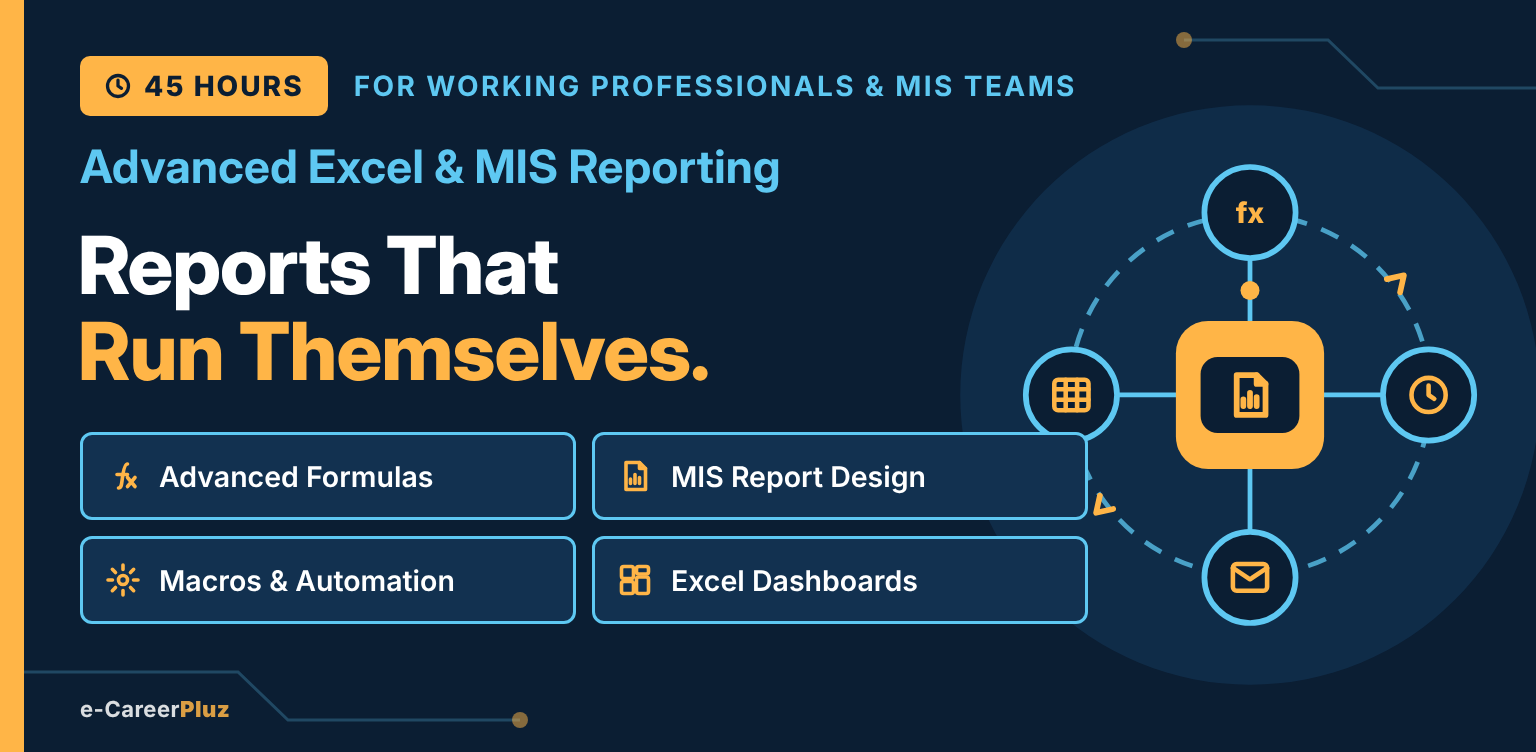
Advanced Formulas · MIS Report Design · Macros & Automation · Excel Dashboards
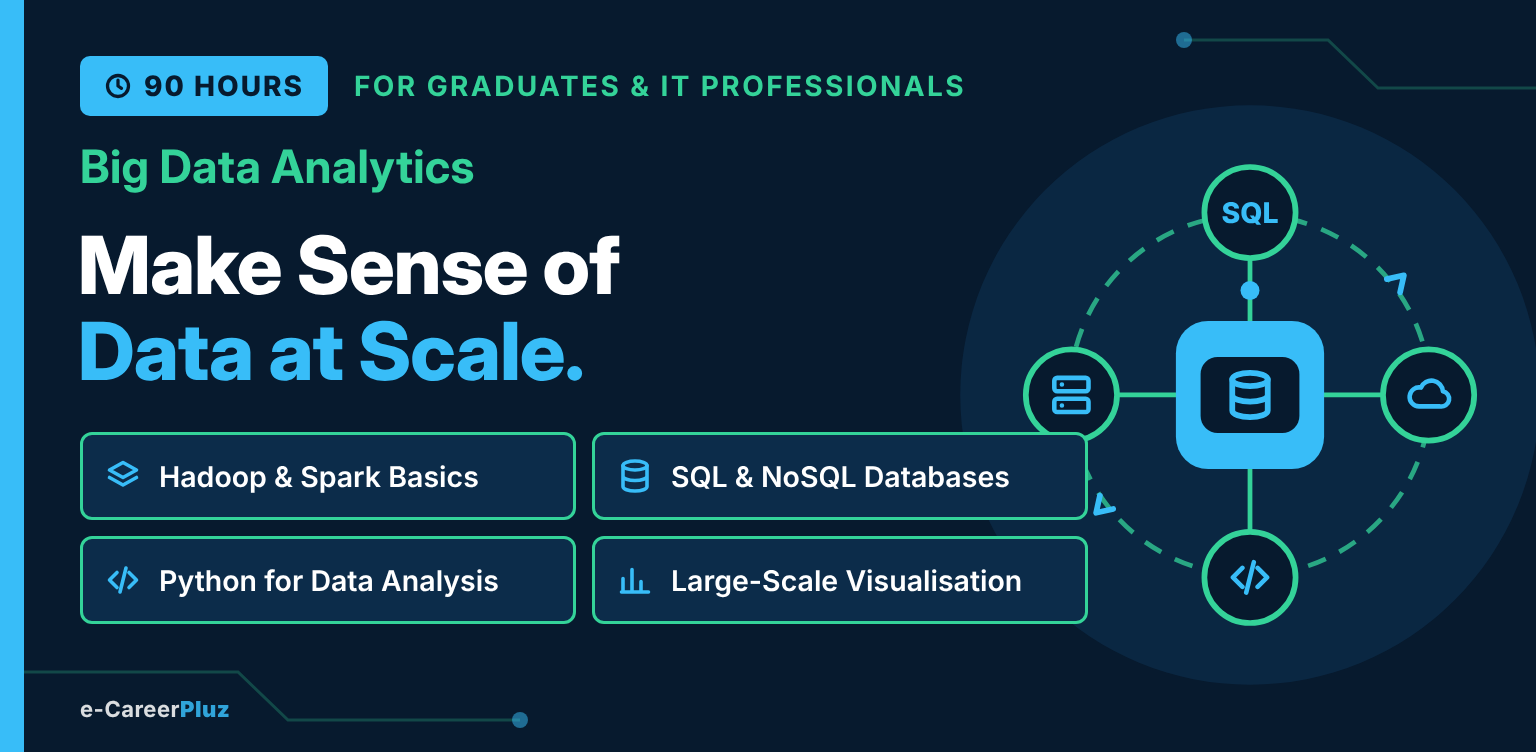
Python & SQL · Hadoop Fundamentals · Apache Spark & PySpark · Data Pipelines · Cloud Analytics
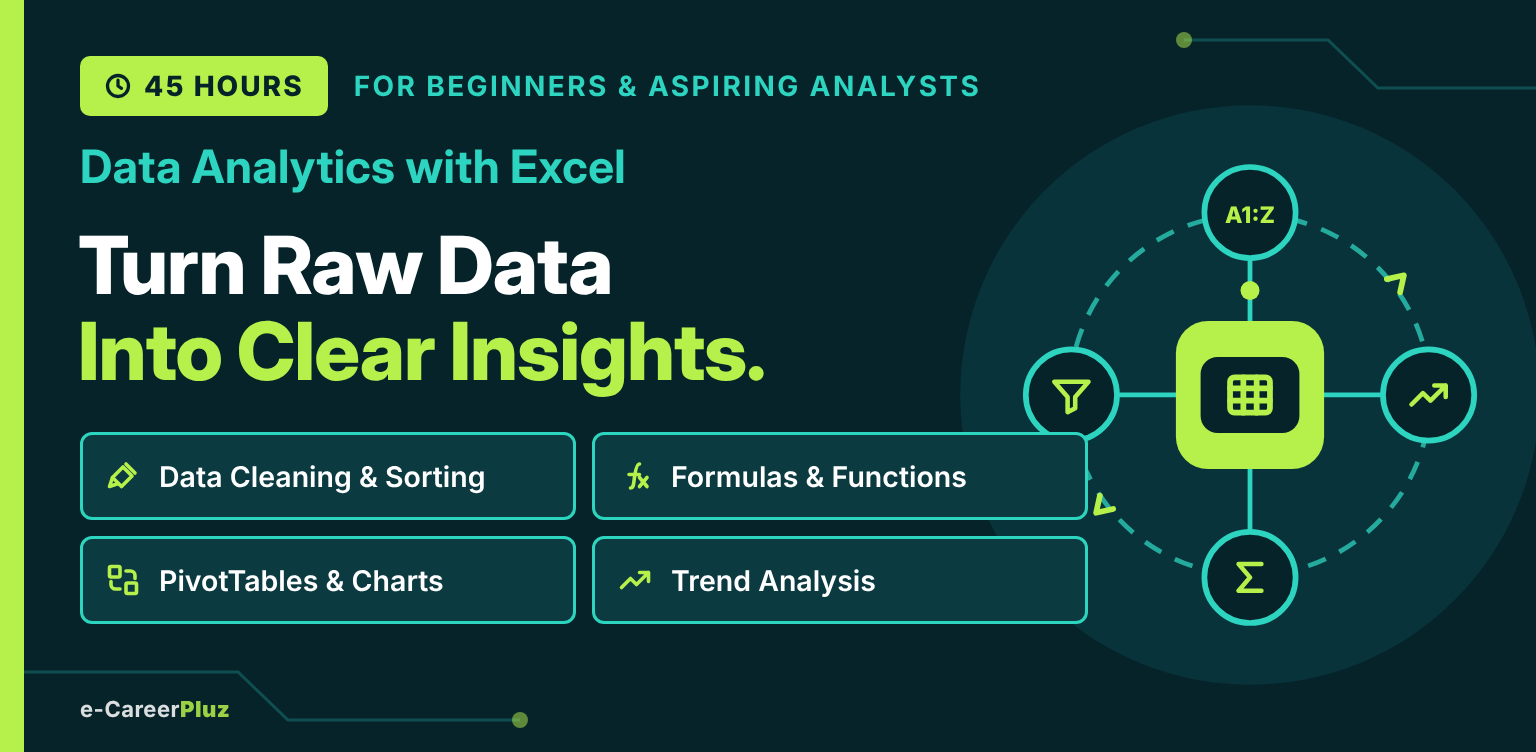
Excel Fundamentals · Data Cleaning · Formulas & Functions · PivotTables · Charts & Dashboards
Explore skills, try a small project and find your learning direction.
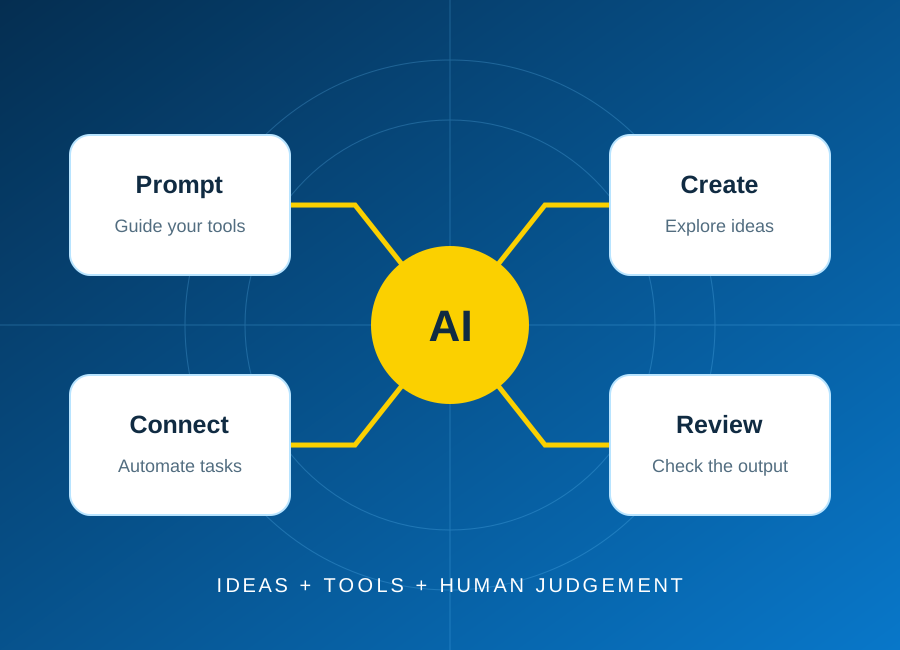
Start with one repeatable task, keep a person in control, and test the result before connecting real business data.
Read article: Plan your first AI automation project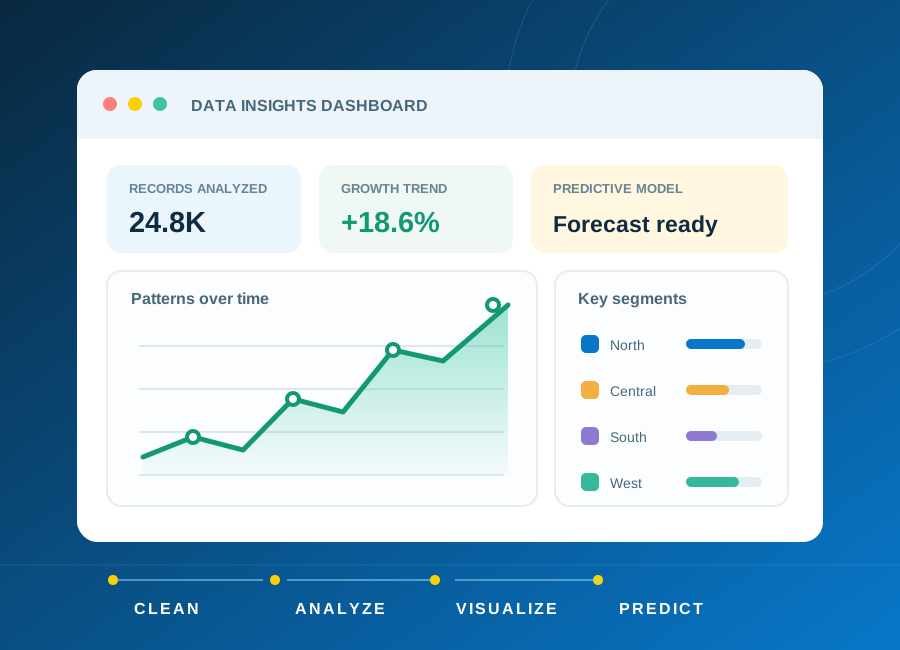
Learn how to frame a question, clean a small dataset and choose charts that explain rather than distract.
Read article: From raw data to a clear, useful dashboard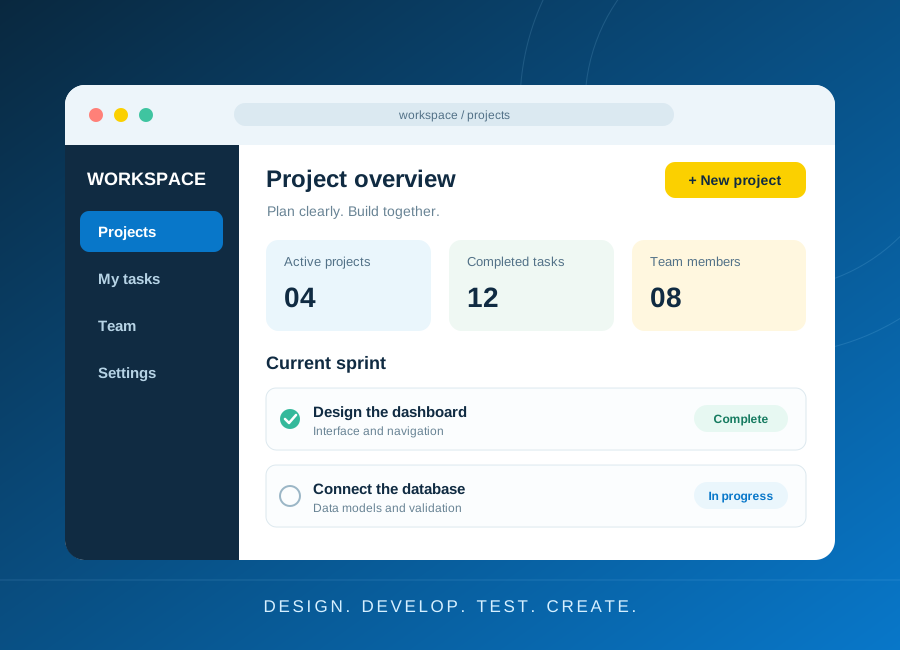
Turn a small idea into a working application with a clear data model, accessible forms and meaningful tests.
Read article: Build a first web application you can explain